© Copyright 2020 TRENDnet. All Rights Reserved.
View UDLD Neighbors
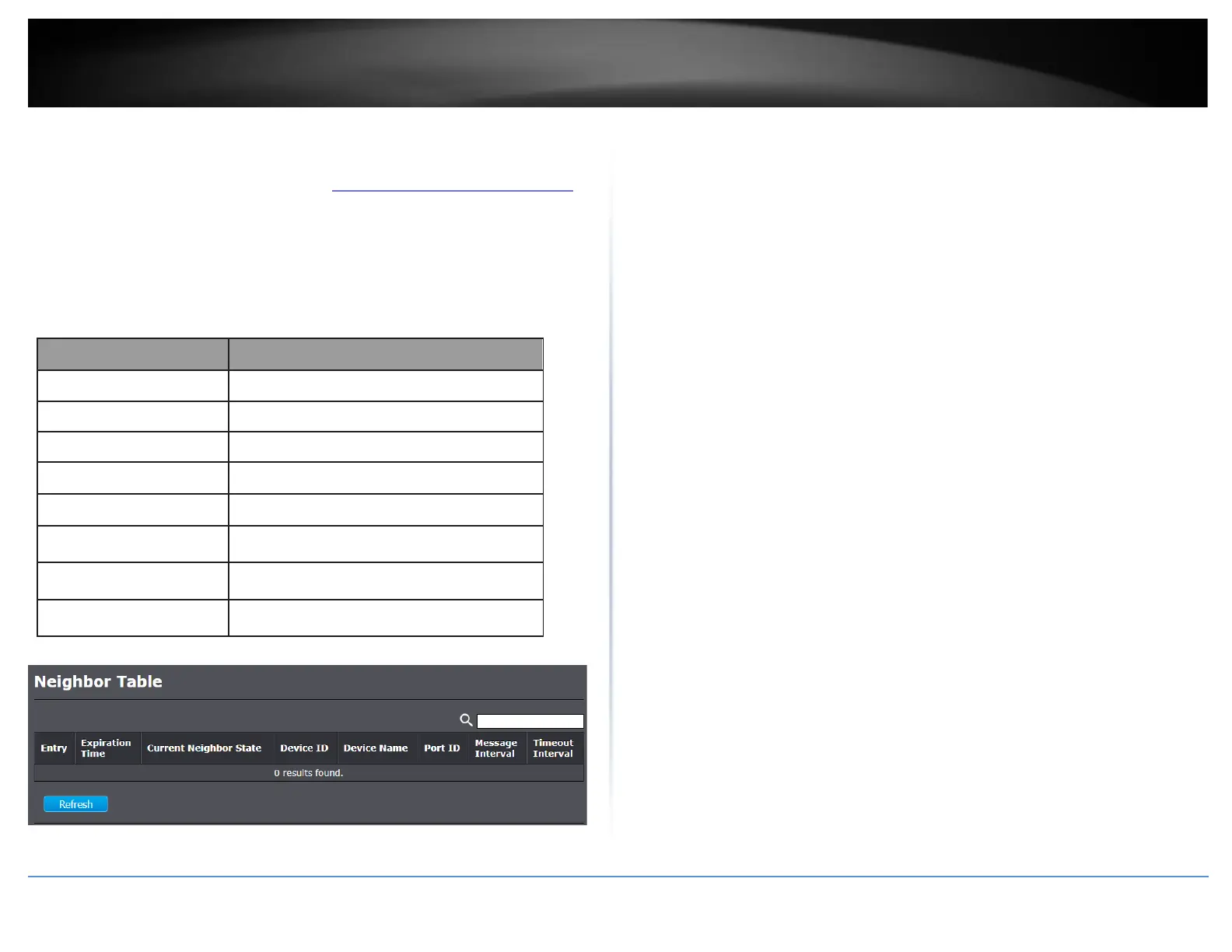
Diagnostics > UDLD > Neighbor
1. Log into your switch management page (see “Access your switch management page”
on page 11).
2. Click on Diagnostics, click on UDLD, and click on Neighbor.
3. Review the settings below.
Display expiration time before age out.
Display neighbor current state.
Display neighbor device ID.
Display neighbor device name.
Display neighbor port ID that connected.
Display neighbor message interval.
Display neighbor timeout interval.













 To Next Page