© Copyright 2020 TRENDnet. All Rights Reserved.
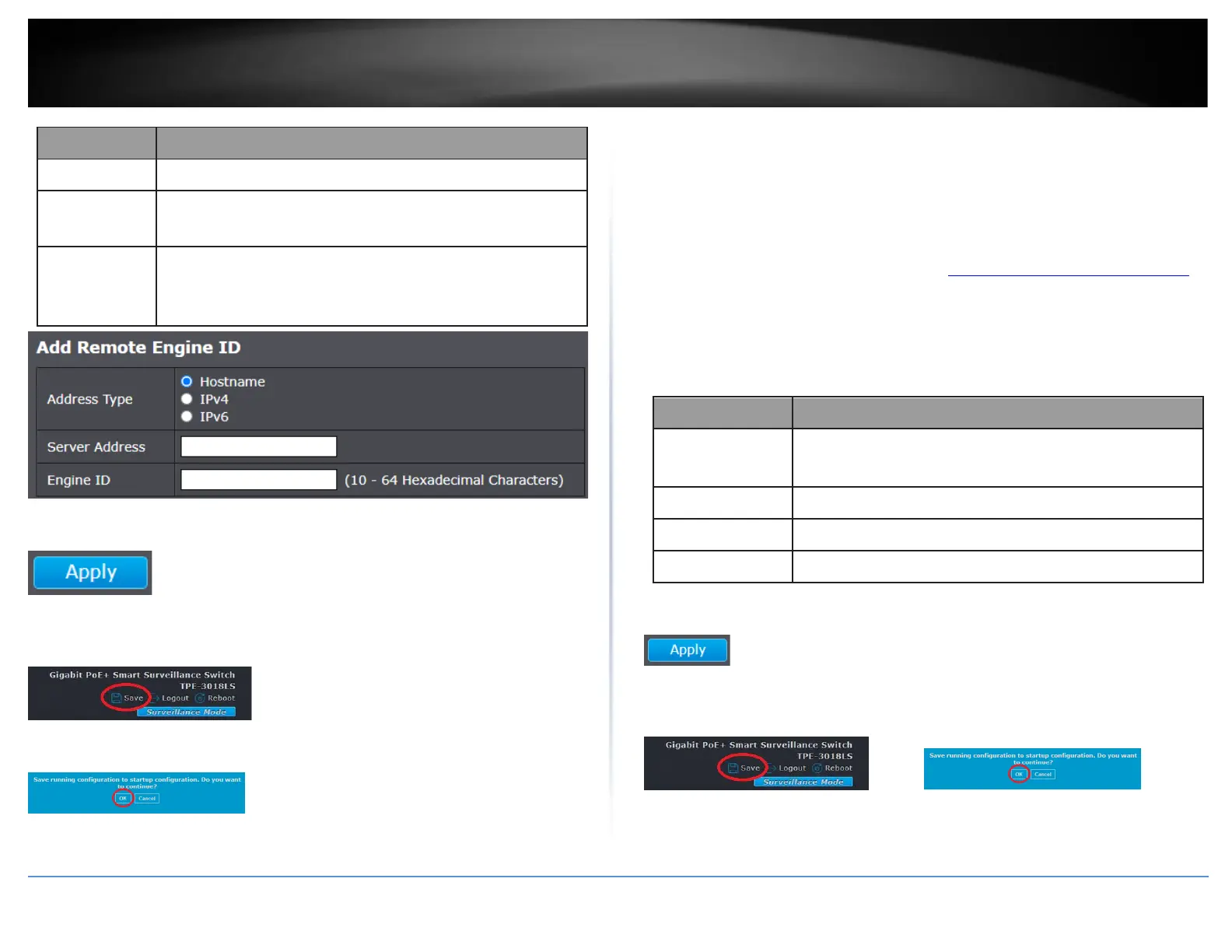
Remote host address type for Hostname/IPv4/IPv6.
Specify Remote SNMP engine ID. The engine ID is range10 to
64 hexadecimal characters, and the hexadecimal number
must be divided by 2.
4. Click Apply.
5. In the top right, click Save to save the configuration settings to NV-RAM/startup
configuration.
6. Click OK.
Configure the SNMP Trap Management
Management > SNMP > Trap Management
A Host IP address is used to specify a management device that needs to receive SNMP
traps sent by the switch. This IP address is associated with the SNMP Version and a valid
Community Name in the Host table of the switch.
1. Log into your switch management page (see “Access your switch management page”
on page 11).
2. Click on Management, click on SNMP, and click on Trap Event.
3. Review the settings.
SNMP authentication failure trap, when community not
match or user authentication password not match.
Port link up or down trap.
Device reboot configure by user trap.
Device reboot by power down trap.
4. Click Apply.
5. In the top right, click Save to save the configuration settings to NV-RAM/startup
configuration. Click OK.













 To Next Page