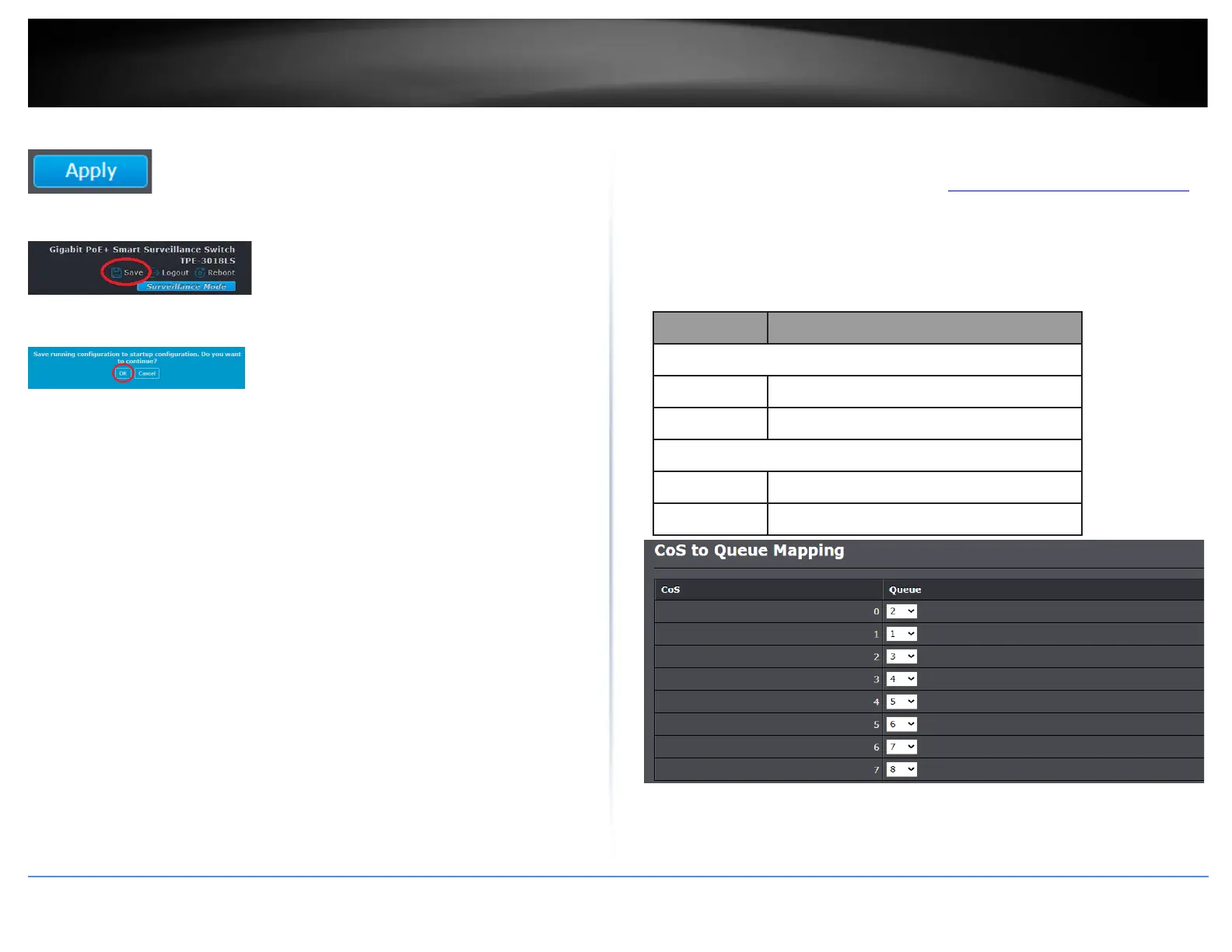
4. Click Apply.
5. In the top right, click Save to save the configuration settings to NV-RAM/startup
configuration.
6. Click OK.
Configure CoS Mapping
QoS > General > CoS Mapping
1. Log into your switch management page (see “Access your switch management page”
on page 11).
2. Click on QoS, click on General, and click on CoS Mapping.
3. Review the settings below.













 To Next Page