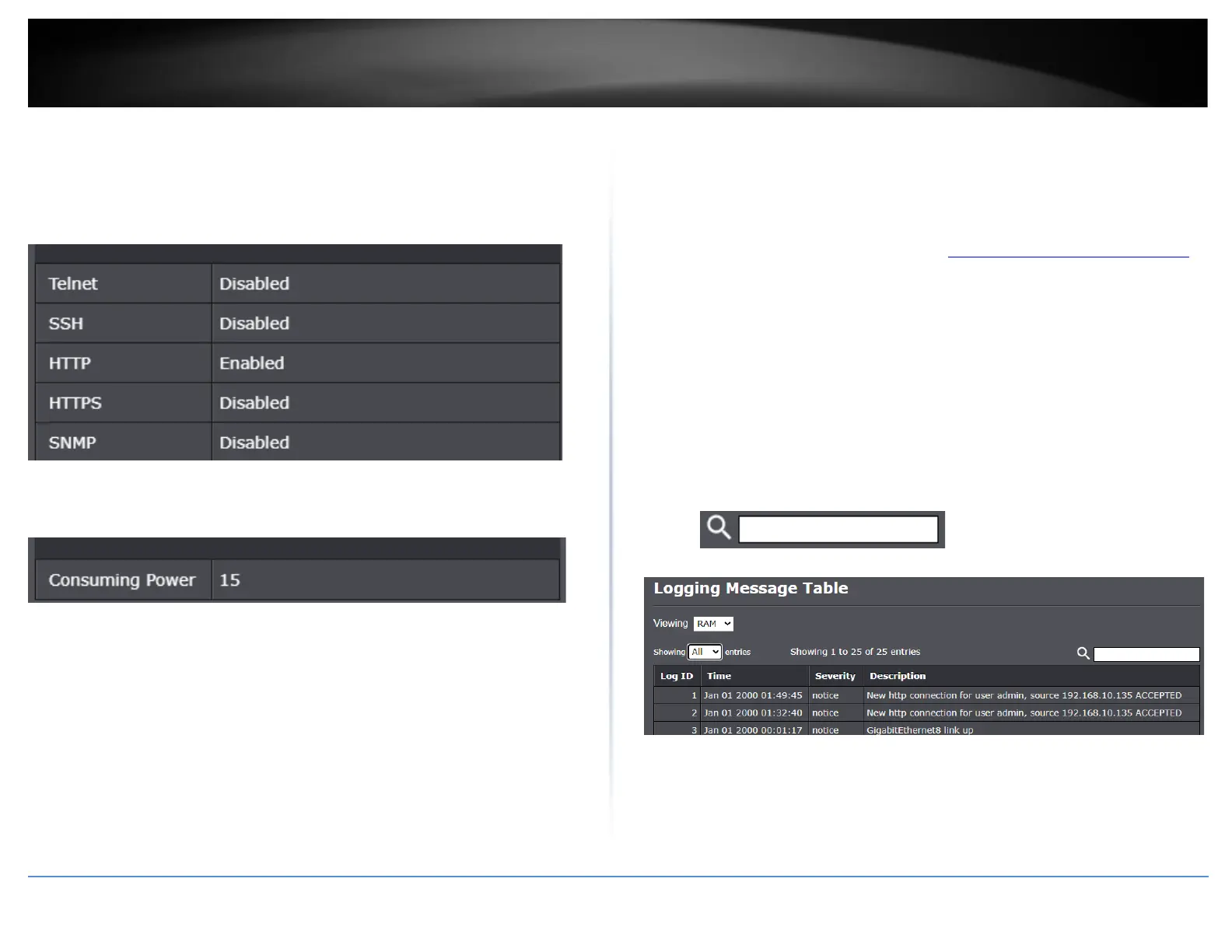
• Telnet - Displays the current state of Telnet management access to the switch.
• SSH – Displays the current state of SSH management access to the switch.
• HTTP – Displays the current state of HTTP management access to the switch. By
default, HTTP management access is enabled.
• HTTPS – Displays the current state of HTTPS management access to the switch.
• SNMP – Displays the current state of SNMP management access to the switch.
• Consuming Power – Displays the current PoE power consumption utilized by PoE
devices connected to the switch.
View your switch logging messages
Status > Logging Message
You may want to check your switch logging messages for switch troubleshooting or
verification on functionality.
1. Log into your switch management page (see “Access your switch management page”
on page 11).
2. Click on Status and click on Logging Message.
3. Review the settings.
• Viewing – Click the drop-down list to view logging messages in RAM or Flash
memory.
• Showing – Click the drop-down list to select how log entries to be displayed per
page.
Note: You can search the logging messages by keyword using the field below.













 To Next Page