Tools
The tools menu will allow users to view firmware information, upgrade and backup
switch firmware, backup and restore switch configuration, reboot, and reset switch to
factory defaults.
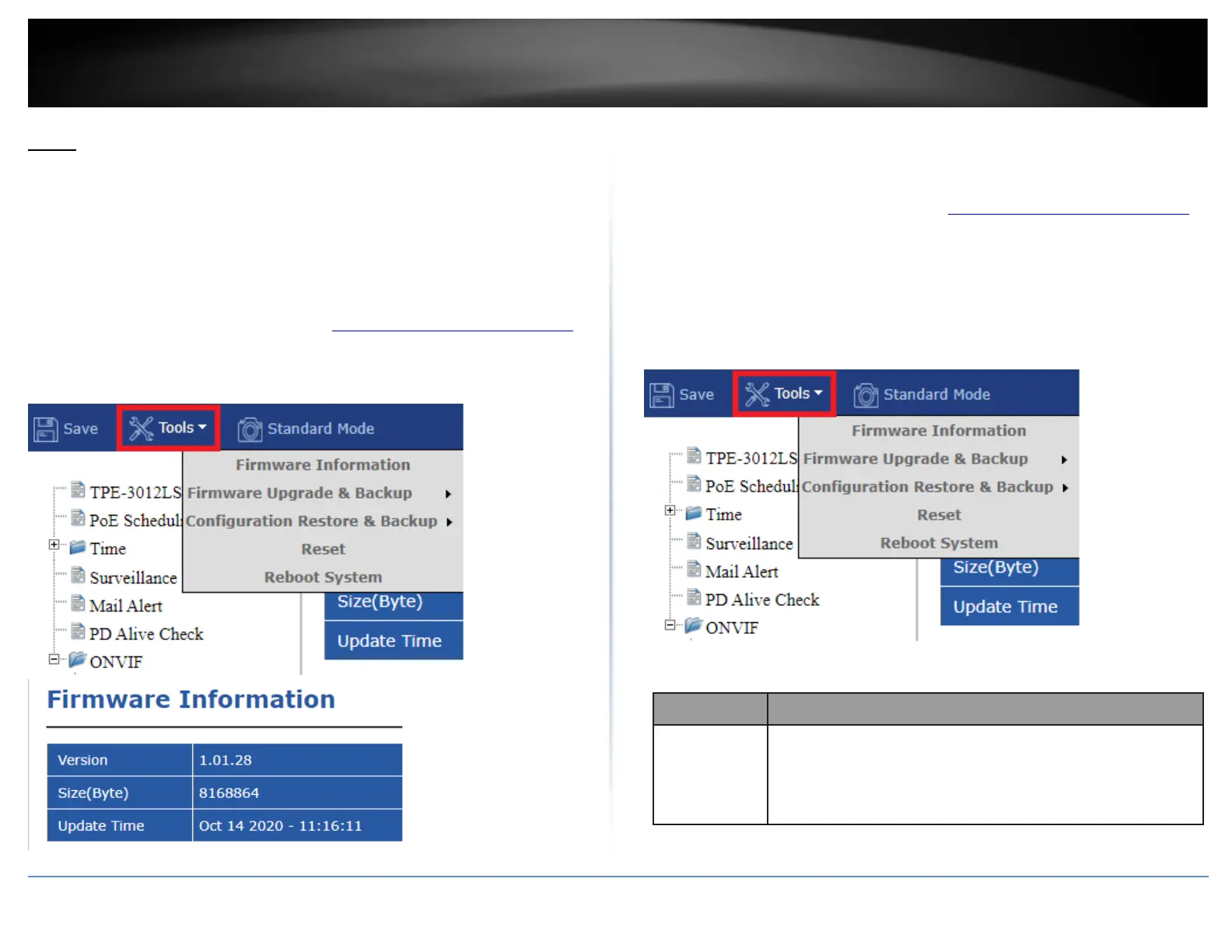
View Firmware Information
Tools > Firmware Information
1. Log into your switch management page (see “Access your switch management page”
on page 11).
2. In the top left menu, click on Tools and click on Firmware Information.
Firmware Upgrade and Backup
Tools > Firmware Upgrade & Backup
1. Log into your switch management page (see “Access your switch management page”
on page 11).
2. In the top left menu, click on Tools and click on Firmware Upgrade & Backup.
• Upgrade from HTTP/TFTP – This section will allow you to upgrade the switch
firmware by HTTP or TFTP protocol methods.
• Backup from HTTP/TFTP - This section will allow you to backup the switch
firmware by HTTP or TFTP protocol methods.
HTTP
Firmware operations
•
Upgrade: Upgrade firmware from remote host to DUT.
•
Backup: Backup firmware image from DUT to remote host.













 To Next Page