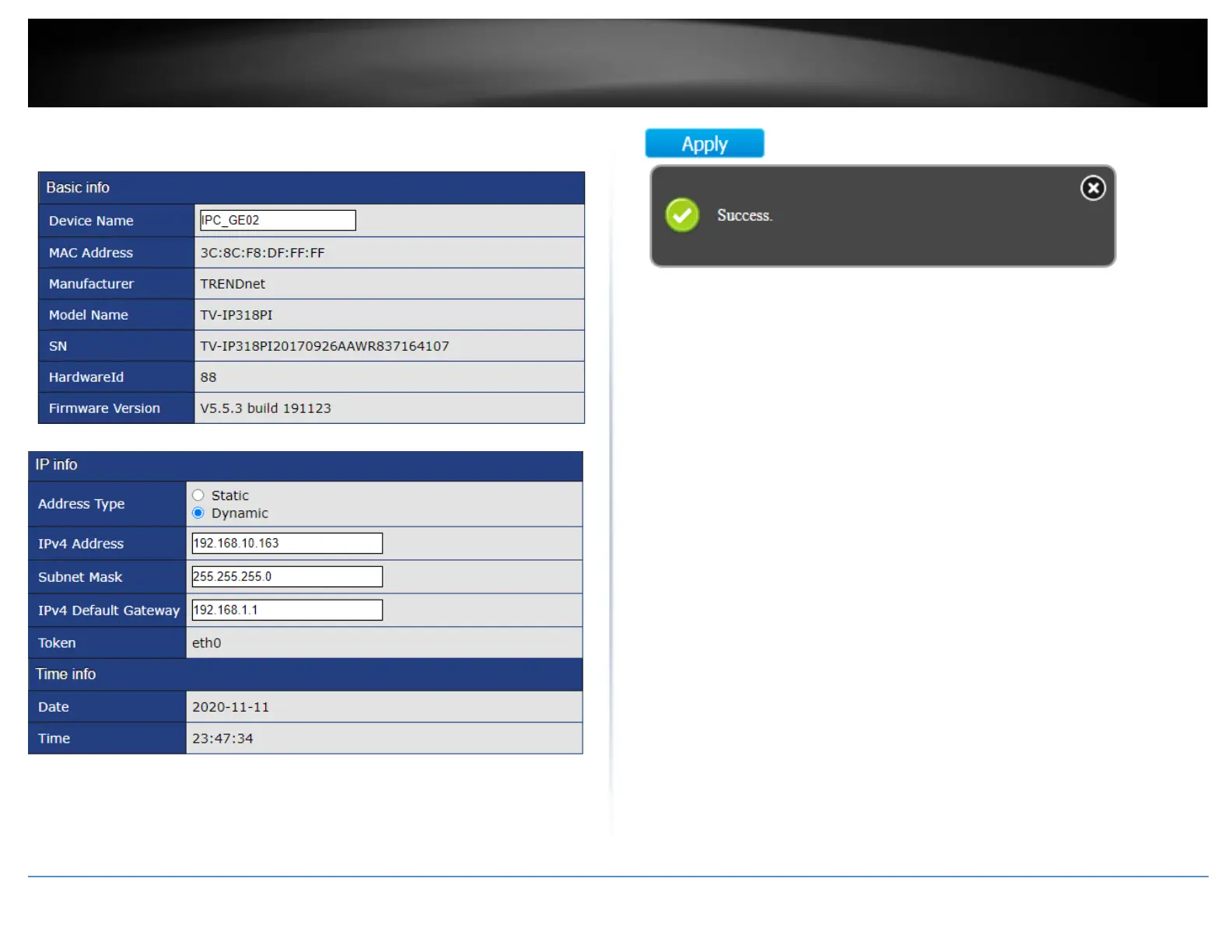
4. Under the IPC Device Info Edit section, you can view additional device information,
modify the Device Name and IP address configuration.
5. Scroll down the window to view or modify the device IP address configuration.
6. After you have applied configuration changes, scroll to the bottom of the window and
click Apply. A success message will appear if the configuration changes were
successfully applied.
Note: After the configuration changes have been successfully applied, the device will
appear in the list with the updated information.













 To Next Page