TITANUS
MICRO·SENS
®
Maintenance
06/13
189
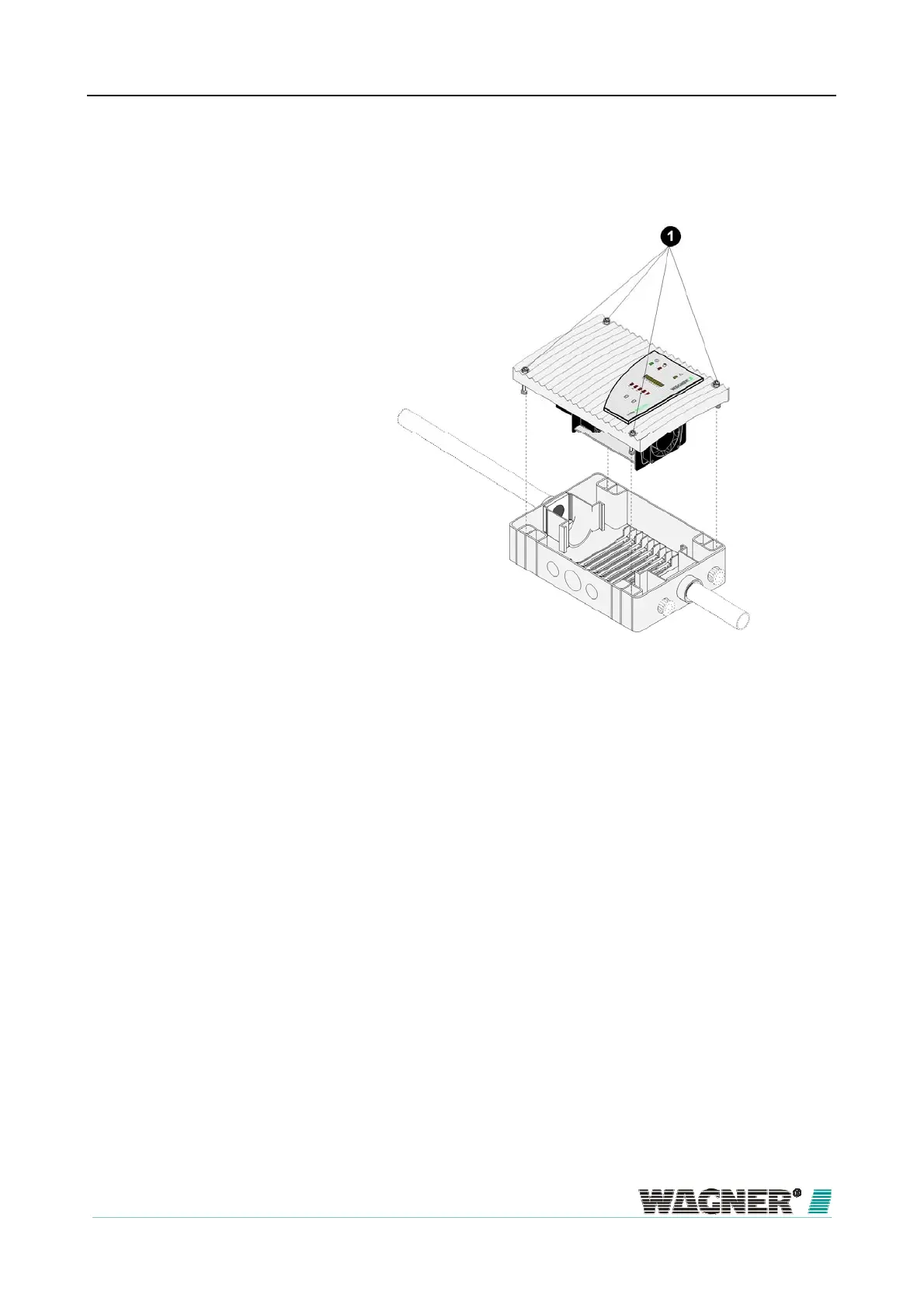
Exchanging the detection unit
Figure 108: Exchanging the detection unit
1. With the aid of a screwdriver, loosen the four screws on the detection
unit and remove it from the device base.
2. When inserting the new detection unit, note the mechanical coding, this
protects the device against twisting.
Change the jumper X4.
3. Now with the aid of a screwdriver, screw the four screws on the detection
unit down firmly again.
4. The device initialises automatically when the jumper X4 is changed.
9.4


 To Next Page
 Loading...