EasyManua.ls Logo

Wittenborg FB 7100 - Page 94

Wittenborg FB 7100
284 pages
Print Icon
To Next Page IconTo Next Page
To Previous Page IconTo Previous Page
Loading...
Service Manual FB 7100 Programming
4- 52 January, 2005
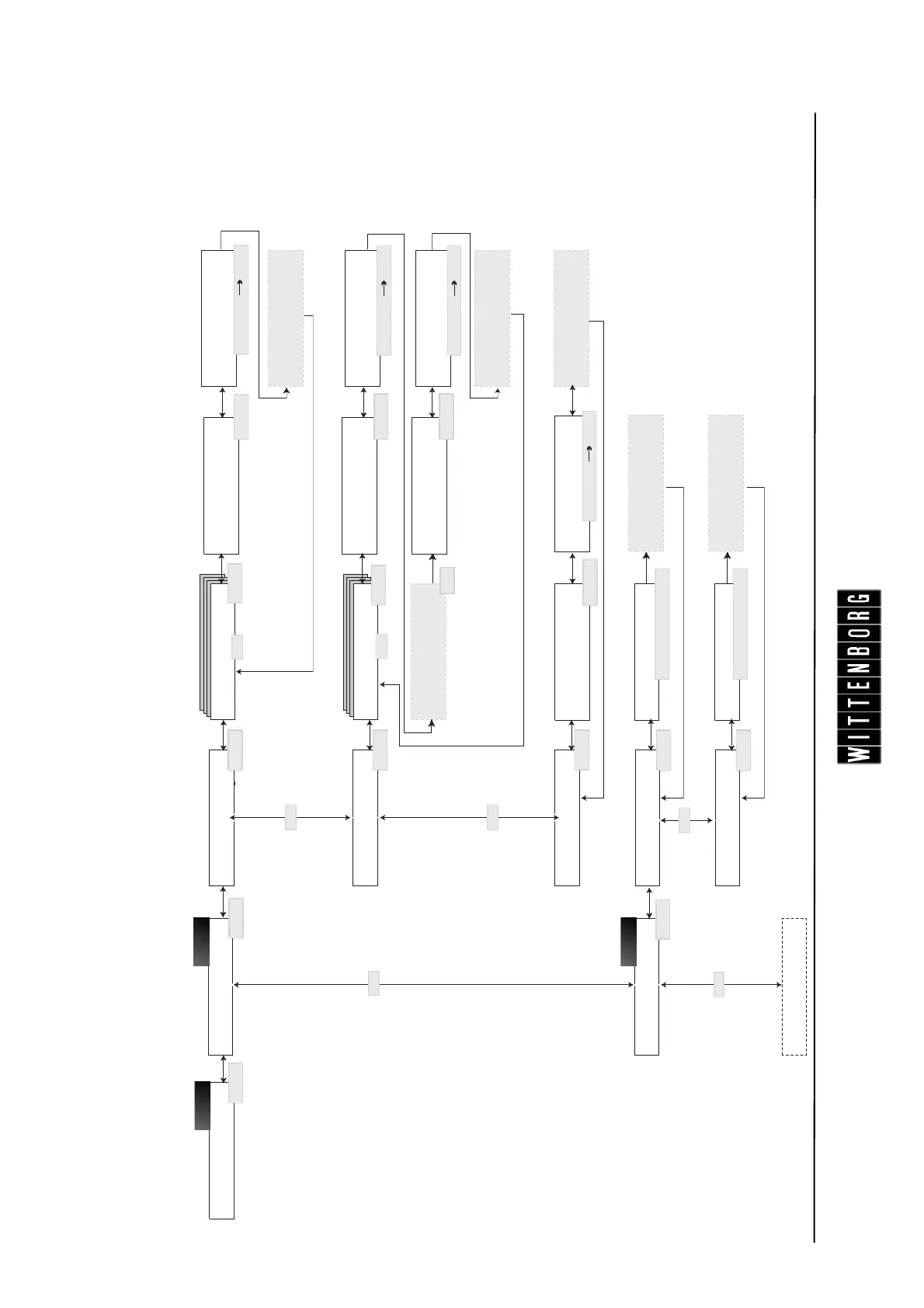
The page shows the full layout of the of Adjust system options in the Technician menu. For further information about the menus, please refer to sections
indicated by numbers in black boxes.
Cold water
Calibrated OK
Calibration
Ingredient
Adjust system menu
FB canist. 1
Valve
Press OK when
ready to start
Adjust system
Temperatures
Nominal temp. New limit: XX oC
Measured quantity
Enter: xxx.x g
Esc OK
Lock temperature
New limit: XX o C
FB Valve 1
Press OK when
ready to start
Measured quantity
Enter: xxxx ml
Esc OK
FB canist. 1
Calibrated OK
Calibration
Start now
Ok Esc
FB valve 1
Calibrated OK
FB1 valve 1
1. measurement OK
Press OK when
ready to start
Measured quantity
Enter: xxxx ml
(-) (+) OK
V^
V^
V^
V^
Sel Esc
(-) (+) OK
(-) (+) OK
Measured quantity
Enter: xxxx ml
(-) (+) OK
V^
V^
Lower cup sensor
Esc OK
Sel Esc
Sel Esc
Sel Esc
Cold water
V^
Sel Esc
Sel Esc
Sel Esc
Sel Esc
Sel Esc
Sel Esc
The new temp.
limit is saved
The new temp.
limit is saved
(-) (+) Esc OK
(-) (+) Esc OK
OK
4.3.5
4.3.5.1
4.3.5.2

Table of Contents

Other manuals for Wittenborg FB 7100

Related product manuals