5: Replacement Procedures
Procedures
P1061317-002 Zebra ZXP Series 3 Card Printer Service Manual 169
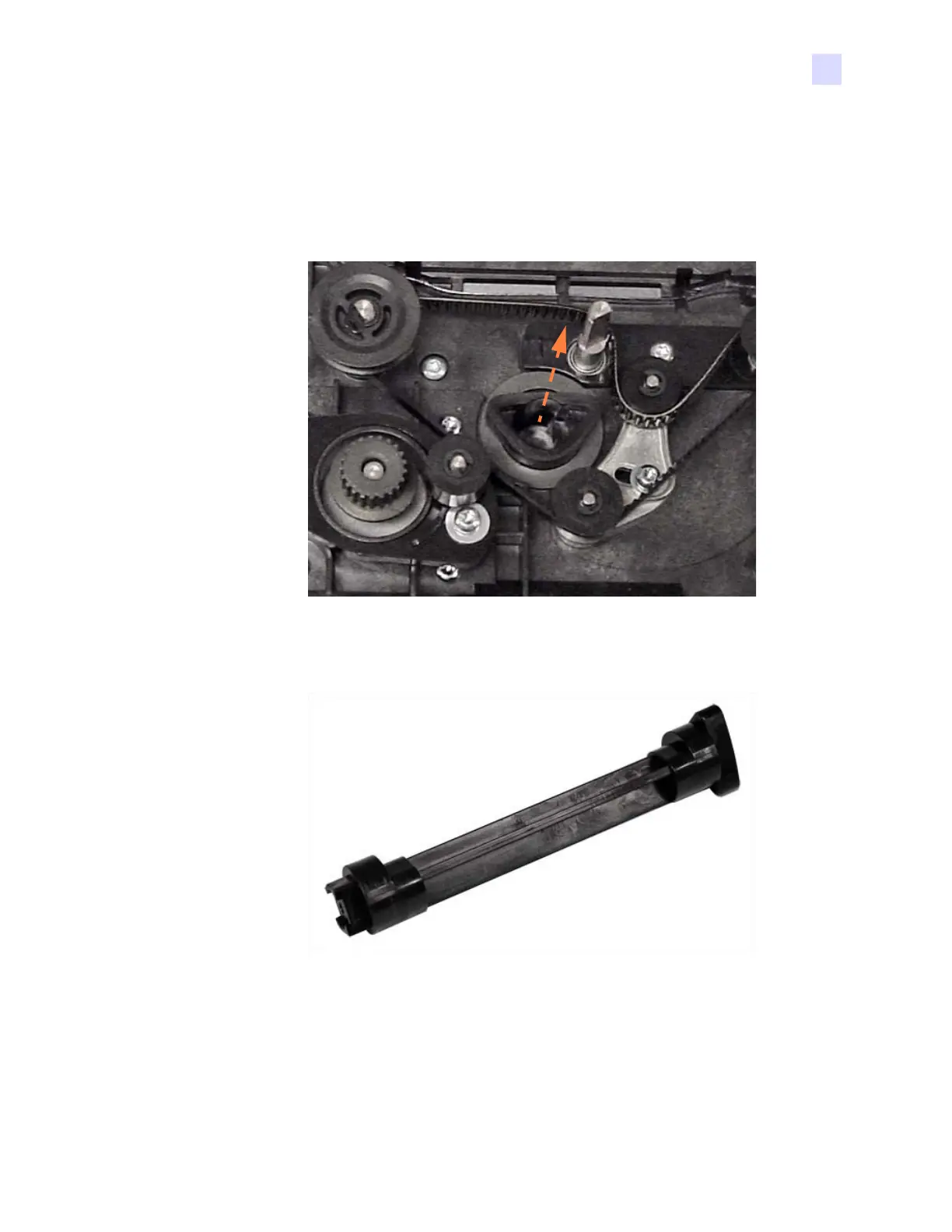
Step 3. From the left side: remove the Printhead Lift Cam.
a. If not already done, remove the left-side Linkage; see Linkage - Left Side on
page 160.
b. Slide the Printhead Lift Cam out of the print engine.
Step 4. Set the Printhead Lift Cam aside.


 To Next Page
 Loading...


