70 | PGC5000 GEN 2 | 892 J006 MNAH
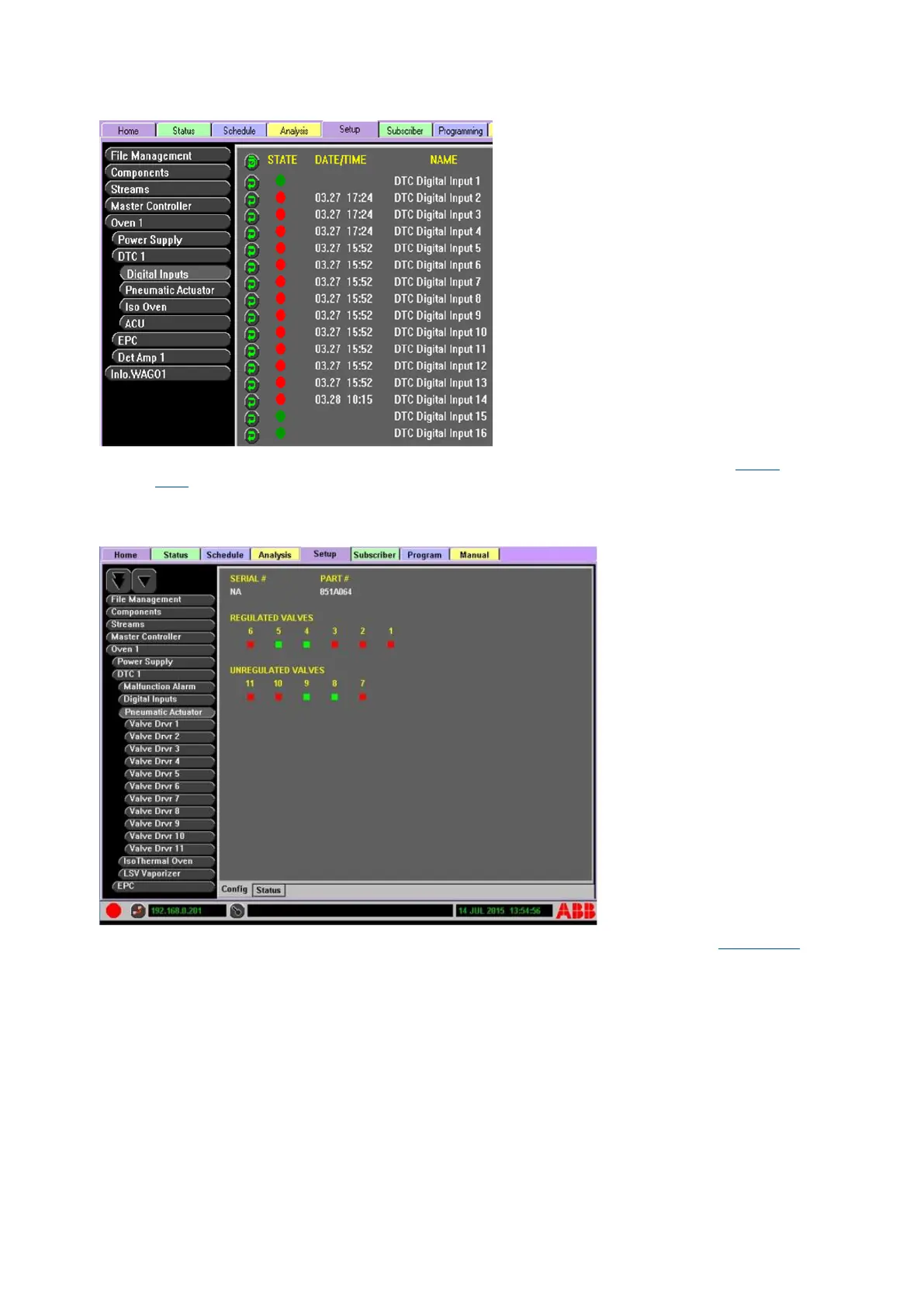
Figure 4-35: Digital Input Status
⎯ Oven>DTC 1>Pneumatic Actuator>Config displays the actuator part number (see Figure
4-36). All factory configured valve outputs are displayed below the pneumatic actuator button,
with the color-coded indicators displaying the state of all regulated and unregulated valves.
Regulated valves are those inside the oven, while unregulated valves are external.
Figure 4-36: Pneumatic Actuator Configuration
⎯ Oven>DTC 1>Valve Driver(#)>Config displays the part and valve number (see Figure 4-37).
It includes a valve control button used to manually control the valve.



 To Next Page