Programming | Conversational programming
7
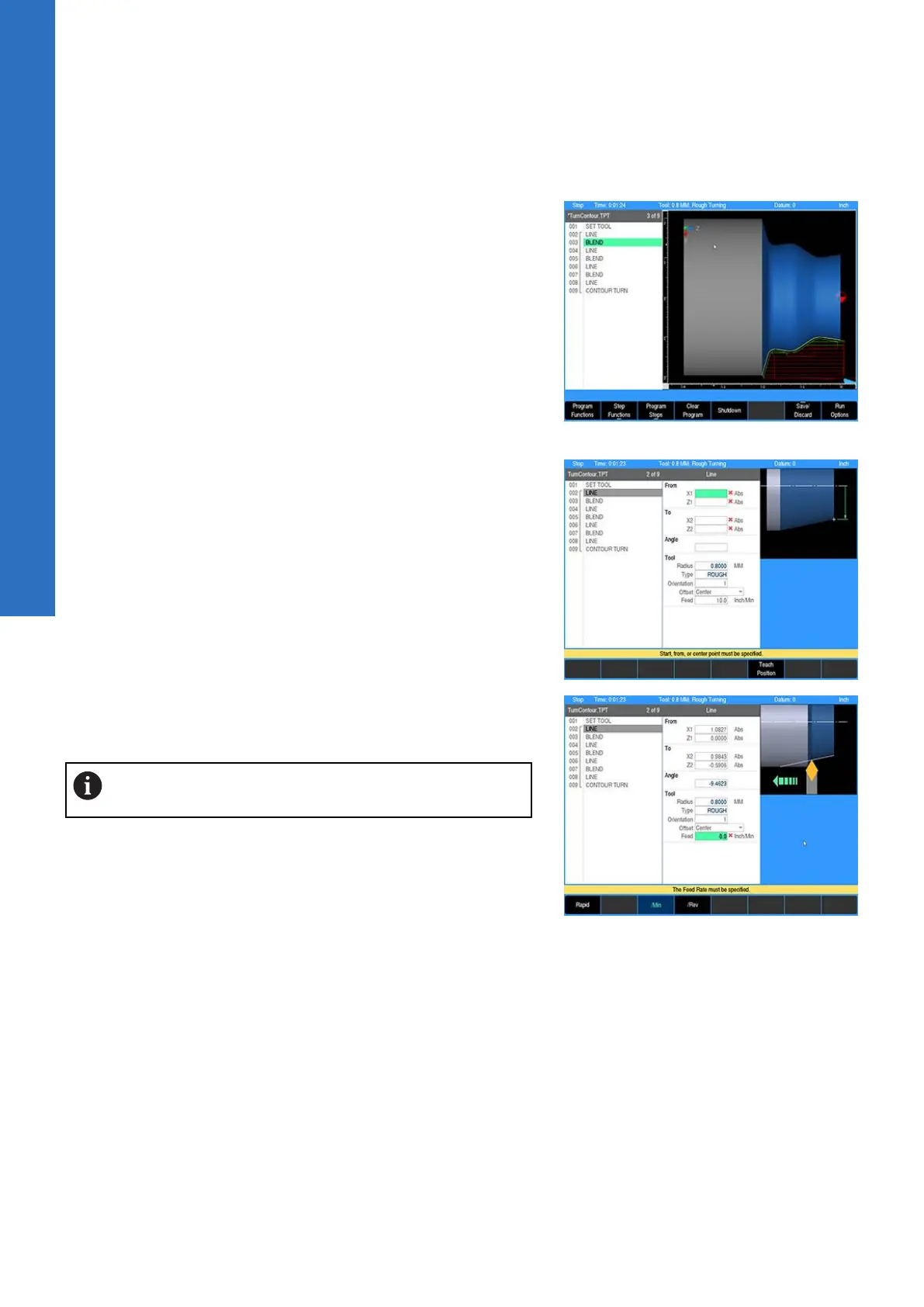
Edited programs
When a saved program is loaded, the name and extension is
displayed.
If the saved program is then edited, the program name will show
an asterisk at the end of the name. This tells the operator that the
program has changed, but has not been saved.
Saving the program will remove the asterisk.
A program that has been edited, but not saved, will revert back to
the last saved version when closed. The program will not display an
asterisk the next time it is loaded.
Step form validation
Once a step has been programed in the program dialogue and the
use key has been pressed, if further data is required, that field will
display a red x.
Once a step has been programed in the program dialogue and the
USE key has been pressed, if the data in any field has been entered
incorrectly, that field will display a yellow warning symbol.
Correct any errors or warnings before proceeding.
100
ACU-RITE | TURNPWR | User's Manual | 08/2020



 To Next Page