Controls
Controls
Motion control keys
Key Function
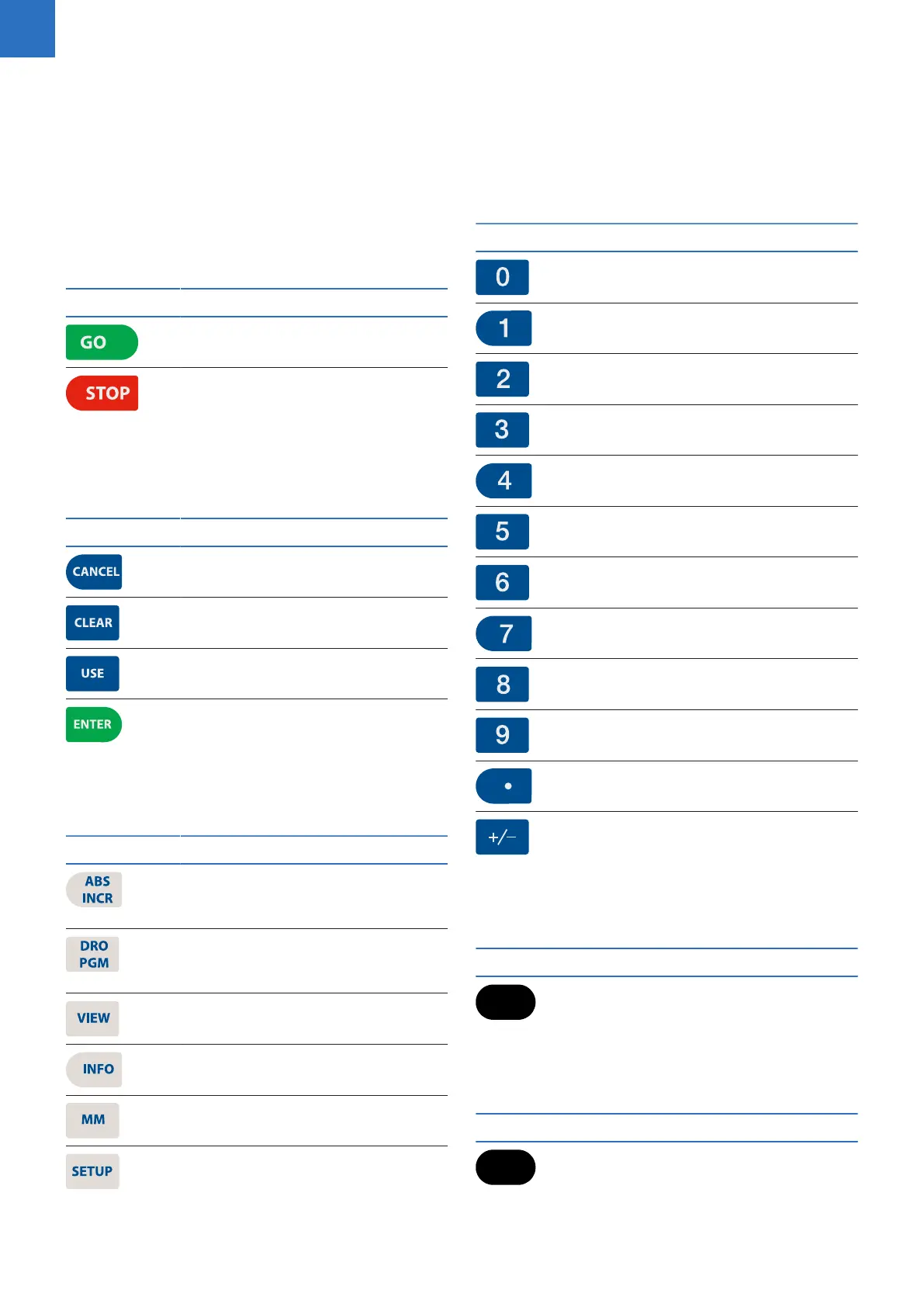
GO key (e.g. run a program).
STOP key (dual function: press once
to pause, press twice to stop a
program).
Data entry keys
Key Function
CANCEL key cancels operation, i.e.
form.
CLEAR key clears selections, i.e.
values in a field, a program step.
USE key completes operation, i.e.
data entered in a form.
ENTER key completes selection, i.e.
values entered in a field.
Function keys
Key Function
ABS/INC key toggles between
Absolute or Incremental position-
ing.
DRO/PGM key toggles between
the DRO display or Program mode
display.
VIEW key opens a form to configure
graphics parameters; i.e. 2D or 3D.
INFO key opens on-screen manual.
MM key toggles between INCH or
MM mode.
SETUP key opens configuration
menu.
Numeric keys
Key Function
Zero key.
One key.
Two key.
Three key.
Four key.
Five key.
Six key.
Seven key.
Eight key.
Nine key.
Decimal key.
Plus/Minus key.
Axis keys
Key Function
Axis keys open the datum, or preset
form.
Soft keys
Key Function
Soft Keys perform the function
directly above them.
2
ACU-RITE | TURNPWR | User's Manual | 08/2020



 To Next Page