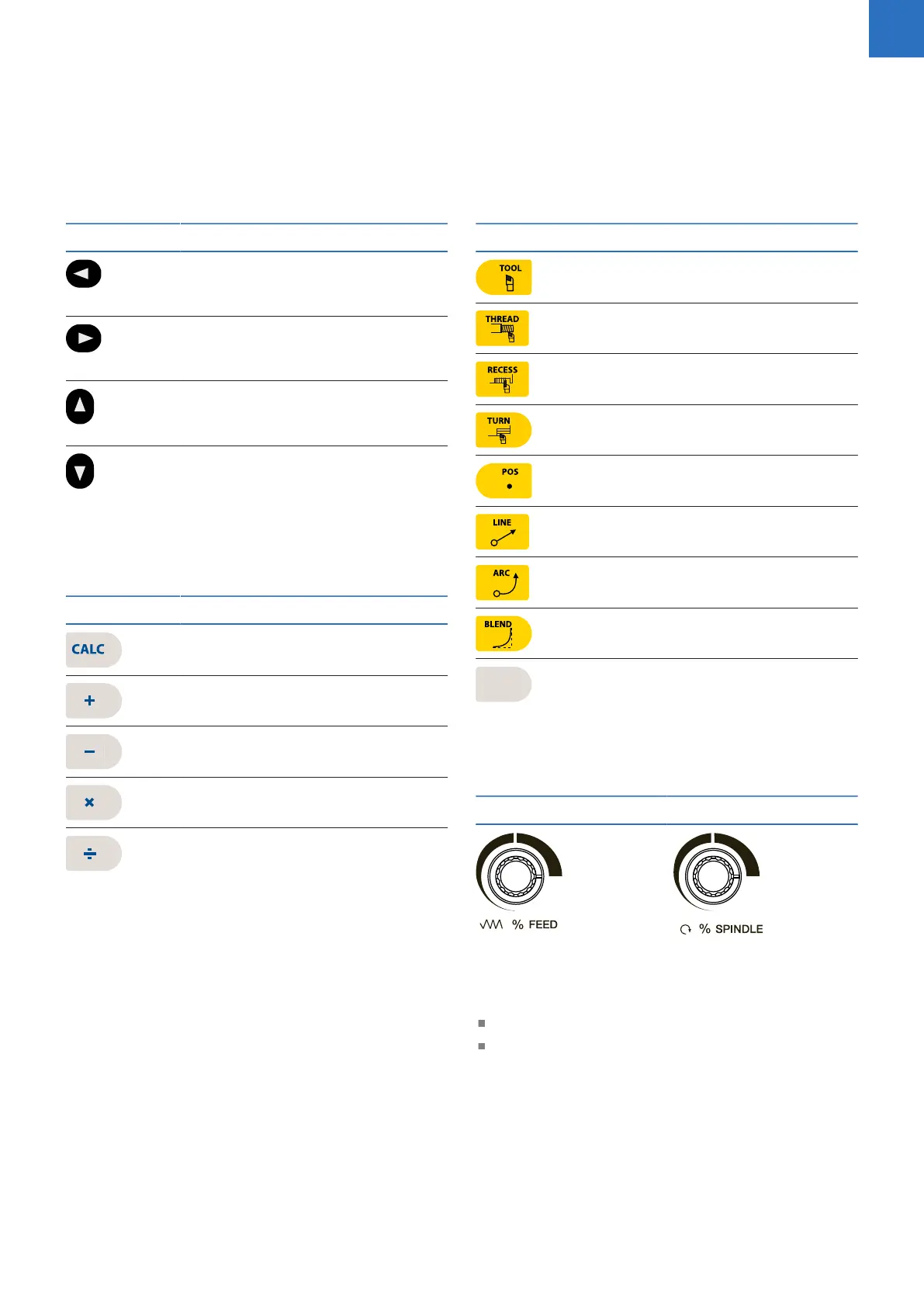
Move tool and navigation keys
Key Function
Left Arrow key will move the tool
or display cursor depending on the
function selected.
Right Arrow key will move the tool
or display cursor depending on the
function selected.
Up Arrow key will move the tool
or display cursor depending on the
function selected.
Down Arrow key will move the tool
or display cursor depending on the
function selected.
Calculator function keys
Key Function
CALC key opens the calculator.
Plus key.
Minus key.
Multiply key.
Divide key.
Turning function keys
Key Function
TOOL key opens the Set Tool data
input dialogue.
THREAD key opens the Thread
Cycles popup menu.
RECESS key opens the Recess
Cycles popup menu.
TURN key opens the Turning
Cycles popup menu.
POS key opens the Position / Drill
data input dialogue.
LINE key opens the Line data input
dialogue.
ARC key opens the Arc data input
dialogue.
BLEND key opens the Blend \
Chamfer data input dialogue.
Blank key opens the user defined
turning function data input dialogue.
Potentiometers for override
Feed rate override Spindle speed override
Peripherals supported:
USB memory devices; e.g. a memory stick
Networking, USB pointing devices; e.g. a mouse,
USB keyboard
ACU-RITE | TURNPWR | User's Manual | 08/2020
3



 To Next Page