Introduction | Console
2
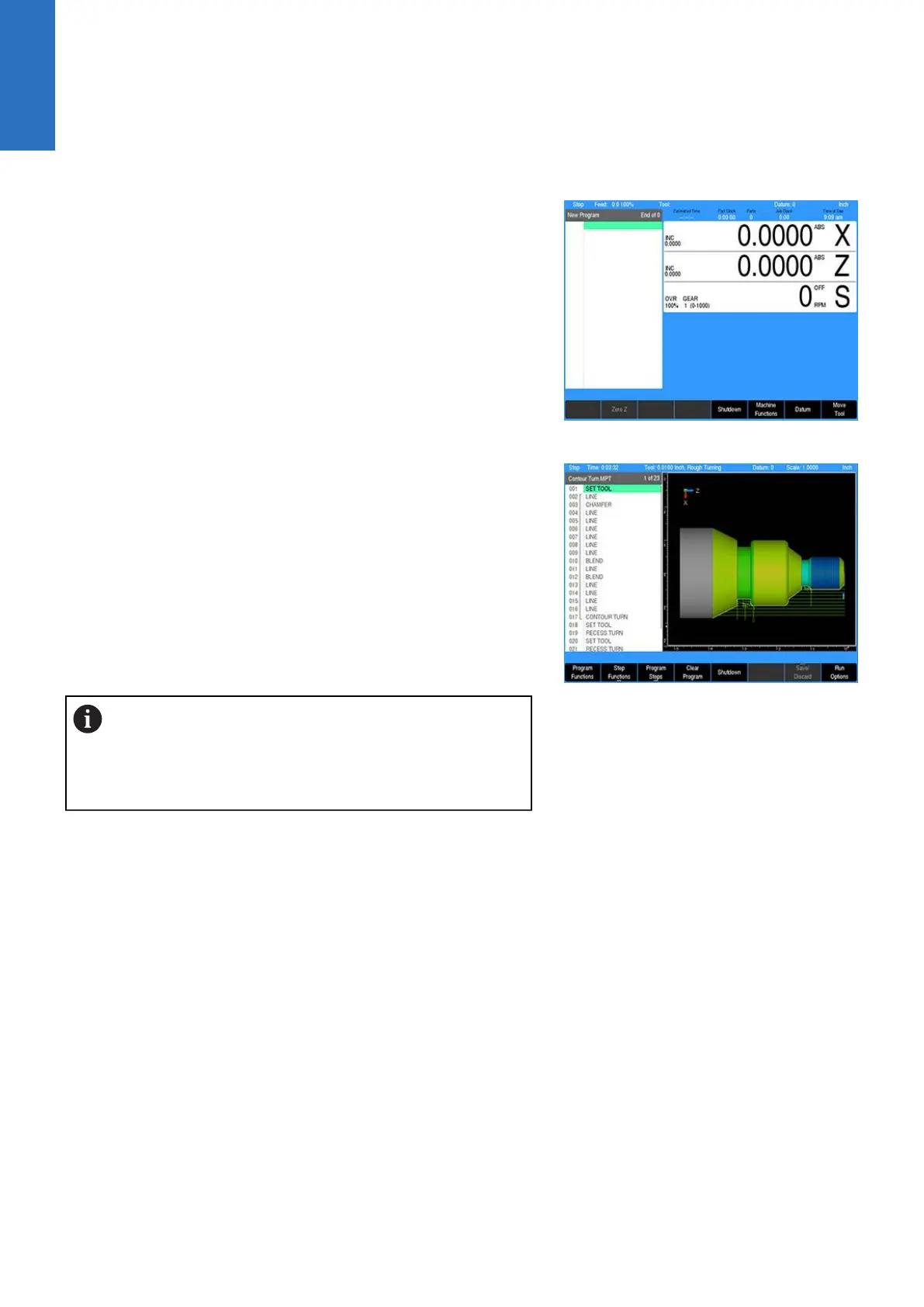
DRO mode
DRO mode shows the current position of each axis relative to
current datum. In DRO mode, manual machining, and Single Cycles
can be performed. Tool selection, units, along with most setup
features can be accessed.
PGM mode
Program mode PGM, displays the list of program steps and part-
view graphics. New programs can be created as well as editing
existing programs. Programs, new or existing, can be saved,
deleted, or copied using program functions.
A USB pointing device e.g. mouse, trackball, etc. may
also be used. If a pointing device is being used, the
action of clicking on a soft key button is the same as
pressing the corresponding soft key. A USB keyboard
can also be used for data entry and cursor control.
28
ACU-RITE | TURNPWR | User's Manual | 08/2020



 To Next Page