Program edit mode | Programming introduction
The control will save 20 navigation history steps. The
21st history step will replace the 1st history step.
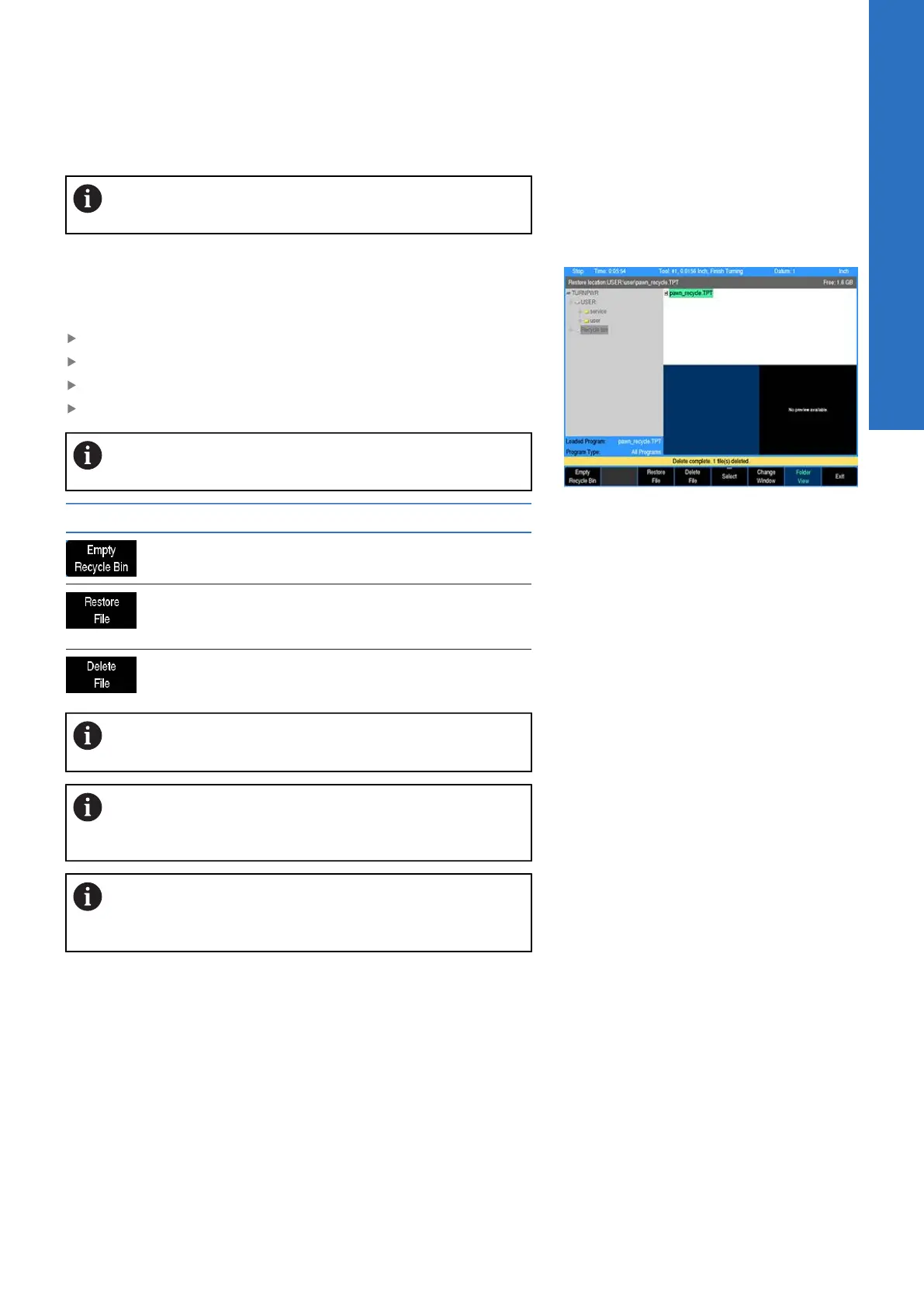
Recycle bin
The Recycle Bin stores deleted files and can also be accessed to
restore the deleted files to their original location.
Accessing the Recycle Bin:
Press DRO/PGM to activate program editing mode
Press the Program Functions soft key
Enable Folder View
Select the Recycle Bin in the Folder Tree window
The Recycle Bin may take 1-2 seconds to refresh and
display its contents.
Soft key Function
The Empty Recycle Bin soft key will perma-
nently delete all files in the Recycle Bin.
The Restore File soft key will restore the
selected file(s) to the original location. This
location will be displayed in the status bar.
The Delete File soft key will permanently
delete the selected file(s) in the Recycle Bin.
Deleting a folder will move its contents into the Recycle
Bin as separate files and not as a directory itself.
Files which were deleted from a removable drive will be
restored to USB0: if it is present, otherwise they will be
restored to V:\user\_Recovered\.
The Program Type filtering will automatically change to
All Files when entering the Recycle Bin, and revert back
when exiting Recycle Bin.
Enabling/Disabling the Recycle Bin
The Recycle Bin can be enabled or disabled through the Install
Setup soft key. For additional information, see "Installation setup",
Page 174.
Size of the Recycle Bin
The Recycle Bin can store up to 500 MB of data. If the Recycle Bin
reaches its maximum storage capacity prior to or while deleting a
file(s), a prompt will provide the option to either permanently delete
the file(s) or cancel the delete operation for the remaining files.
5
ACU-RITE | TURNPWR | User's Manual | 08/2020
67



 To Next Page