Installer manual AlphaVision ML Rev. 3.60 01-01-2015 102
Move the jumper on J43 to connect to the left two pins together, most right pin is free.
Place the jumper on pin header J1. The jumper must be placed over the 2 pins left from the green watchdog
LED.
Apply power to the AlphaVision ML. When powering-up, the green watchdog LED will turn-on shortly and
then turn off again. The other LED’s will react different than described in the LED overview, this is due to the
fact that the AlphaVision ML is in the ‘flash’ mode.
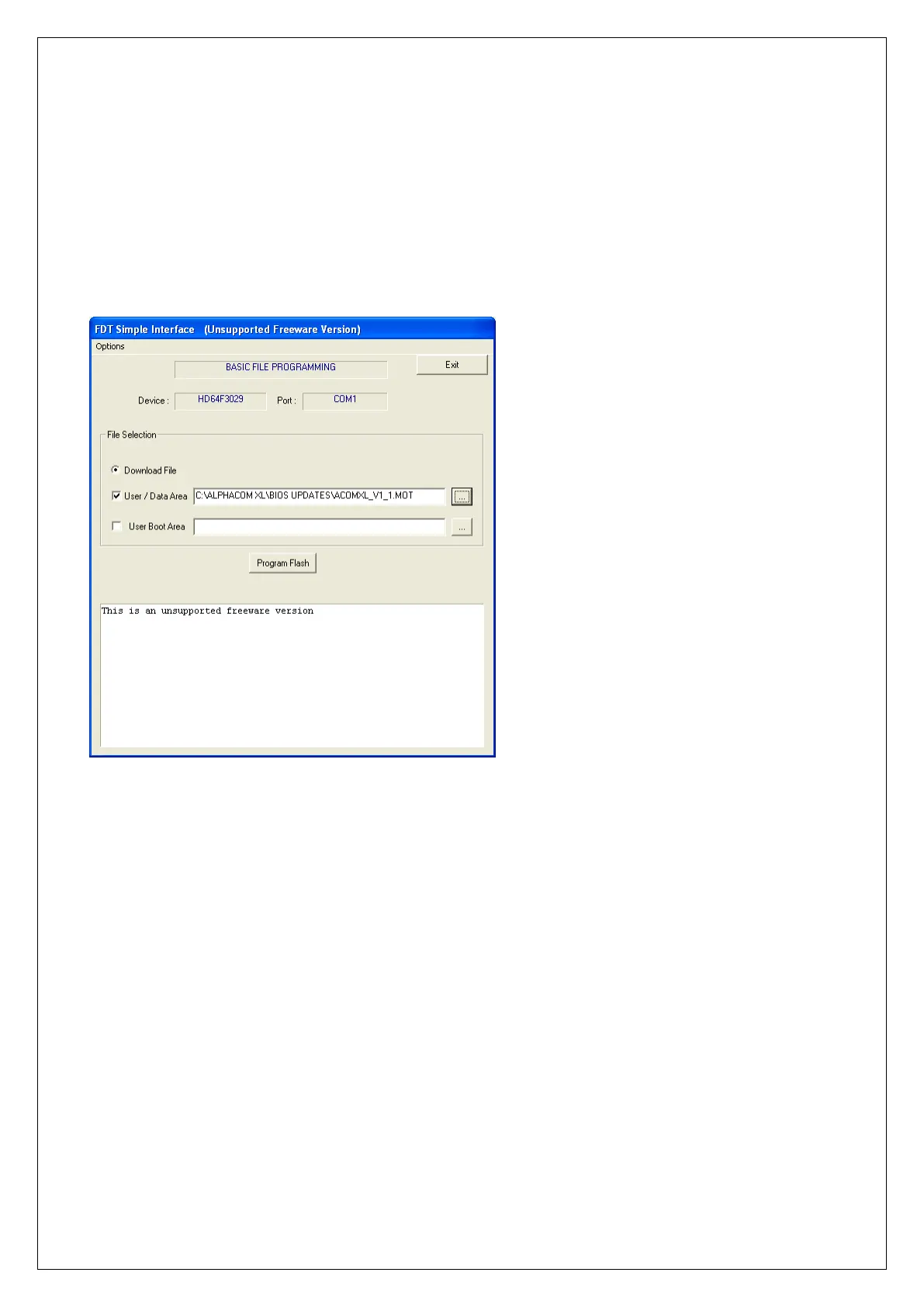
Start the software program on your computer, which is used to flash the new firmware.
Make sure the User/Data Area box is ticked and the correct path and directory is selected to find the new
firmware file on your computer. The Renesas flash tool is used for various Alphatronics products, in this
example the path and directory is C:\ALPHAVISION ML XL\BIOS UPDATES\ACOMXL_V1_1.MOT. If the path
and directory are not correct, use the find function (square box) to select the correct location of the file.
Press the Program Flash button and the following screen will appear:



 To Next Page