Installer manual AlphaVision ML Rev. 3.60 01-01-2015 103
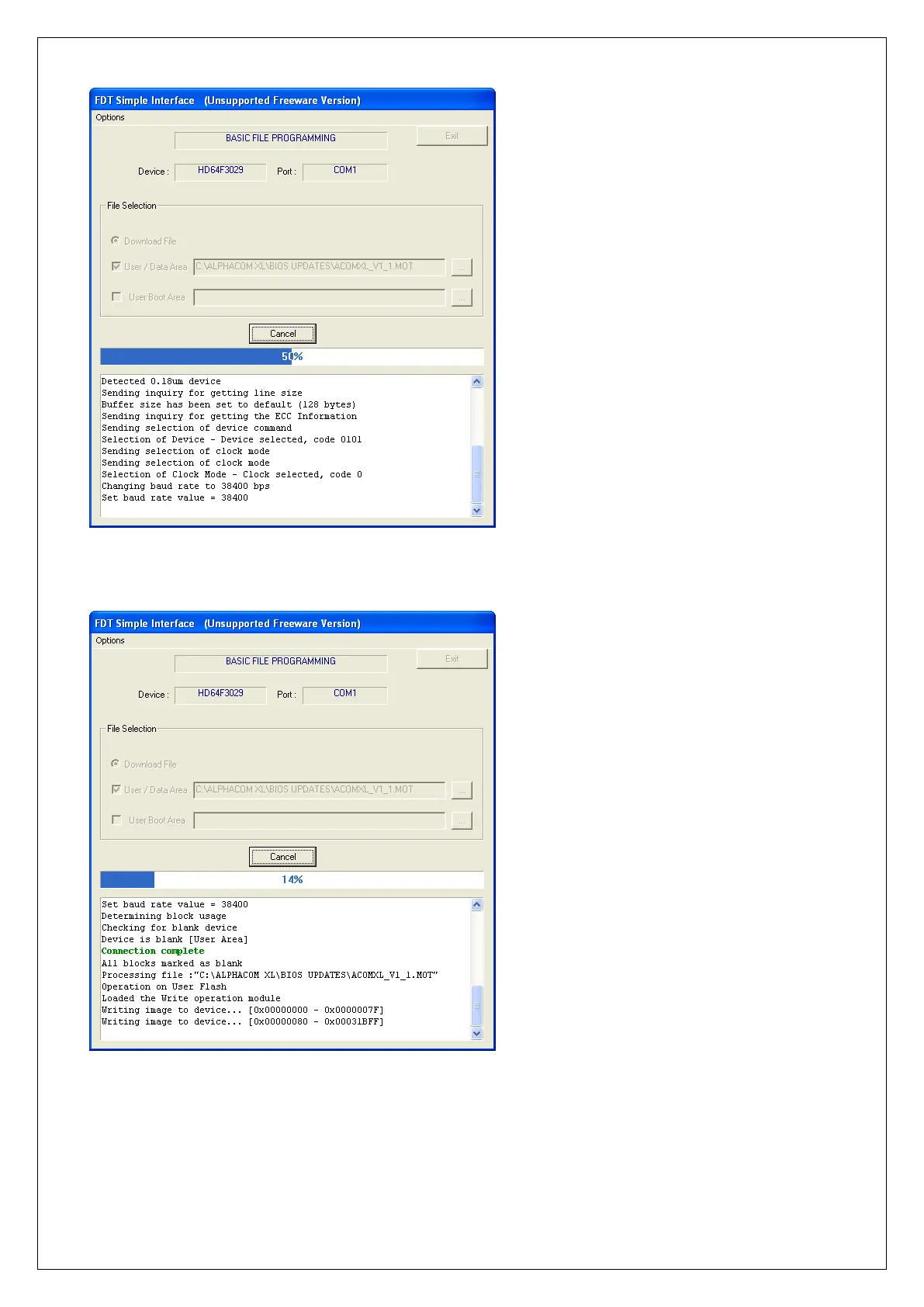
The flash software will try to establish a connection with the microprocessor on the AlphaVision ML. Once
the connection is established a green text ‘Connection complete’ will appear in the text block:
After the connection is established, the software will flash the new firmware into the microprocessor of the
AlphaVision ML. The blue completion line above the text block shows the percentage of completion. After
the new firmware has been fully flashed into the microprocessor a green message ‘Image successfully
written to device’ will appear in the text block.



 To Next Page