Spectrum Analyzer Measurements 3-19 Coverage Mapping (Option 431)
Spectrum Analyzer MG PN: 10580-00447 Rev. H 3-95
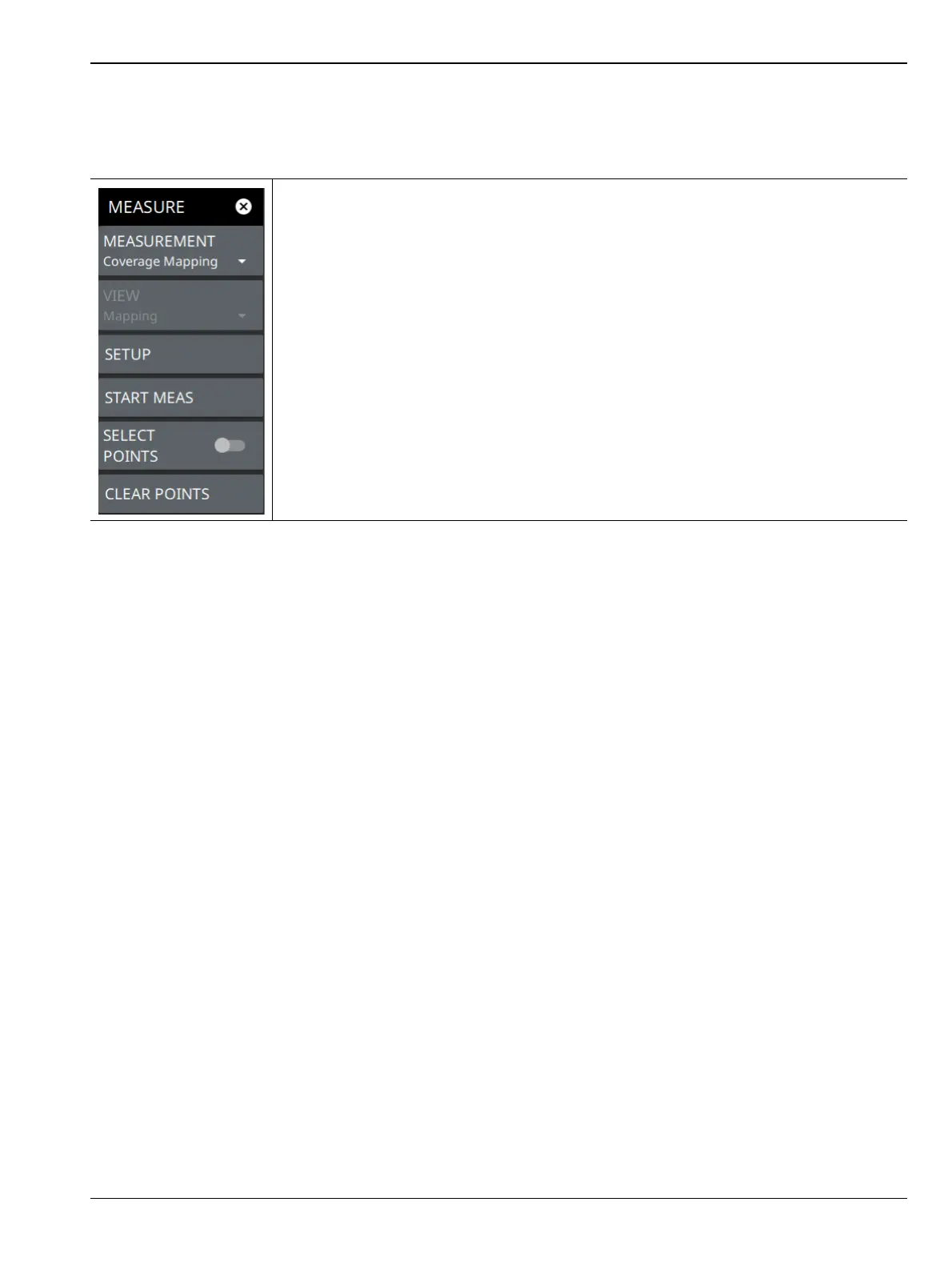
MEASUREMENT Menu (Coverage Mapping)
The coverage mapping measurement SETUP menu is available in MEASURE > MEASUREMENT >
Coverage Mapping > SETUP. Once the coverage mapping measurement is selected, the SETUP menu can be
quickly accessed by tapping on the summary display area below the spectrum window.
MEASUREMENT: Selects the current measurement.
VIEW: Only the Mapping view is available.
SETUP: Opens the “SETUP Menu (Coverage Mapping)” on page 3-97.
START MEAS: Initiates a coverage mapping measurement. Note that a GPS antenna
must be connected and enabled before measurement data can be recorded.
SELECT POINTS: Selects measurement points on the map.
CLEAR POINTS: Clears all measurement points from the map.
Figure 3-77. MEASUREMENT Menu (Coverage Mapping)













 To Next Page