3-15 Adjacent Channel Power Spectrum Analyzer Measurements
3-76 PN: 10580-00447 Rev. H Spectrum Analyzer MG
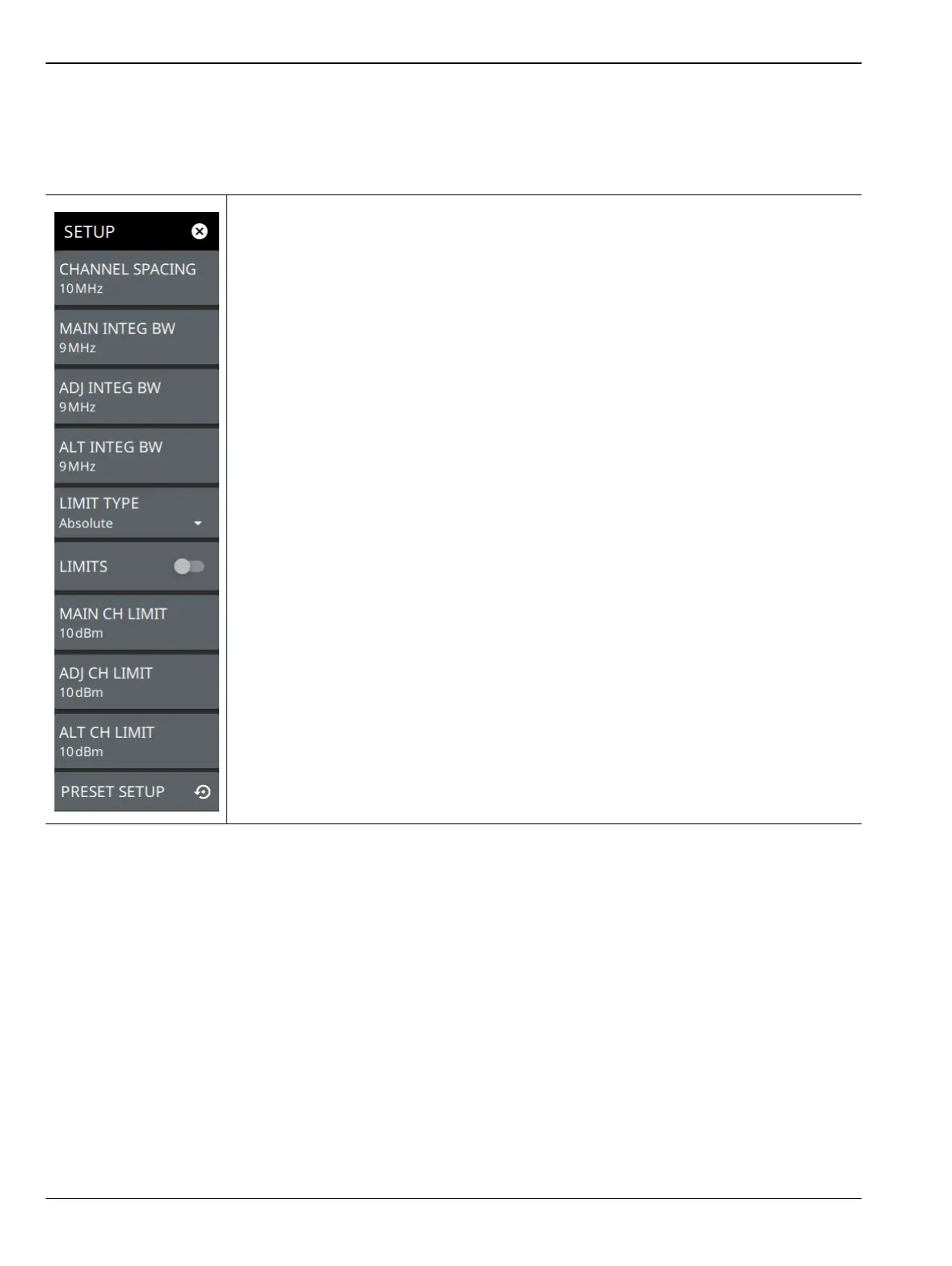
SETUP Menu (ACP)
The Adjacent Channel Power SETUP menu is available in MEASURE > MEASUREMENT > ACP > SETUP.
Once the ACP measurement is selected, the SETUP menu can be quickly accessed by tapping on the summary
display area below the spectrum window.
CHANNEL SPACING: Sets the channel frequency spacing (center channel to center
channel).
MAIN INTEG BW: Sets the range of integration used in calculating the power within the
channel. The integration bandwidth (IBW) is displayed as two vertical dashed lines for
each channel.
ADJ INTEG BW: Sets the range of integration bandwidth used in calculating the power
in the adjacent channel.
ALT INTEG BW: Sets the range of integration used in calculating the power in the
alternate channel.
LIMIT TYPE: Selects Absolute or Relative for the limit evaluation.
LIMITS: Turns on or off the use of ACP limits.
MAIN CH LIMIT: Sets the main channel limit.
ADJ CH LIMIT: Sets the adjacent channel limit.
ALT CH LIMIT: Sets the alternate channel limit.
PRESET SETUP: Sets all ACP setup parameters to default. Turns off limits.
Figure 3-64. SETUP Menu (ACP)













 To Next Page