Spectrum Analyzer Measurements 3-19 Coverage Mapping (Option 431)
Spectrum Analyzer MG PN: 10580-00447 Rev. H 3-99
Map Tool
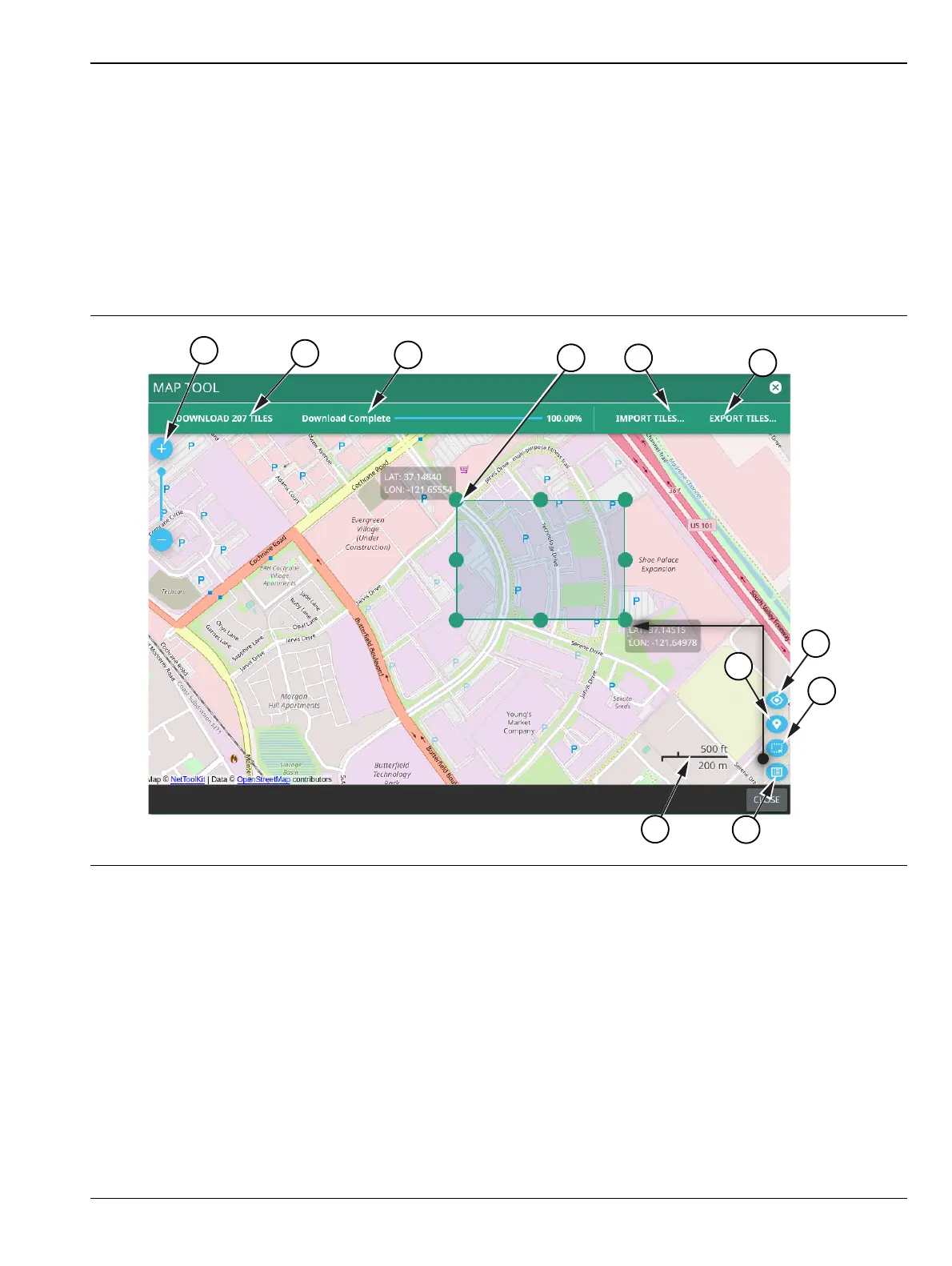
The Map tool includes an embedded, low detail world base map. The MAP TOOL provides access to
downloadable, high detail map tiles for offline use during signal mapping. The map tiles that you download
have the same detail that is accessible through an active Internet connection. The map tool can be used directly
on the instrument or with the instrument PC software. Files downloaded to the instrument are automatically
saved for offline coverage mapping. Files downloaded using the PC software can be exported to a USB drive or
directly to an instrument via the instrument IP address or hostname. All tiles are saved to a single map file on
the instrument. To manage storage, see “Map Tile Usage and Memory” on page 3-102. Go to upper left system
menu (3 line icon) to access the MAP TOOL and select TOOLS>MAP TOOL.
Figure 3-81. MAP TOOL (1 of 2)













 To Next Page