3-25 Saving and Recalling Measurements Spectrum Analyzer Measurements
3-122 PN: 10580-00447 Rev. H Spectrum Analyzer MG
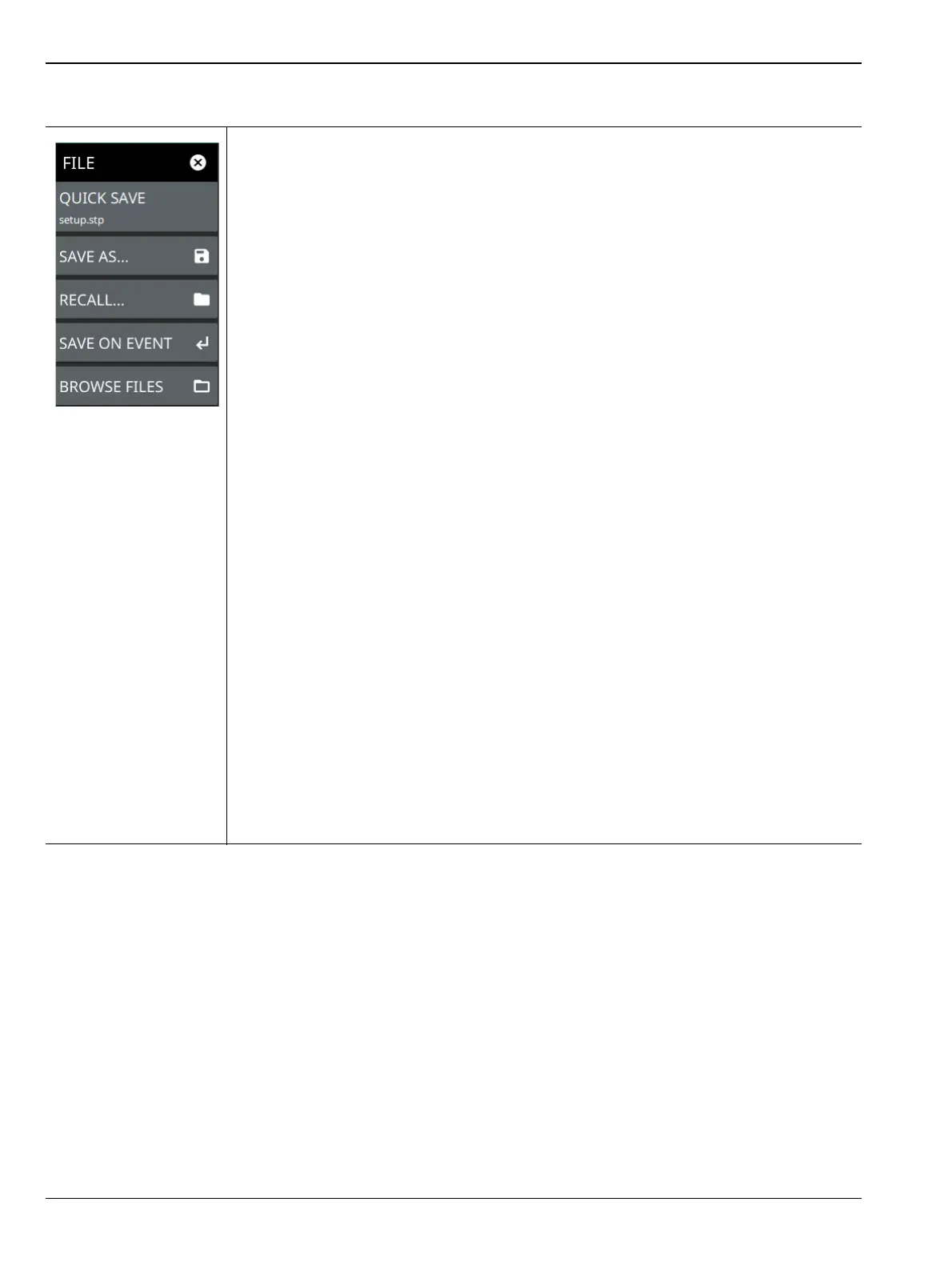
FILE Menu
QUICK SAVE: saves a setup file immediately with the name shown in the button. The
number in the name is incremented automatically so that the new name is ready for the
next setup file to be saved.
SAVE AS: Opens the Save dialog to manually enter a file location, enter a file name, and
to set the file type to be saved. Depending on the selected measurement, you can save
the following:
• Setup: Saves the current instrument setup (stp file type).
• Trace: Saves the measurement (trace or point data) and the current instrument
setup (fmspa file type).
• CSV: Saves the visible trace point or map point measurement data (Option 431,
Coverage Mapping) in comma separated value format (csv file type). This format is
useful for further analysis using other software tools. Note that the saved map point
data is cumulative of all data points on the map or measurement data since the
map points were last cleared.
• KML: Saves measurement data in Keyhole Markup Language format, including the
instrument model number, installed options, sample data with GNSS (GPS)
coordinates, if GNSS (GPS) is installed (Option 431, Coverage Mapping only
(Indoor Map)). Note that the saved data is cumulative of all data points on the map
or measurements since the map points were last cleared.
• Limit: Saves the current limit line point data (lim file type).
• Screenshot: Saves a screenshot of the current measurement (png file type).
• Trace + Screenshot: Saves both the current measurement and screenshot files
(both fmspa and png file types).
• KML: Saves coverage mapping data points in Keyhole Markup Language format
(kml file type).
RECALL: Opens the Recall File dialog to retrieve a file from a desired location. Only
supported files will be displayed depending on the currently set measurement. When
trace data is recalled, the instrument will change the settings to match the settings of the
saved trace. The data will be recalled to the appropriate trace. That trace will be in a Hold
mode. To exit the recalled data, simply change the trace mode back to Active.
SAVE ON EVENT: Opens the “SAVE ON EVENT Menu” on page 3-123.
BROWSE FILES: Opens File Management screen. For more information refer to the
product’s user guide.
Figure 3-103.FILE Menu













 To Next Page