Spectrum Analyzer Measurements 3-25 Saving and Recalling Measurements
Spectrum Analyzer MG PN: 10580-00447 Rev. H 3-123
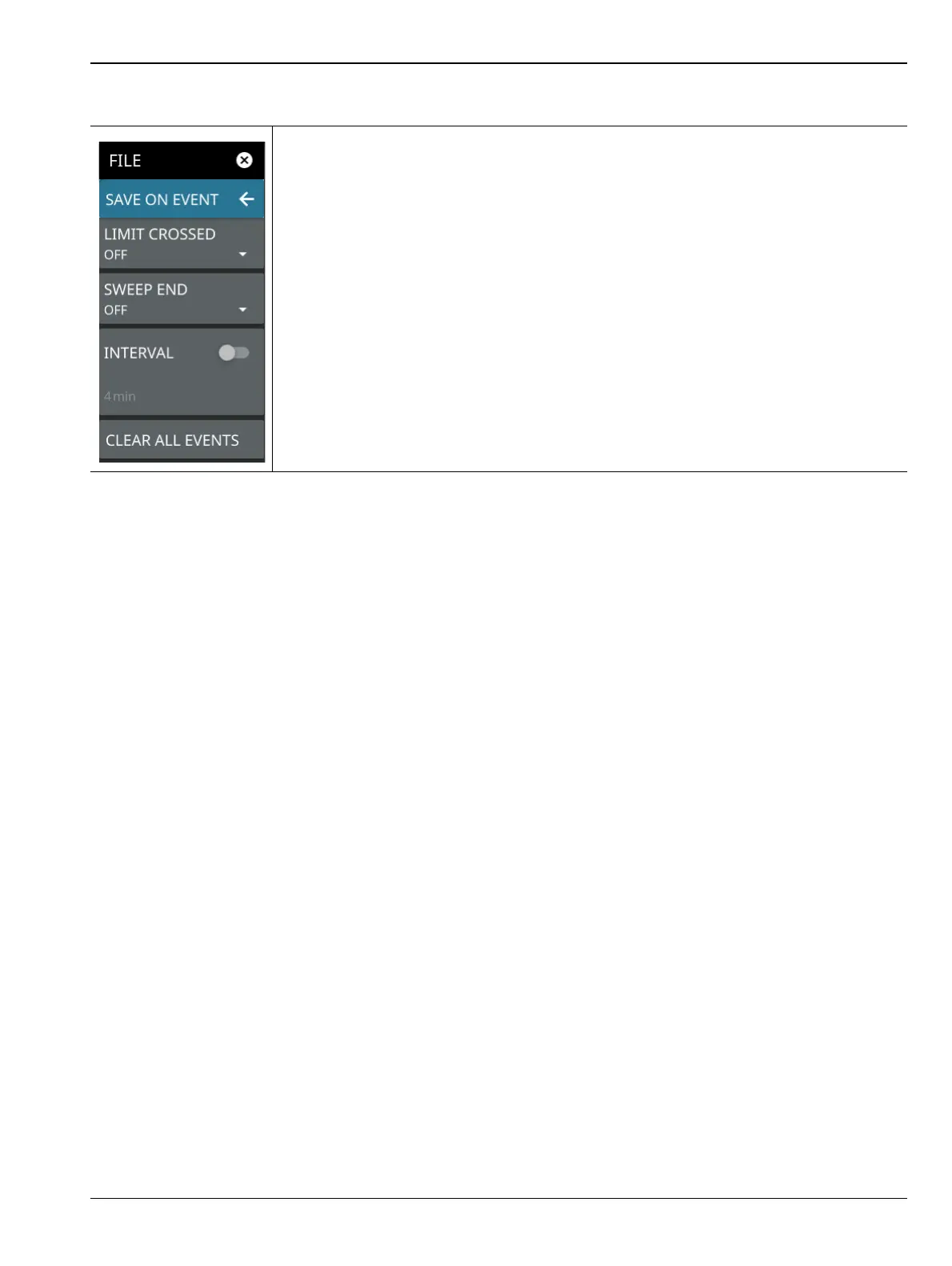
SAVE ON EVENT Menu
Save on event saves the current trace data to a folder named with the current date and
time (yyyymmddhhmmss).
LIMIT CROSSED: When enabled, measurement trace data is automatically saved when
the trace crosses a limit line that has been specified in the LIMIT menu. If SINGLE is
selected, the first event will be saved and the event will be set to off. If CONTINUOUS is
selected, each event will continue to be saved until the user turns it off or the memory is
full.
SWEEP END: When enabled, measurement trace data is automatically saved after the
current sweep is completed. If SINGLE is selected, the first sweep will be saved and the
event will be turned off. If CONTINUOUS is selected, each sweep will continue to be
saved until the user turns it off or the memory is full.
INTERVAL: A save will occur periodically. Set the desired period by entering the time.
CLEAR ALL EVENTS: Select this button to turn off all save events at once.
Figure 3-104.SAVE ON EVENT Menu













 To Next Page