4-2 Making IA Spectrum Analyzer Measurements IA Spectrum Analyzer (Option 24)
4-2 PN: 10580-00447 Rev. H Spectrum Analyzer MG
4-2 Making IA Spectrum Analyzer Measurements
Initial Setup
• Connect a signal source to the RF In port of the instrument. For over-the-air measurements, connect an
antenna that is appropriate for the frequency range to be measured. For connector descriptions, refer to
Connector Panel section of the product’s user guide.
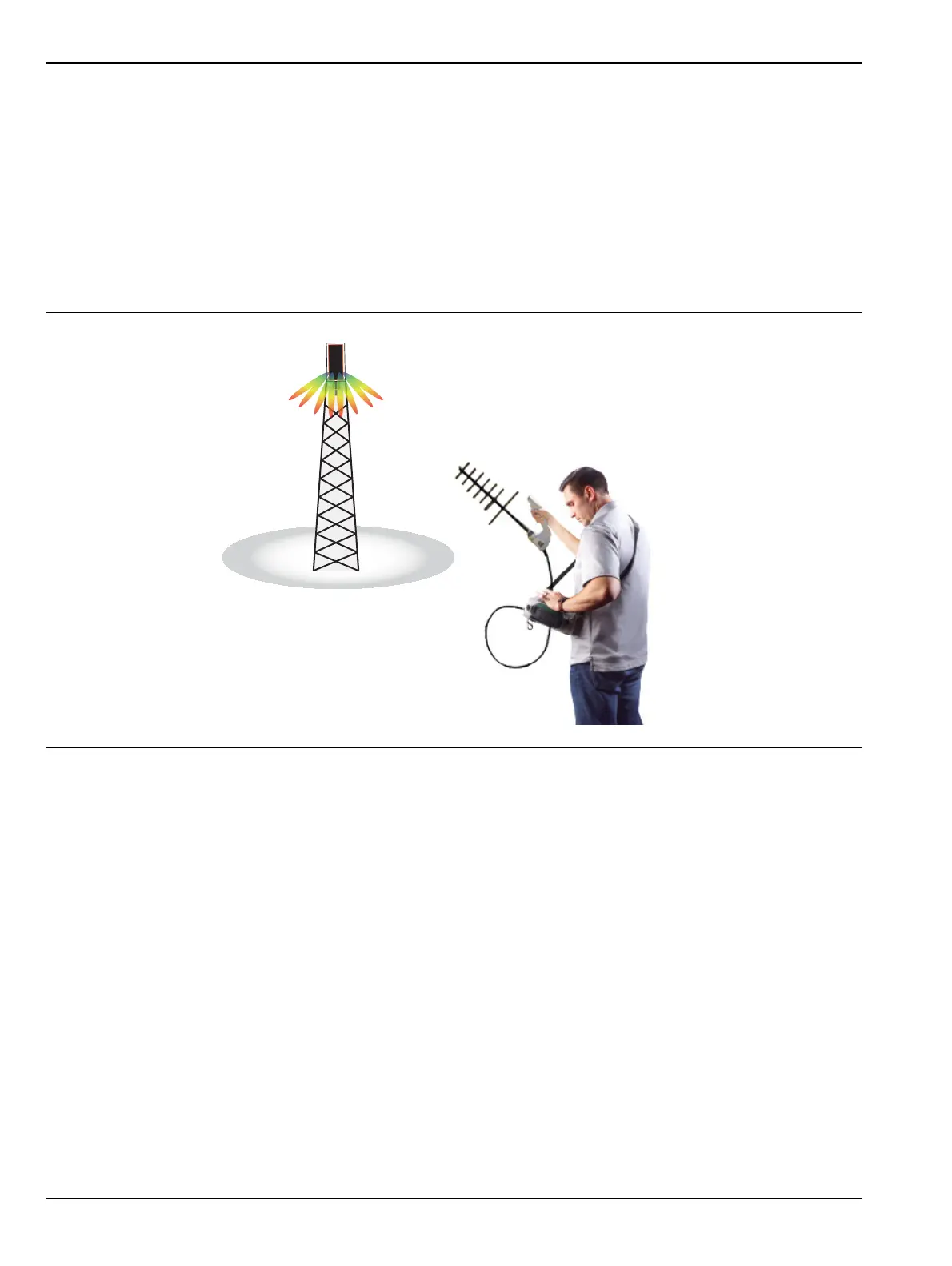
• Connect the MA2700A handheld InterferenceHunter, GPS receiver and a directional antenna (e.g. Yagi
antenna) to the instrument. Enable the GPS settings.
• Select the IA spectrum analyzer. Refer to “Selecting the Analyzer” on page 2-1.
Figure 4-1. Measurement Setup













 To Next Page