3-13 Channel Power Spectrum Analyzer Measurements
3-70 PN: 10580-00447 Rev. H Spectrum Analyzer MG
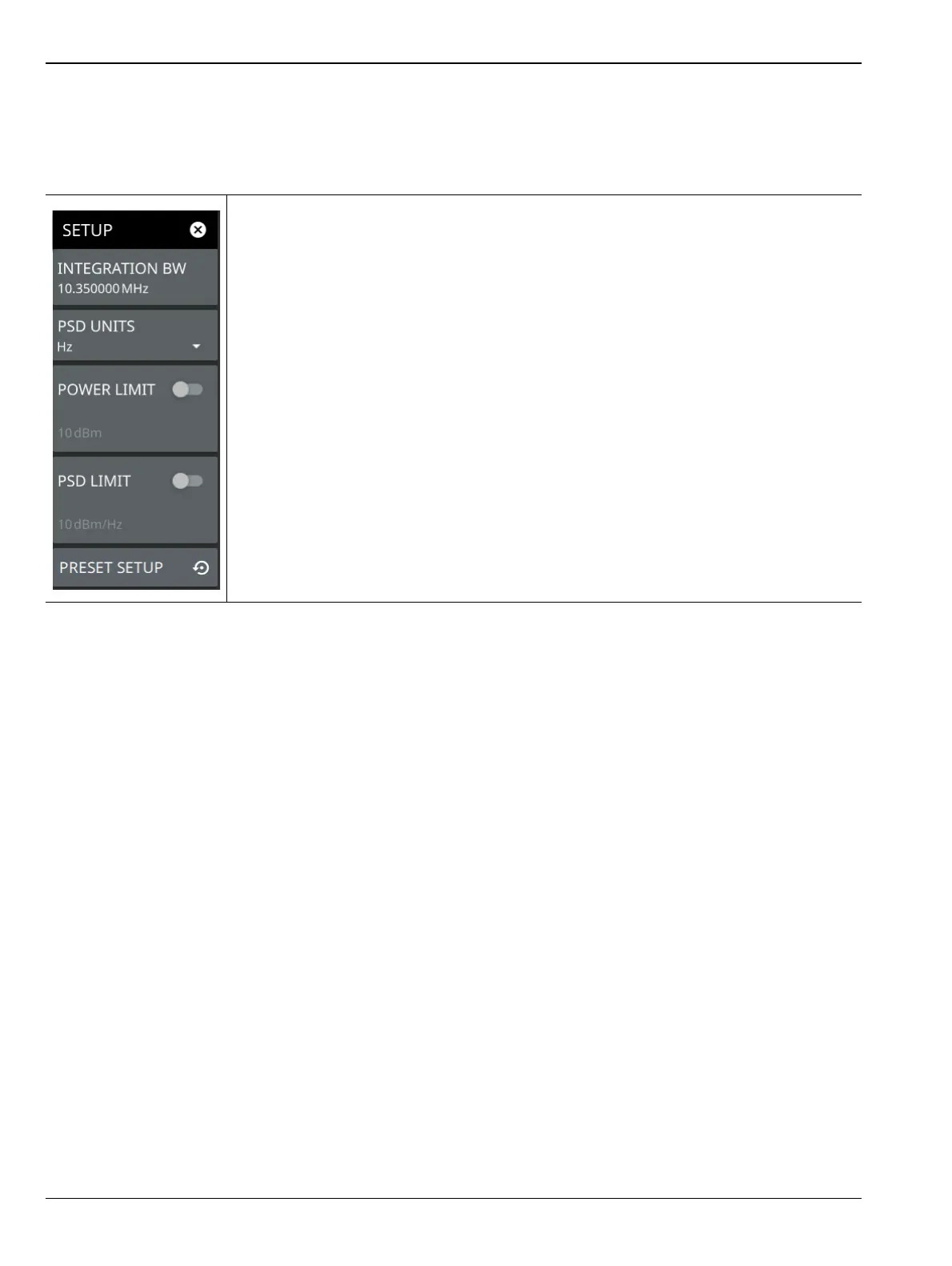
SETUP Menu (Channel Power)
The channel power SETUP menu is available in MEASURE > MEASUREMENT > Channel Power > SETUP.
Once the channel power measurement is selected, the SETUP menu can be quickly accessed by tapping on the
summary display area below the spectrum window.
INTEGRATION BW: Sets the range of integration used in calculating the power in the
channel. The integration bandwidth (IBW) is displayed as the shaded region between the
bandwidth start and stop thresholds (dashed green lines).
PSD UNITS: Sets the unit bandwidth for power spectral density. The available units are
Hz and MHz.
POWER LIMIT: The power limit is the threshold value used to determine whether the
actual measured channel power will pass or not. If the measured channel power exceeds
the set power limit, the channel power test fails; otherwise, the test passes. Pass/fail test
results are shown in the measurement results table.
PSD LIMIT: If the power spectral density limit is on, the PSD Limit is the threshold value
used to determine whether the actual measured PSD will pass or not. If the measured
PSD exceeds the PSD Limit, the PSD test fails; otherwise the test passes.
PRESET SETUP: Sets all channel power setup parameters to default. Turns off limits.
Figure 3-58. SETUP Menu (Channel Power)













 To Next Page