IA Spectrum Analyzer (Option 24) 4-3 Setting Up Advanced Measurements
Spectrum Analyzer MG PN: 10580-00447 Rev. H 4-3
4-3 Setting Up Advanced Measurements
Refer to “Making IA Spectrum Analyzer Measurements” on page 4-2 for basic information on setting up a IA
spectrum measurement. This section provides setup information for making swept spectrum measurements.
The Field Master Series analyzer features smart measurements that make setup easy. The following sections
present brief examples demonstrating the use of these measurements.
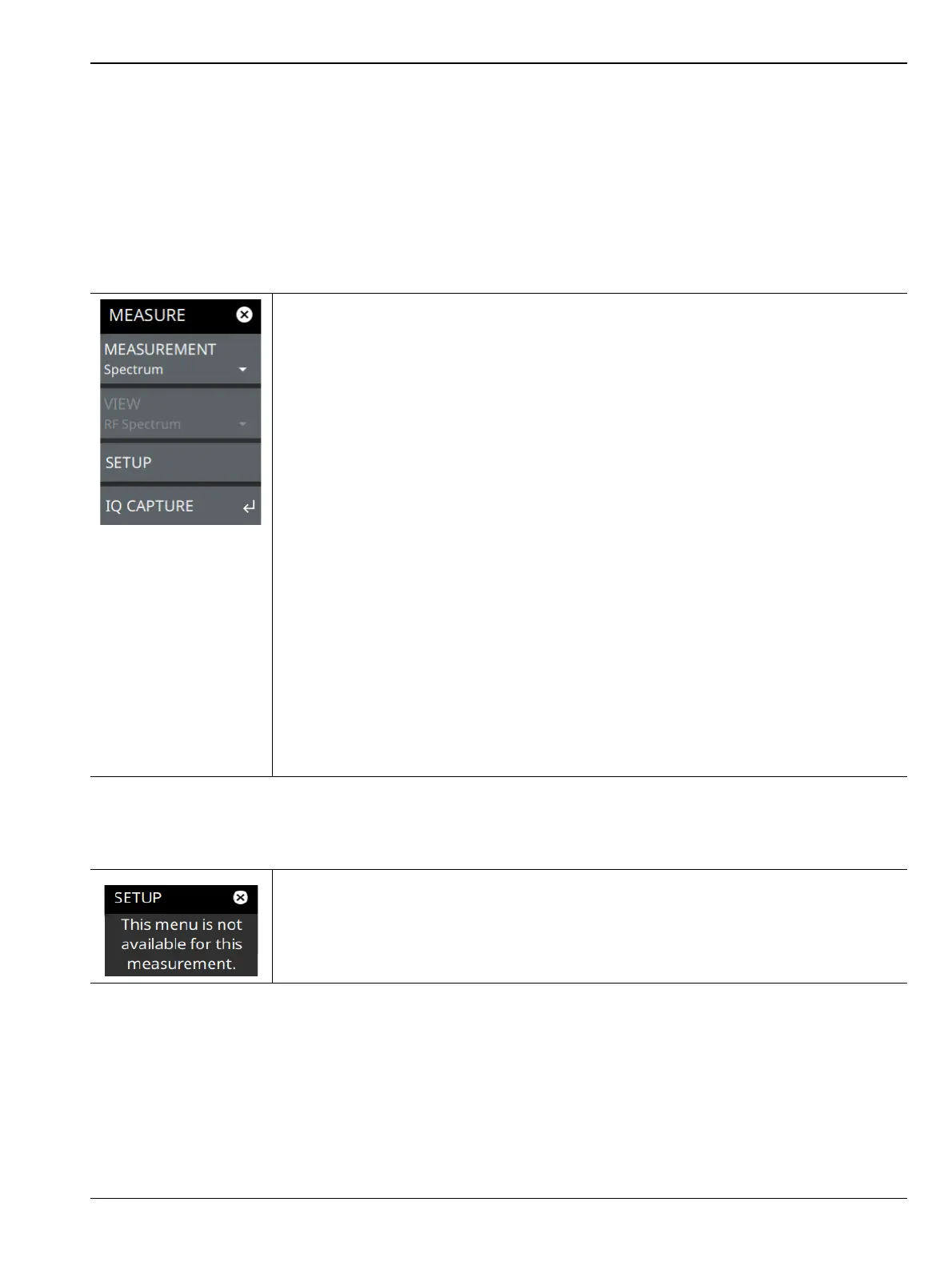
From the MEASURE menu, select one of the desired measurements.
MEASURE Menu
SETUP Menu (Spectrum)
Refer to the sections below for additional setup menus when using advanced measurements:
• “SETUP Menu (PIM/Interference)” on page 3-85
• “SETUP Menu (AM/FM Audio RF Spectrum)” on page 3-105
• “SETUP Menu (AM/FM Audio – All Measurements View)” on page 3-110
• “SETUP Menu (Interference Map)” on page 4-7
• “SETUP Menu (Interference Polar)” on page 4-10
MEASUREMENT: Selects the desired measurement type from the following list:
•Spectrum: Displays the frequency domain spectrum measurement.
• AM/FM Audio: Available when Option 24 or Option 509 is installed. The AM/FM
Audio provides audio demodulation capability. Refer to Section 3-20 “AM/FM Audio
(Requires Option 24 or Option 509)” on page 3-103, and Section3-21“AM/FM
Modulation Measurement (Option 509)” on page 3-106.
• PIM/Interference: Available when Option 24 is installed. The input parameters and
channel measurements tables, max/min level lines, and total channel power signal
indicator are added to the measurement display. Refer to
Section 3-17 “PIM/Interference (Option 24)” on page 3-82.
• Interference Map: This technique is used to geo-locate the interfering signals that
may be from a few hundred yards to a few miles away, with respect to user’s
current location. Refer to Section 4-4 “Interference Map” on page 4-4.
• Interference Polar: This technique is used to geo-locate the polar plot of the
interfering signals that may be from a few hundred yards to a few miles away, with
respect to user’s current location. Refer to Section 4-5 “Interference Polar”
on page 4-8.
SETUP: Opens the “SETUP Menu (Spectrum)” on page 4-3 for the measurement and
view selected above.
IQ CAPTURE: Opens the “IQ CAPTURE Menu (Option 124/126)” on page 3-63.
Refer to the IQ Capture/Streaming Measurement Guide for discussion of IQ Capture and
Streaming, PN: 10580-00490.
Figure 4-2. MEASURE Menu
There are no advanced measurement setups for the basic IA spectrum analyzer
measurement.
Figure 4-3. SETUP Menu (Spectrum)













 To Next Page