3-19 Coverage Mapping (Option 431) Spectrum Analyzer Measurements
3-98 PN: 10580-00447 Rev. H Spectrum Analyzer MG
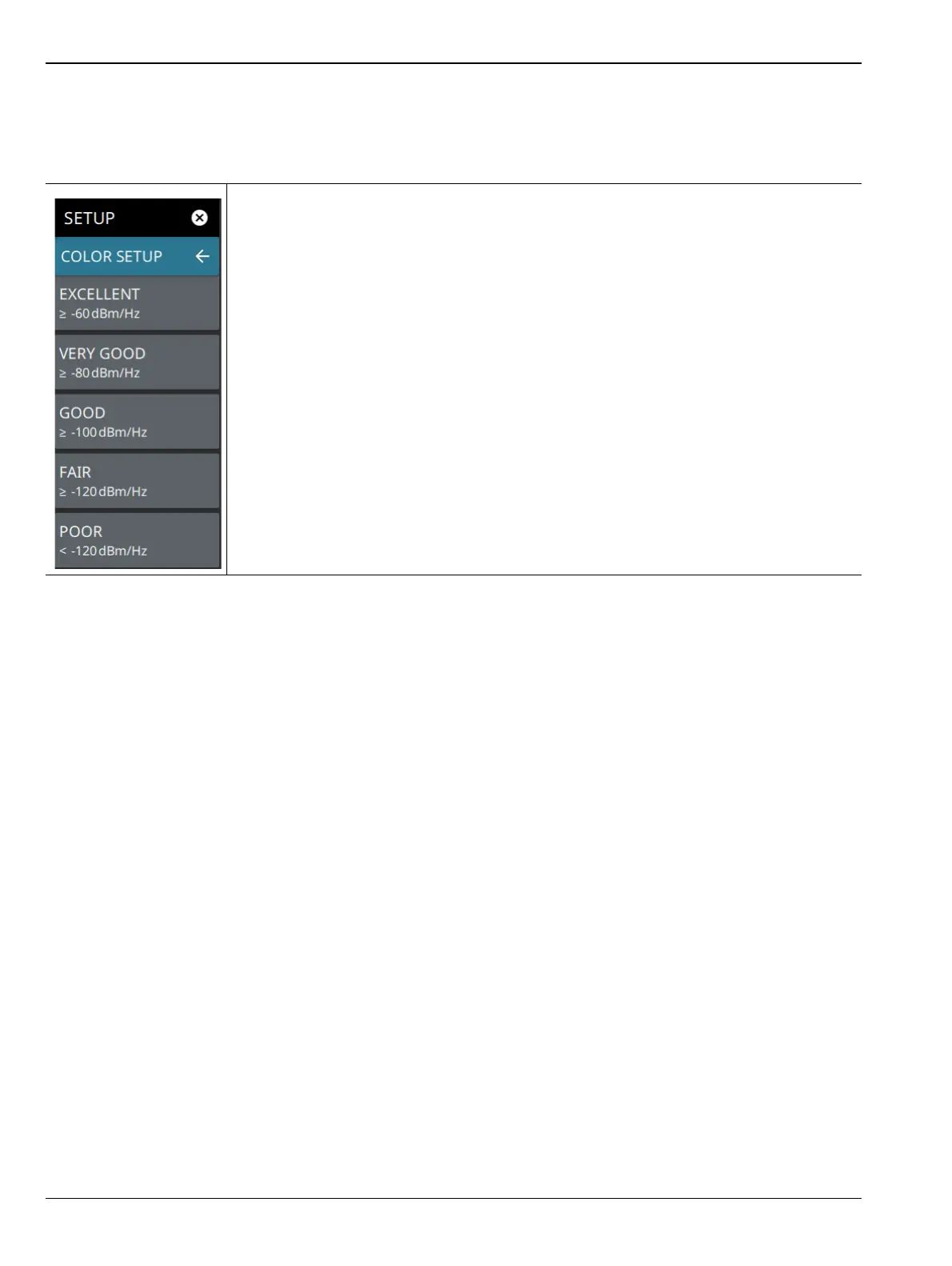
COLOR SETUP Menu (Coverage Mapping)
The coverage mapping measurement COLOR SETUP menu is available in MEASURE > MEASUREMENT >
Coverage Mapping > SETUP > COLOR SETUP. Once the coverage mapping measurement is selected, the
SETUP menu can be quickly accessed by tapping on the summary display area below the spectrum window.
EXCELLENT: Sets the power level threshold for the EXCELLENT color.
VERY GOOD: Sets the power level threshold for the VERY GOOD color.
GOOD: Sets the power level threshold for the GOOD color.
FAIR: Sets the power level threshold for FAIR color.
POOR: Sets the power level threshold for the POOR color.
See “Outdoor Coverage Mapping” on page 3-92 for the color-coded legend.
Figure 3-80. COLOR SETUP Menu (Coverage Mapping)













 To Next Page