IA Spectrum Analyzer (Option 24) 4-4 Interference Map
Spectrum Analyzer MG PN: 10580-00447 Rev. H 4-5
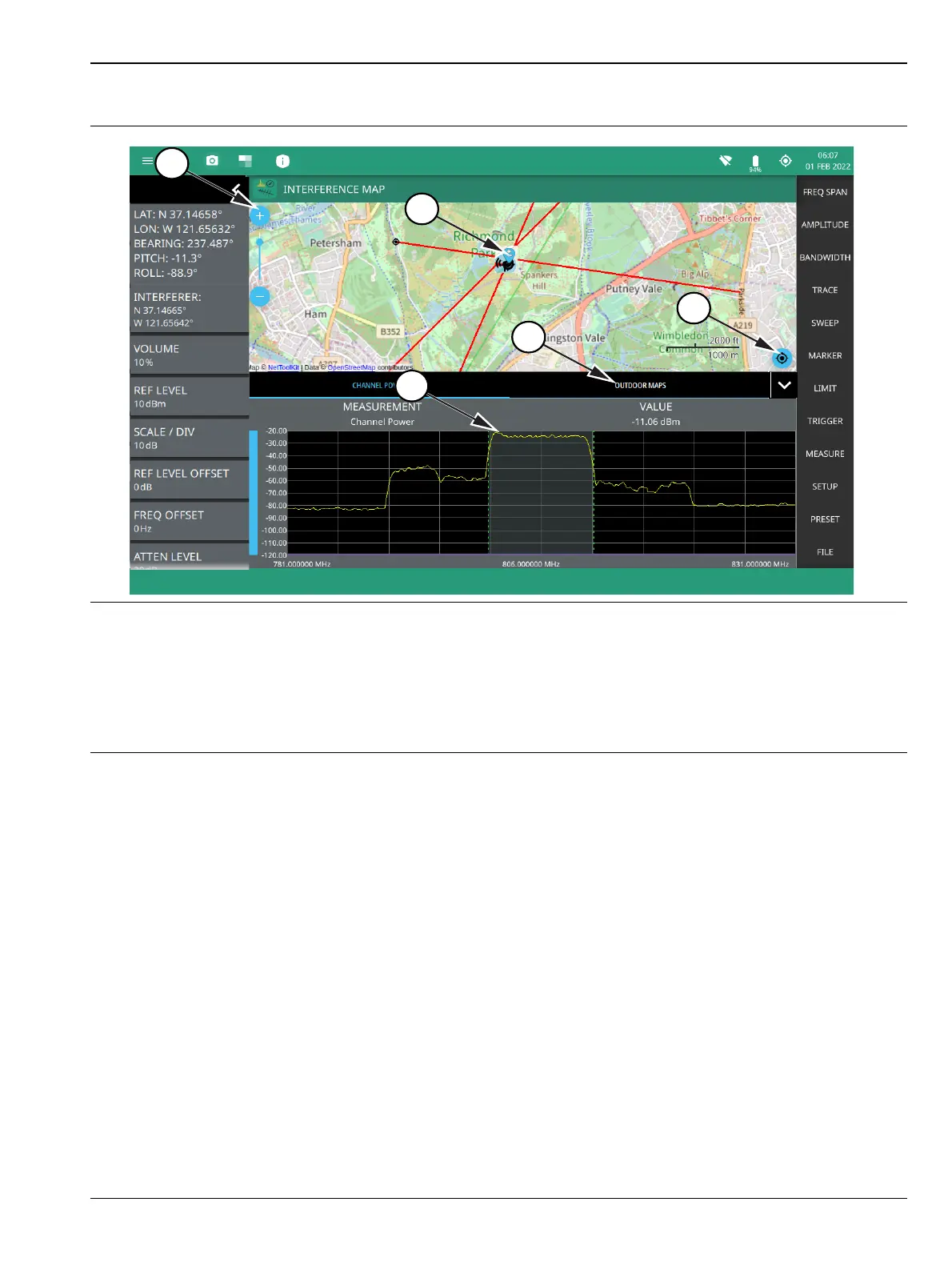
1. The map zoom tool is used to increase (+) or decrease (-) zoom level. You can also drag the zoom level
indicator up or down, or you can pinch to change zoom level.
2. Triangulation of all the three interference signals.
3. Re-centering tool to center map on current GPS position. A GPS is required for this icon to appears.
4. Select Outdoor Maps to view the list of saved maps or to create a new map using Map tool.
5. Max channel power.
Figure 4-4. Interference Map Measurement













 To Next Page