3.8 Saving and Reading Data
3-23
3
3.8.1 Saving Measurement Conditions and Waveform Data
To input the file name and save the file:
1. Press
F6 Config
at the horizontal menu.
2. Press
f2 Copy Setting
to set File Name Settings to
.
3. Press
f7 Set
.
4. Press
Save
.
5. Press
f1 Device
to open the device selection window.
6. Select the destination device using the arrow key.
7. Press
f7 Set
.
8. Select the file format using
f3 Save CSV All
,
f4 Save CSV
, or
f5 Save
XML
.
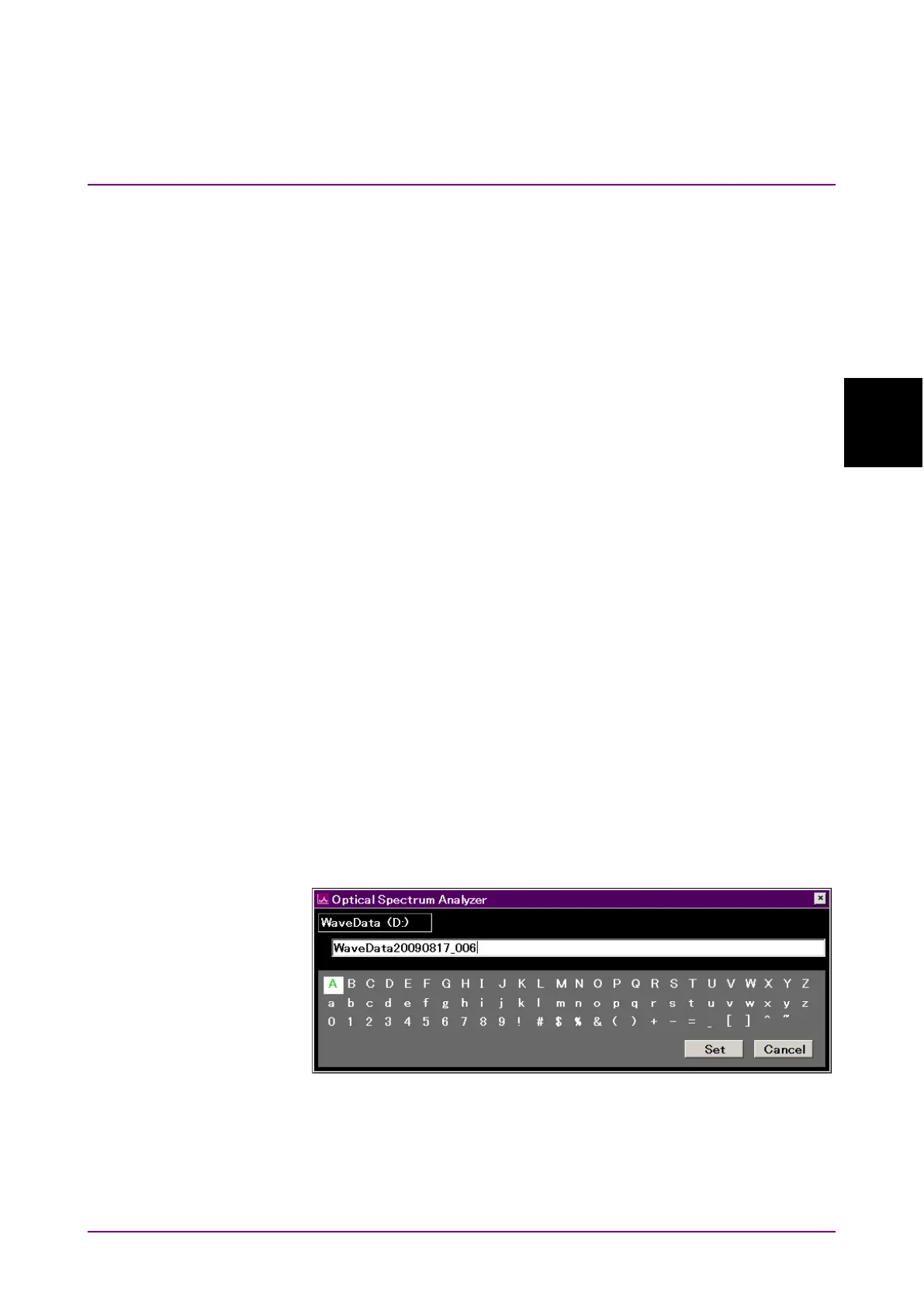
9. Enter the file name using the following procedures:
a. Select the displayed characters on the dialog box using the
rotary knob.
b. Press
Enter
to confirm the characters.
c. Move the cursor using the arrow key to change the characters.
Select the displayed characters on the dialog box using the
rotary knob.
d. Press
f7 Set
to confirm the file name.
Steps 1 and 2 are not required for second and subsequent operations.
Note:
If the save destination is external USB flash drive, the path
[\Anritsu Corporation\Optical Spectrum Analyzer\User Data] is
created automatically in the USB flash drive root directory.
Figure 3.8.1-1 File Name Input Dialog Box
Select the characters on the dialog box to enter the file name. A copied file
name cannot be pasted into the dialog box.














 To Next Page