5.8 Measuring Optical Amplifier (Wavelength Division Multiplex)
5-69
5
5.8.1 Optical Amplifier (WDM) Screen Display
To display the optical amplifier (WDM) measurement functions,
1. When the name of the
F7
horizontal key is not
Application
, press
F8
,
and then press
F7
.
2. Press
f7 More 1/2
.
3. Press
f2 Opt.Amp (Multi Channel) Test
to display the measurement
result display field.
4. Press
f6 Off
to finish the optical amplifier (WDM) measurement.
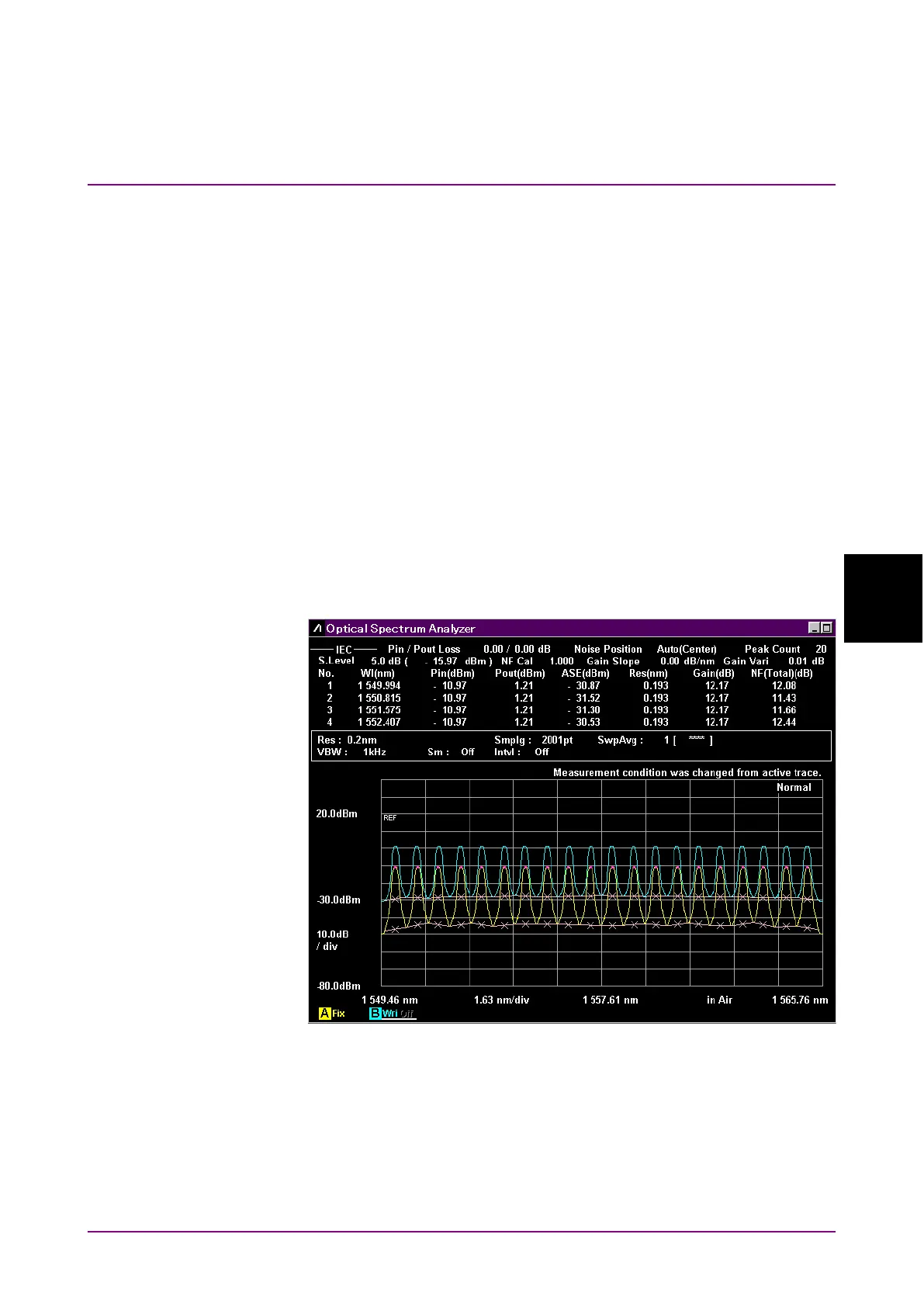
The optical amplifier (WDM) measurement has two types of
measurement screens.
The displayed measurement results for each screen display are the same.
Trace & Table:
Up to four measurement results for each optical signal are displayed in
one screen.
Figure 5.8.1-1 Trace & Table Display Example














 To Next Page