Chapter 2 Before Use
2-24
2.9.3 Setting Control Panel
Various Windows settings (such as time, network address, and external
display) are configured at the Control Panel. Do not change any settings
except those listed in Table 2.9.3-1.
When using the mouse:
1 Open the
Start menu on the Windows task bar.
2 Select
Control Panel to display the control panel.
When using the keyboard:
1 Press the Windows key to display the start menu.
2 Press
C
key to display the control panel.
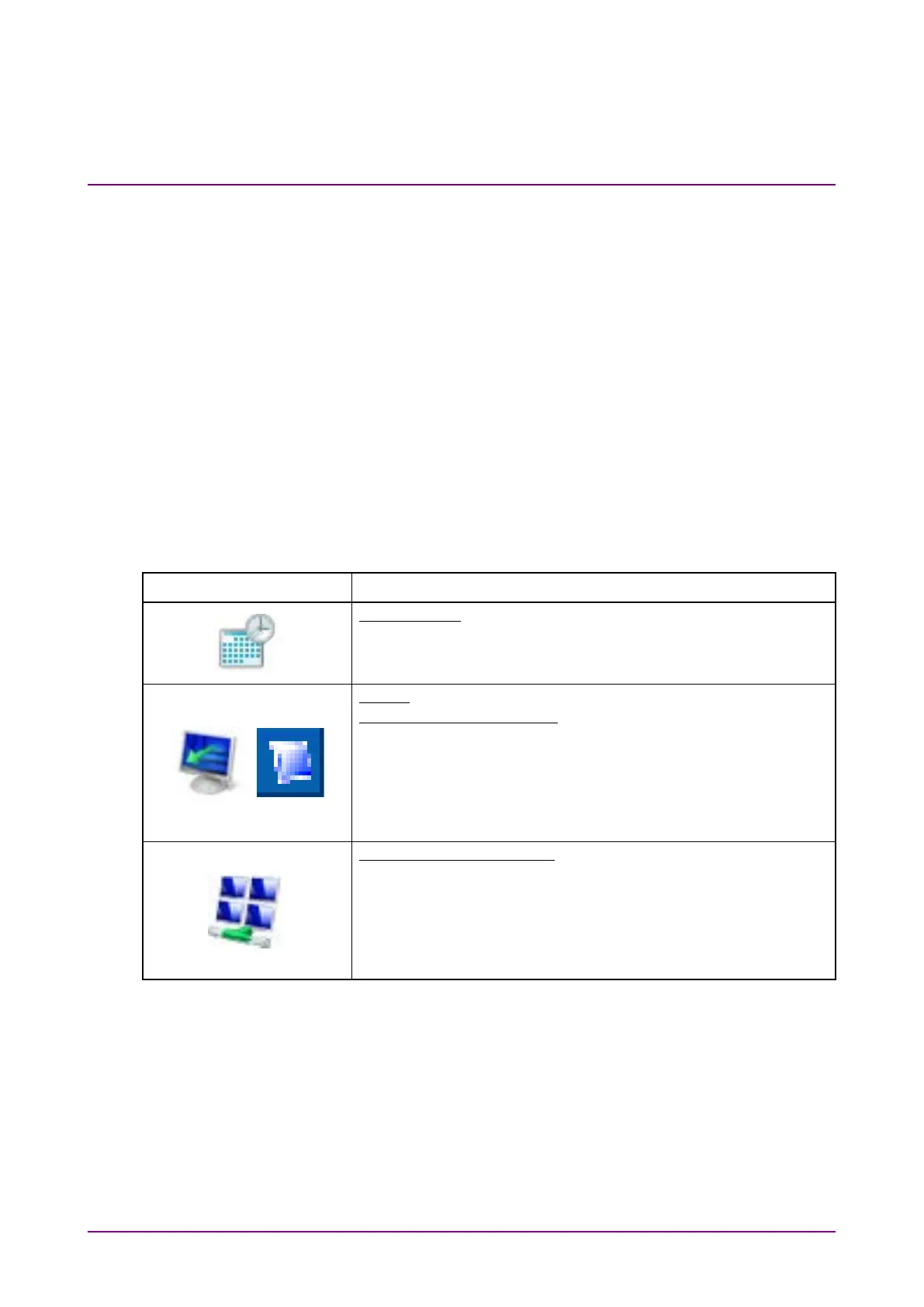
Table 2.9.3-1 Description of Control Panel (Windows Embedded Standard 7)
Setting Type Description
● Change the date, time and time zone as necessary.
● Internet Time is set to off at factory shipment. Operation may
be affected if this setting is changed.
Display
Intel® GMA Driver for Mobile
● This setting must be changed when connecting an external
monitor to the MS9740B VGA connector. See Section 2.9.4
"Using external display" for details.
● Changing the screen resolution, refresh rate or power
management, or enabling the screen saver may cause
abnormal MS9740B operation.
Network and Sharing Center
● TCP/IP settings may change when the MS9740B is
remote-controlled via the Ethernet. Refer to the MS9740B
Operation Manual (Mainframe Remote Control) for details.
● The IP address uses 192.168.0.10 at factory shipment. Ensure
that the network settings are appropriate when connecting the














 To Next Page