Chapter 5 Measurement Functions
5-56
5.7.4 Measurement Using Polarization Nulling Method
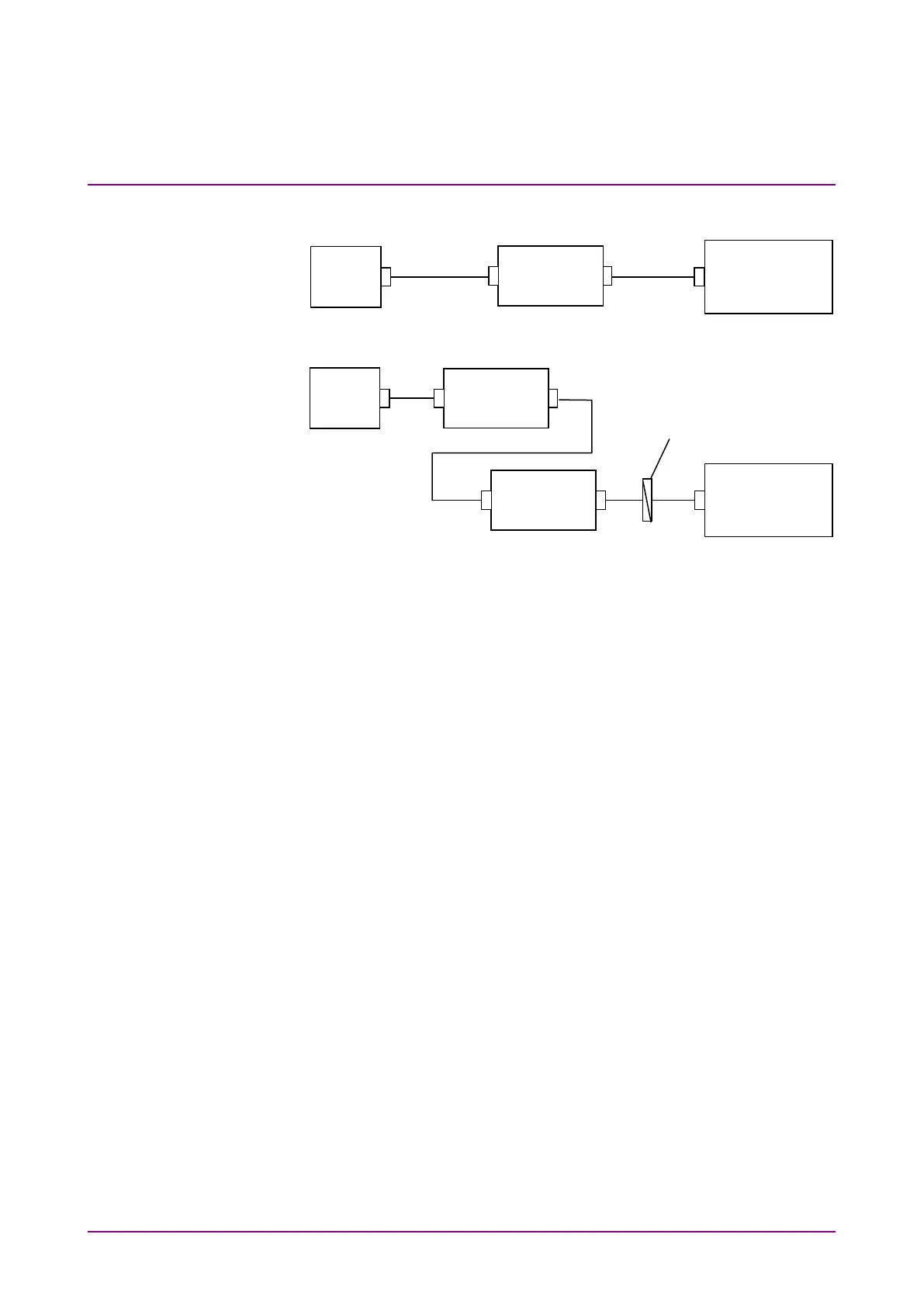
Figure 5.7.4-1 Measurement System for Polarization Nulling Method
To perform measurements using the polarization nulling method
1. Press
f1 Method
.
2. Press
f3 PLZN Nulling
.
3. Press
f7 More 1/2
.
4. Press
f1 Pin
. Select the traces A to J to store the signal waveform.
5. Press
f2 Pout
. Select the traces A to J to store the optical output
waveform.
6. Press
f3 Pase
. Select the traces A to J to store the ASE waveform.
7. Press
f7 More 2/2
.
8. Input the output light of the optical amplifier to MS9740B as shown
by the connection in Figure 5.7.4-1 (a).
9. Set the wavelength, resolution, and level scale.
10. Press
f5 Res Cal
.
11. Press
f1 Execute
. The message indicating the resolution calibration
in progress is displayed.
12. Press
f3 Write to
.
13. Press
f1 Pin
.
14. Press
Single
or
Repeat
.
The data for the trace specified at step 4 is stored.
15. Press
f3 Write to
.
16. Press
f2 Pout
.
Source
Amplifier
Analyzer
Controller
Source
Analyzer
(b) Measurement of ASE and Optical Output
Controller














 To Next Page