Chapter 5 Measurement Functions
5-88
5.9.2 WDM Filter Screen Display
To display the WDM filter measurement functions,
1. When the name of the
F7
horizontal key is not
Application
, press
F8
,
and then press
F7
.
2. Press
f7 More 1/2
.
3. Press
f3 WDM Filter Test
to display the WDM Filter Measurement
screen.
4. Press
f1 MEAS Item
to show/hide a graph.
5. Press
f3 CH No. Next Page
or
f4 CH No. Last Page
to switch the filter
numbers to be displayed.
6. Press
f5 Display Mode
to show/hide a waveform.
7. Press
f7 Off
to finish the WDM filter measurement.
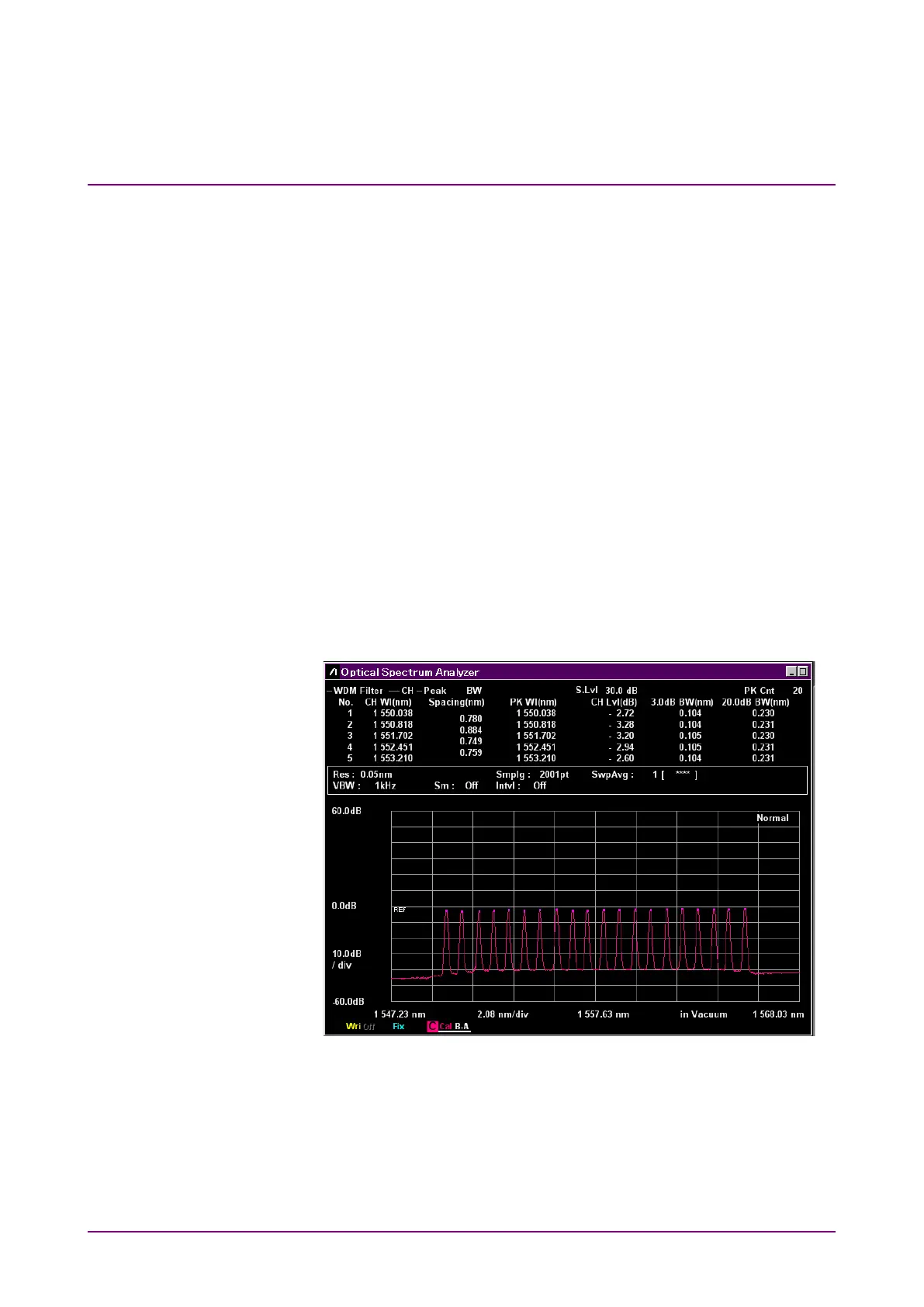
The WDM filter measurement has two types of measurement screens.
The displayed measurement results are the same between the two types.
Trace & Table:
Both waveform and measurement results are displayed in one screen.
Figure 5.9.2-1 Trace & Table Display Example














 To Next Page