5.8 Measuring Optical Amplifier (Wavelength Division Multiplex)
5-83
5
5.8.5 Procedure
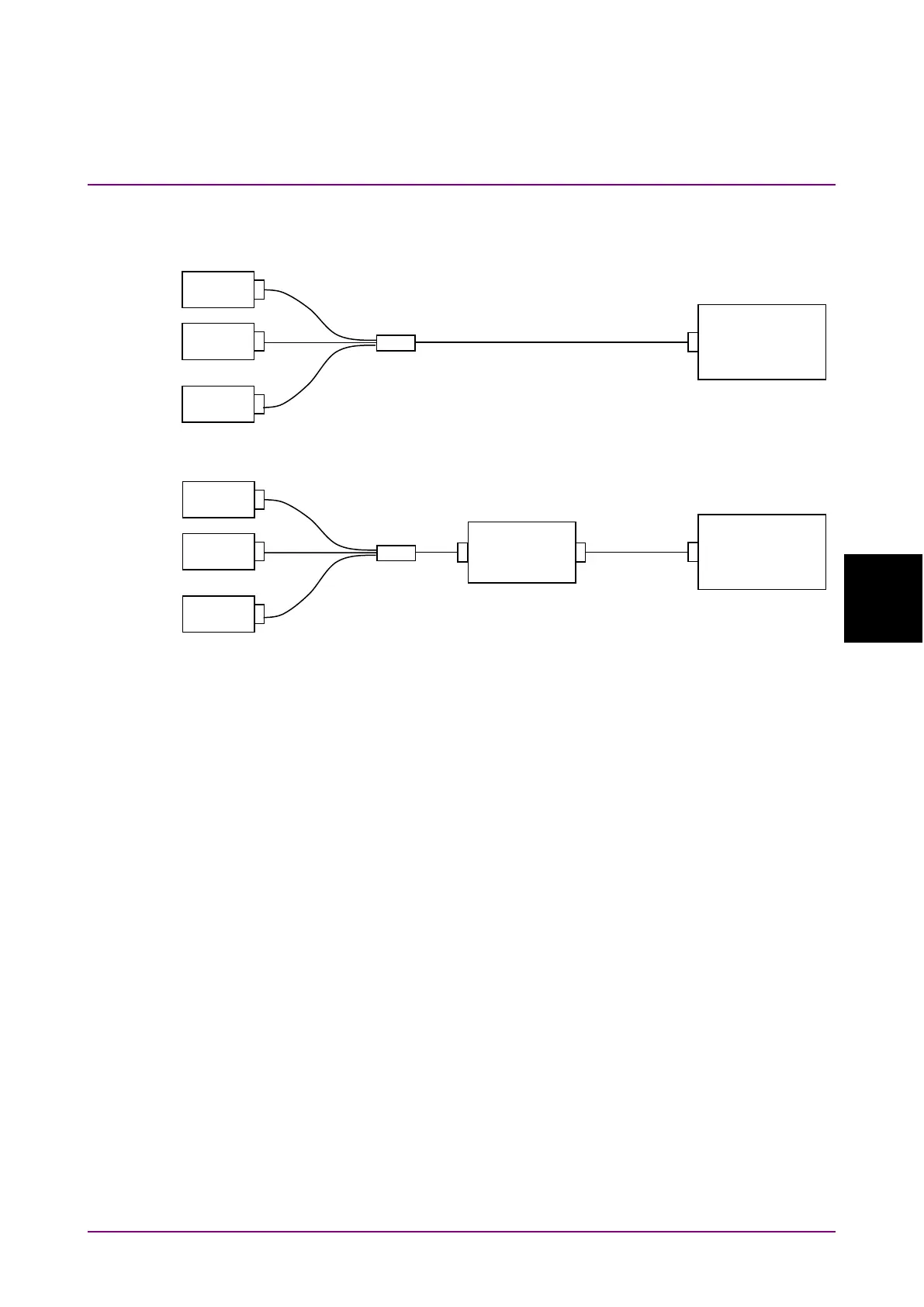
Figure 5.8.5-1 Measurement System When the Optical Input is Wavelength
Multiplexed
To measure the Optical Amplifier (WDM)
1. Press
f1 ISS Method
.
2. Press
f1
to
f3
to select an
ISS Method
.
3. Press
f7 More 1/2
.
4. Press
f1 Pin
. Select the traces A to J to store the signal waveform.
5. Press
f2 Pout
. Select the traces A to J to store the optical output
waveform.
6. Press
f7 More 2/2
.
7. Input the output light of the optical amplifier to MS9740B as shown
by the connection in Figure 5.8.5-1 (a).
8. Set the wavelength, resolution, and level scale.
9. Press
f4 Write to
.
10. Press
f1 Pin
.
11. Press
Single
or
Repeat
.
The data for the trace specified at step 4 is stored.
12. Press
f4 Write to
.
13. Press
f2 Pout
.
Optical Spectrum
Analyzer
l
LS
ln
LS
l1
Optical Spectrum
Analyzer
LS
l2
LS
ln
l
Optical
amplifier
(a) Signal Measurement
(b) Measurement of ASE and Optical Output














 To Next Page