4.8 Inputting Title to Waveform Data
4-31
4
Changing Measurement Conditions
4.8 Inputting Title to Waveform Data
The character strings displayed in the title bar is called title. The title can
include up to 32 alphanumeric characters and symbols.
To input title:
1. Press
F8
to display Others in the horizontal function keys.
2. Press
F5
Others
.
3. Press
f2 Title
.
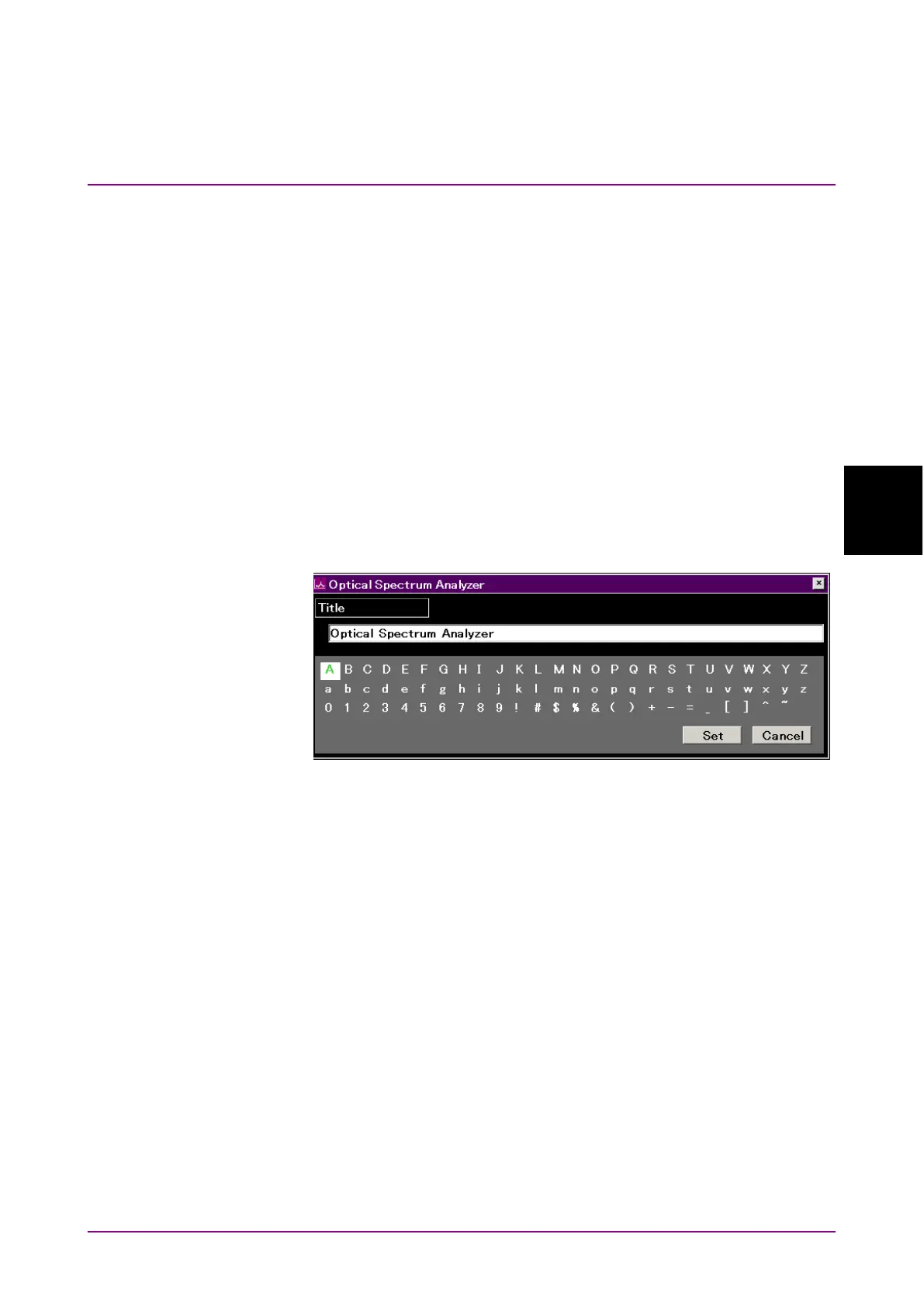
4. If the title input dialog box is displayed, input the characters using
the rotary knob.
5. Press
Enter
to set the characters.
6. When title input is completed, press
f7 Set
.
When title input is cancelled, press
f8 Cancel
.
Characters can also be input from a connected external keyboard.
Figure 4.8-1 Title Input Dialog box














 To Next Page