4.2 Setting Level Display
4-5
4
Changing Measurement Conditions
4.2 Setting Level Display
Press
F2 Level Scale
key to set the level display.
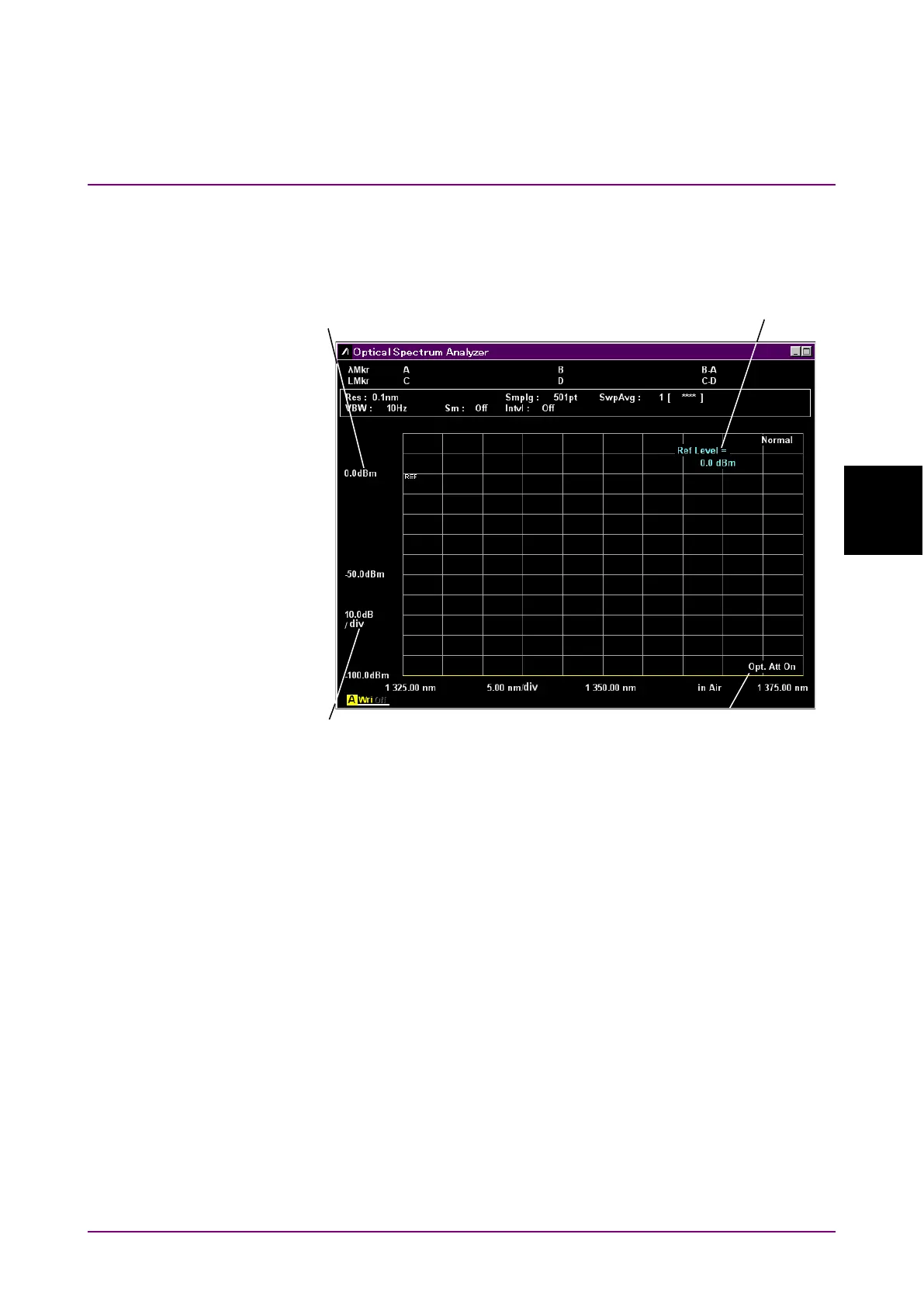
Figure 4.2-1 Name of Level Display
To set log scale:
Set Level Scale to Log Scale and set the scale ratio to dB units.
1. Press
f1 Log (/div)
or
Log (/div)
.
The current log scale is displayed in the setting value input field.
2. Select the numeric value from
f1
to
f7
or enter the value using the
rotary knob or keypad.
The log scale setting range is 0.1 to 10 dB.
Displays when using
internal attenuator
Numerical value
entry area














 To Next Page