2.8 Turning Power On/Off
2-19
2
2.8.2 Power-off
Power-off using panel keys
Press the Power switch to close applications and start shutdown. The
green Power switch lamp goes off, the power lamp lights orange, and the
power is turned off.
Notes:
●
Do not press the Power switch for more than 4 seconds except
where forced shutdown performed, otherwise the system will
quit immediately.
●
To turn Off MS9740B when it is remote-controlled, stop the
remote control operation. Then press the
Local
key and press
the power button to turn it Off.
●
If the power button is pressed while MS9740B is
remote-controlled, a message appears on the screen to prompt
you to close the program. To turn Off the power forcibly, select
Force shut down by the left arrow key and press
Enter
. Then
select
Yes by the left arrow key and press
Enter
to start
shutting down.
Power-off using mouse connected to MS9740B
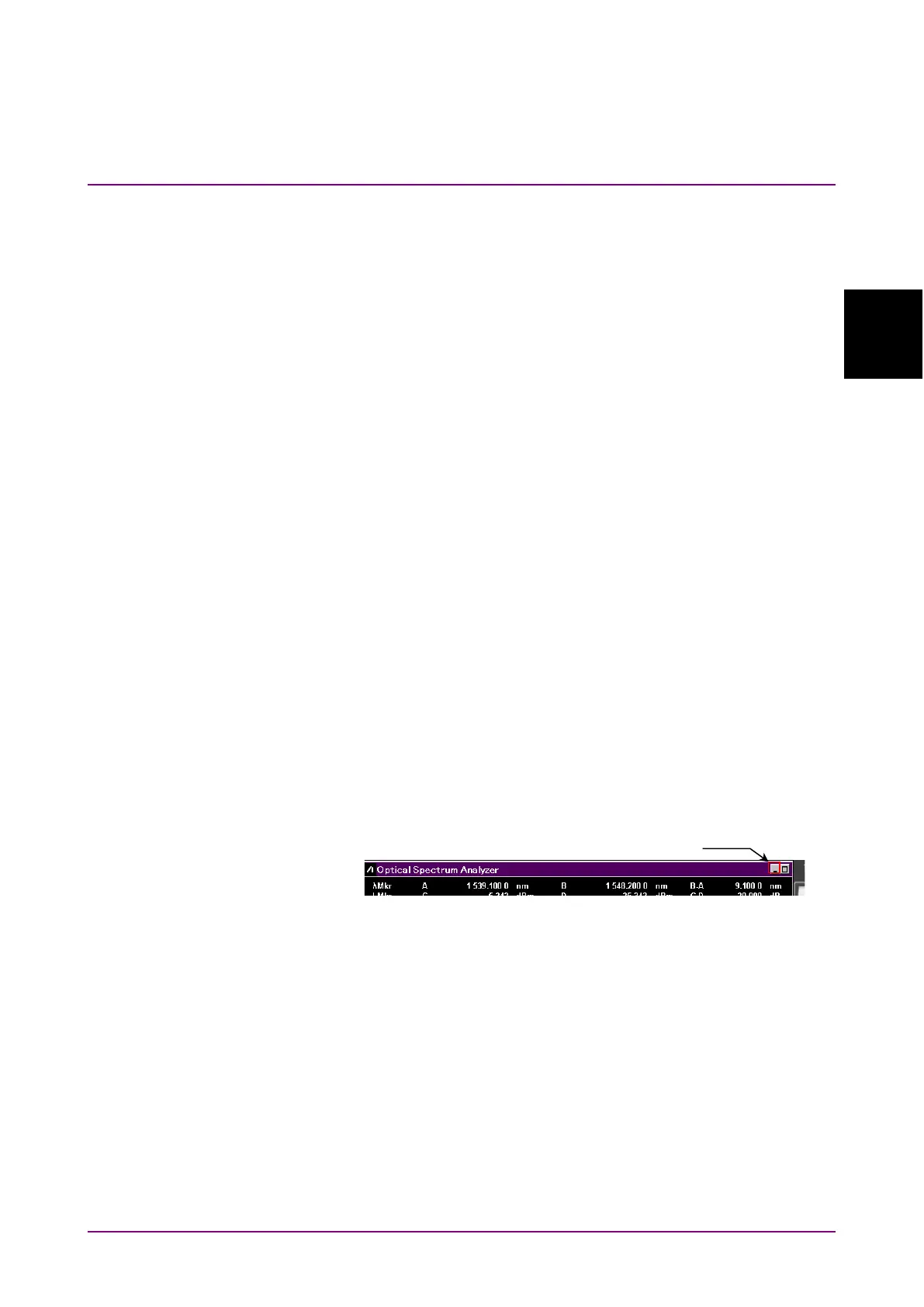
1. Connect the supplied mouse to the MS9740B and click the “Minimize”
button located in the upper right corner of the application window of
the MS9740B.
2. Open the
Start menu on the Windows task bar.
3. Click
Shut down.
Shutdown begins, the green Power switch lamp goes off, the power
lamp lights orange.
Forced shutdown
Press the Power switch for 4 seconds or more.
The green Power switch lamp goes off, the power lamp lights orange, and
the power is turned off.














 To Next Page