Chapter 4 Changing Measurement Conditions
4-2
4.1 Wavelength-related Settings
Press
F1 Wavelength
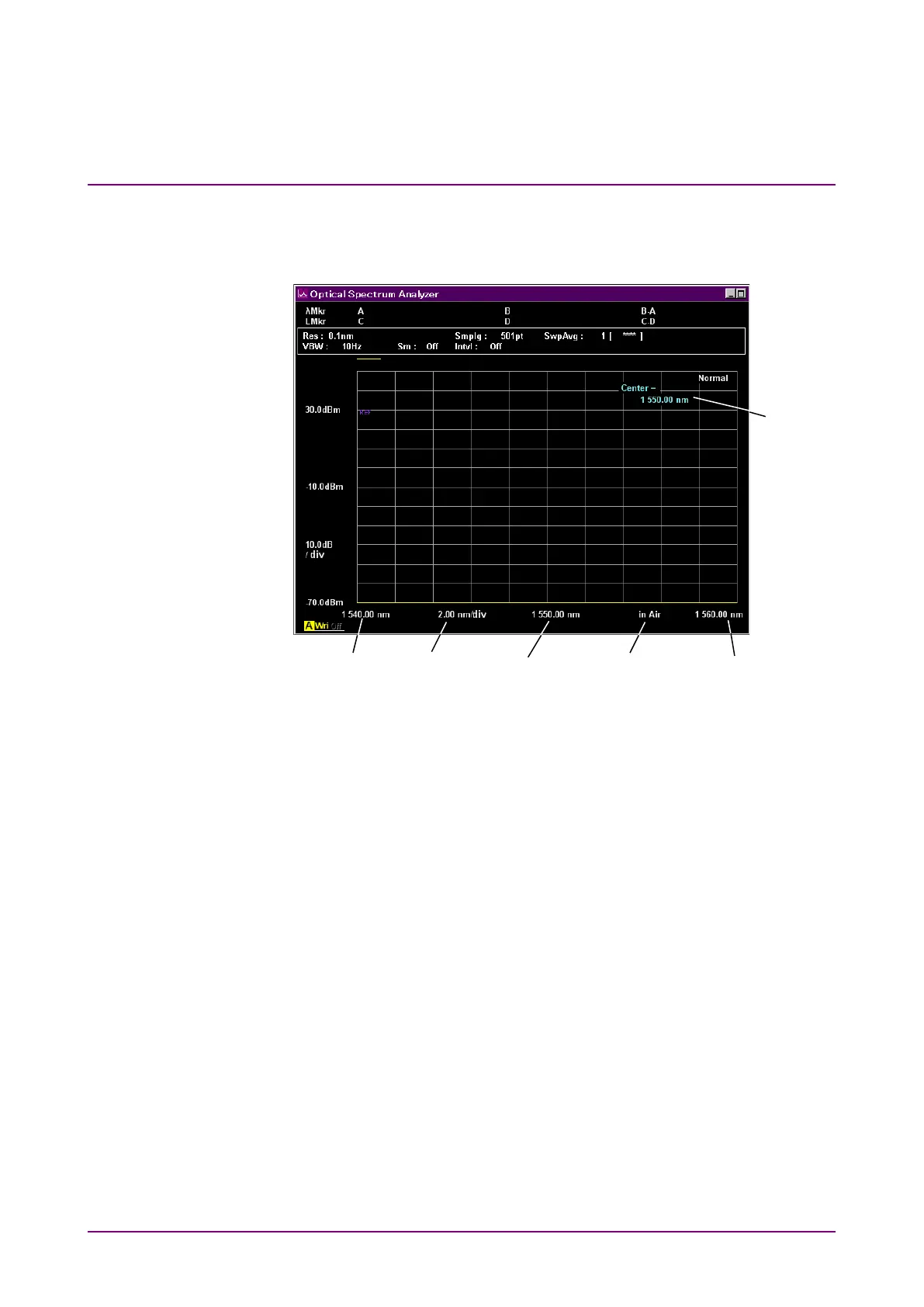
key to set the wavelength related to Figure 4.1-1.
Figure 4.1-1 Names of Wavelength Display
To set screen display Center wavelength:
1. Press
f1 Center
or
Center
.
The current Center is displayed in the setting value input field.
2. Enter the wavelength using the rotary knob or keypad.
The Center setting range is 600 to 1750 nm.
Note:
The Start and Stop are also changed when the Center is changed.
To set screen wavelength sweep or span:
1. Press
f2 Span
or
Span
.
The current Span is displayed in the setting value input filed.
2. Select the numeric value from
f1
to
f6
or enter the value using the
rotary knob or keypad.
The Span setting range is 0 nm, or from 0.2 nm to 1200 nm.
Note:
The Start and Stop are also changed when the Span is changed.
When Span is set to 0 nm, the same wavelength data is displayed
as a graph in the time domain.
Wavelength in air/
Wavelength in a vacuum














 To Next Page