Chapter 5 Measurement Functions
5-90
5.9.3 How to Set the WDM Filter Measurement Method
Press
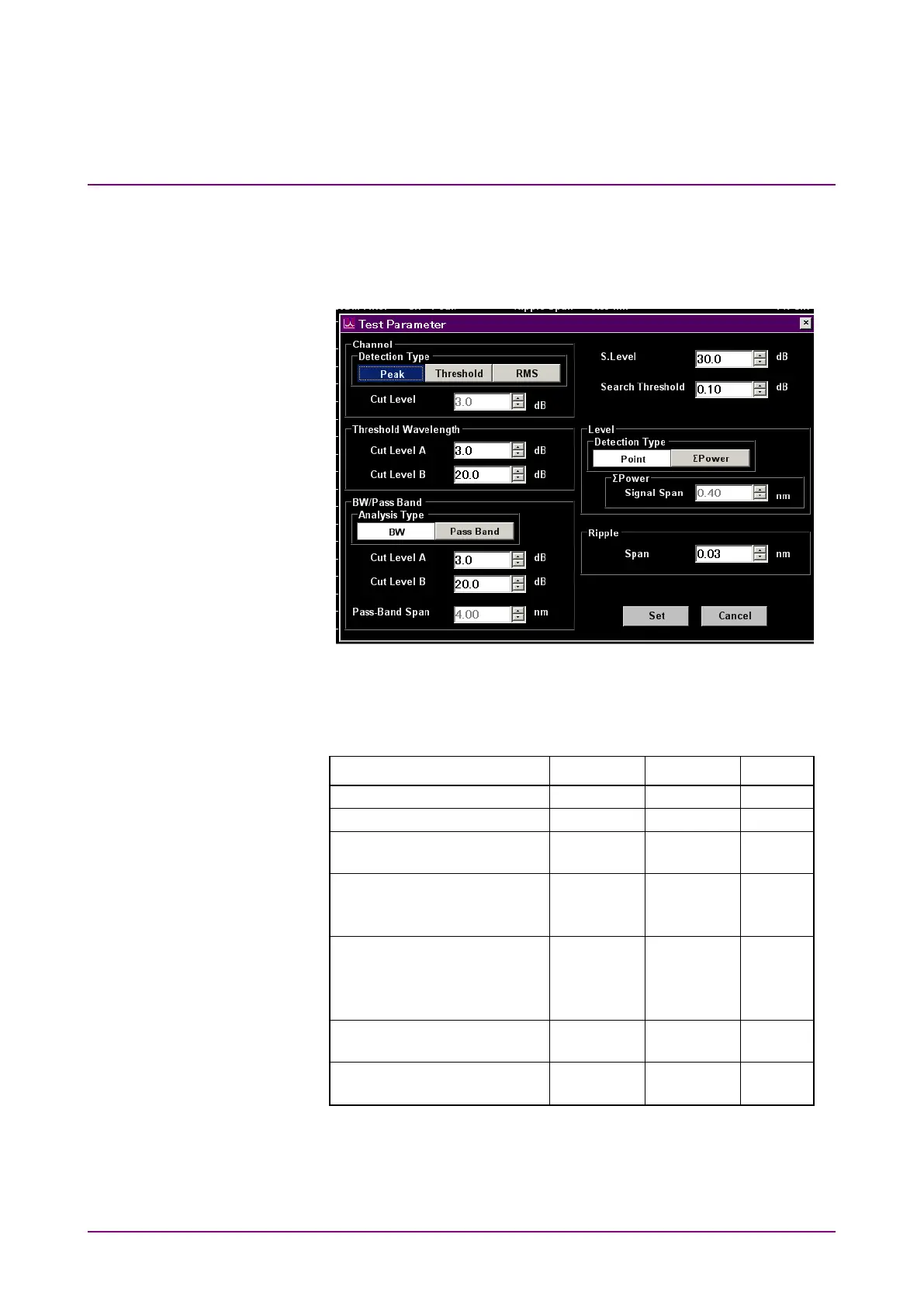
f6 Test Parameter
to display the Test Parameter dialog box. In the
Test Parameter dialog box, set the detection method for WDM filter
wavelength, and the detection level.
Figure 5.9.3-1 Test Parameter Dialog Box
Table 5.9.3-1 Setting Range of the Parameters in the Test Parameter
Dialog Box
Item Min. Max. Unit
Cut Level A
0.1
50.0
dB
Cut Level A
Cut Level B
0.1
0.1
50.0
50.0
dB
dB














 To Next Page