5.9 Measuring WDM Filter
5-91
5
●
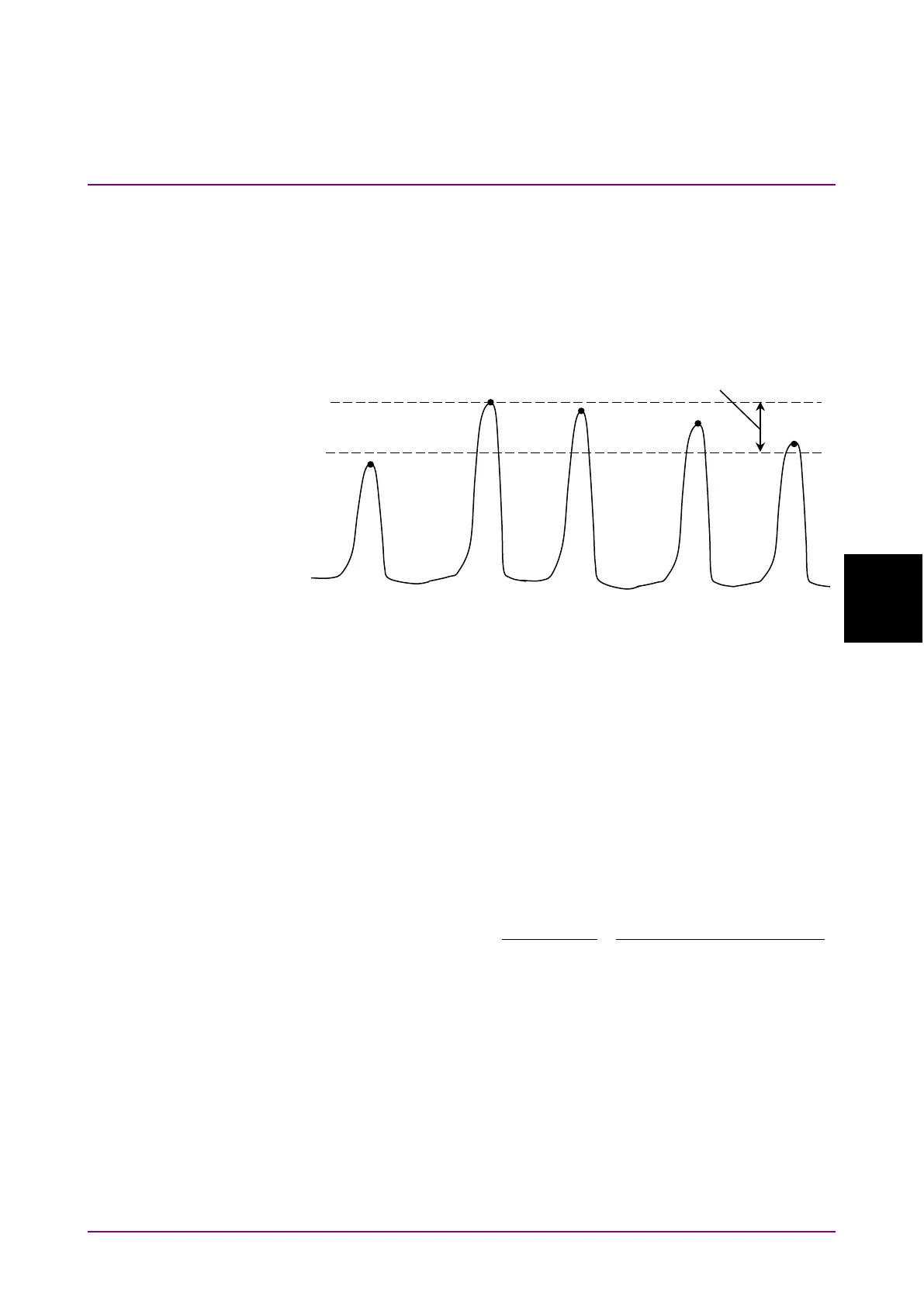
S.Level
Set the range (dB) from the peak for detecting the signal passed
through the WDM filter.
Peaks having a level equal to or higher than the level lower than the
maximum peak by the amount of the S.Level value are detected as the
WDM filter signal. In the following example, peaks b, c, d and e are
detected.
Figure 5.9.3-2 Signal Subject to Analysis
●
Search Threshold
Set the threshold value for detecting the peak for the next highest and
subsequent levels after the maximum level’s peak.
●
Channel
Detection method for signal wavelength (CH Wl)
Mean value of the wavelength that is lower than
the peak level by the amount of Cut Level
This is calculated by using the data with a lower
level than the peak by the amount of Cut Level, by
using the following equation:
( ){ }
( )
( ) ( ) ( )
( ) ( ) ( )
nPPP
nPPP
iP
iP
c
n
n
i
n
i
i
+・・・+
+・・・+
==λ
21
21
21
1
1
lll
l
∑
∑
=
=
×
l
c: Signal wavelength
P(i): i
th
data level
l
(i): i
th
wavelength
When
or
is selected, set the Cut Level in the range of
0.1 to 50.0.
Note:
If no wavelength is detected within the level range specified by Cut
Level, the screen center wavelength becomes the detected
wavelength.
a
b
c
d
e














 To Next Page