Chapter 3 Measurement
3-26
3.8.3 Reading Data from File
1. Press
Recall
.
2. Press
f1 Device
.
3. If the device selection dialog box opens, use the arrow keys to select
the device from where the file will be read.
4. Press
f7 Set
.
5. Press
f3 Recall XML
.
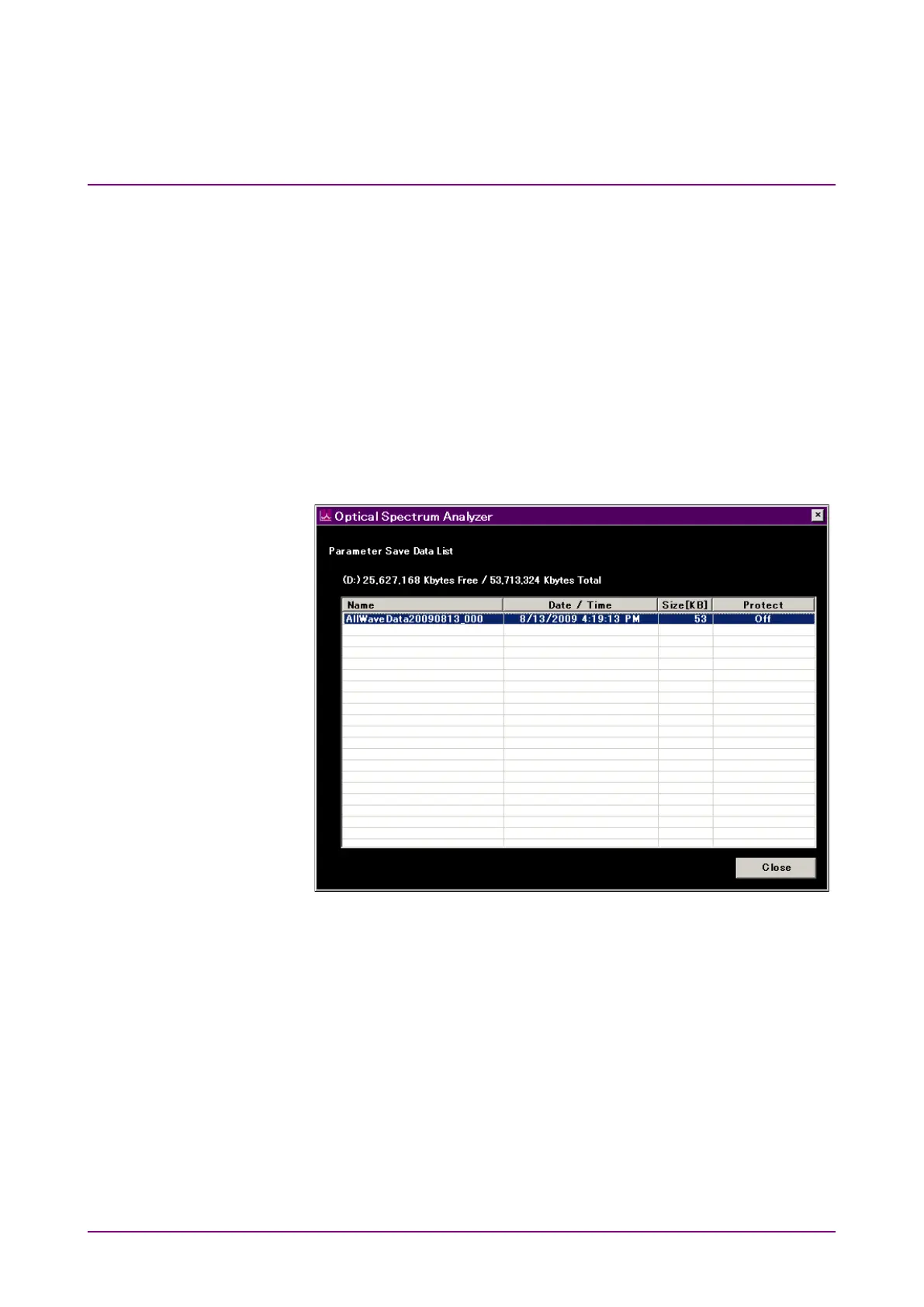
6. If the file selection dialog box is displayed, use the arrow keys to
select the file.
7. Press
f7 Set
.
Figure 3.8.3-1 File Selection Dialog box














 To Next Page