G-1
Appendix G
Excel Macro
from files saved in csv format.
This macro has been confirmed to work with Microsoft Excel 2010.
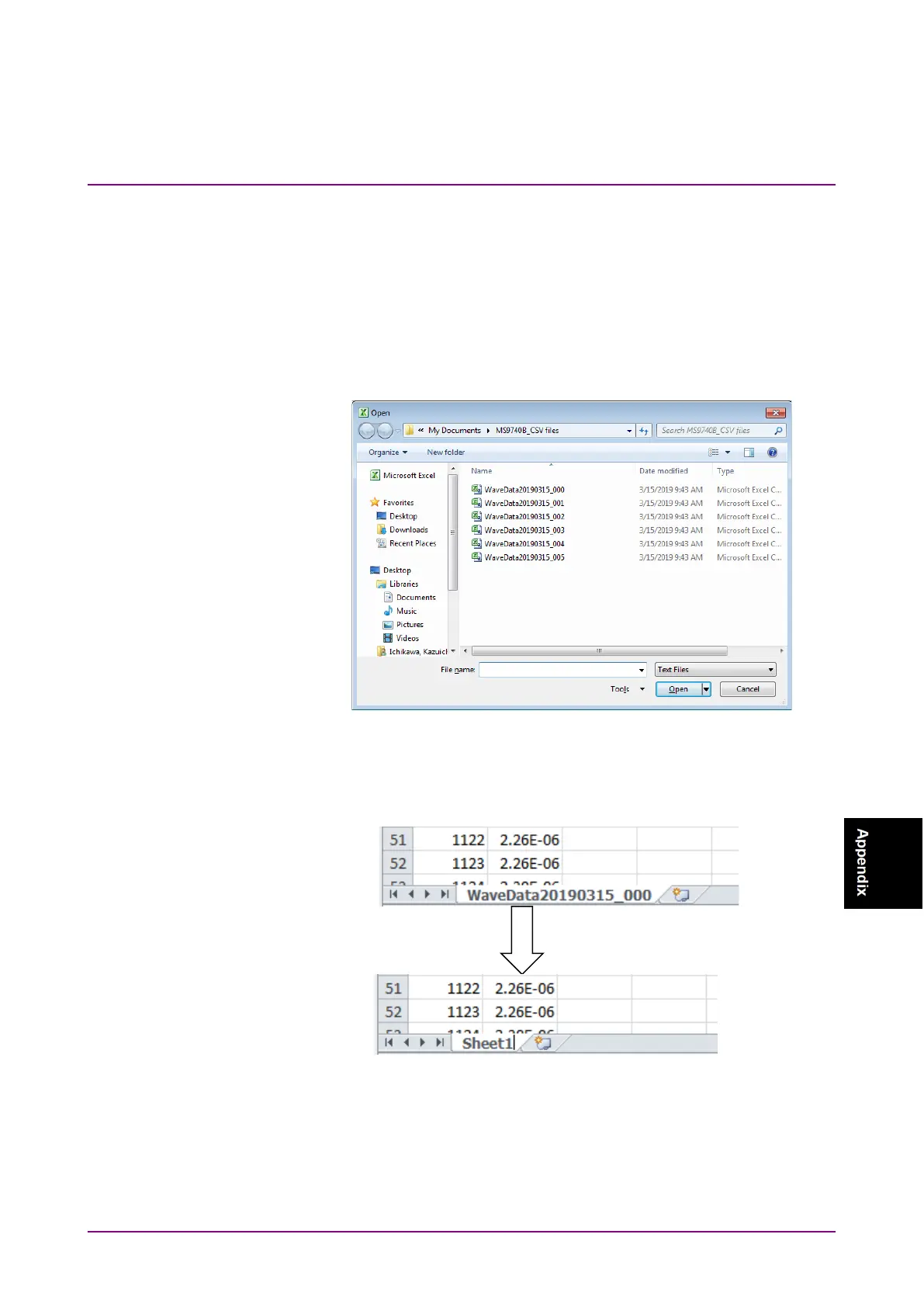
1. Reading csv file
(a) Click
File – Open… at the Excel menu.
(b) Change the file type at the Open File window to a text file.
(c) Choose the saved csv file and click
Open.
Figure G-1 Open the File Dialog Box
2. Change the work sheet name.
Change the file worksheet name to Sheet 1.
Figure G-2 Chang the File Worksheet Name














 To Next Page