Chapter 2 Before Use
2-30
2.10.1 Installing Windows Important Update Programs (Windows
Update)
It is necessary to regularly check for important Windows update
programs and keep them up-to-date. However, since executing update
program downloads and installations will decrease the performance of
MS9740B, deactivate automatic updates for Windows Update. Instead, it
is recommended to check for new updates, execute downloads and
installations periodically when MS9740B is not in use for measurement.
When the OS is WES7
1. Click
Start → Control Panel from the Windows menu bar hidden in
the lower part of the screen.
2. With View by: Category, click
System and Security → Windows
Update to show Windows Update display.
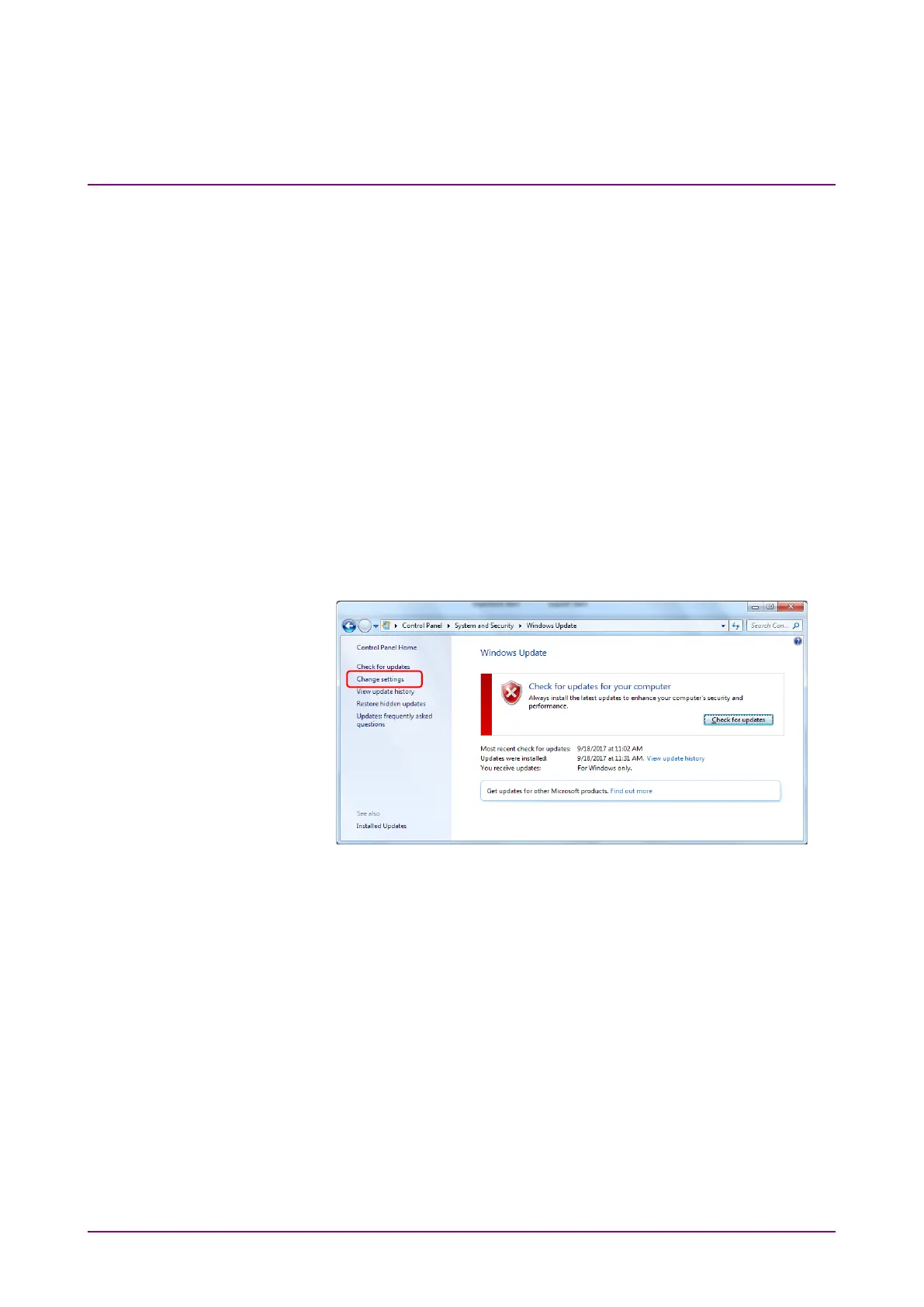
3. To deactivate automatic updates, click
Change settings found in left
side of Windows Update display.
Figure 2.10.1-1 Windows Update display














 To Next Page