Chapter 4 Changing Measurement Conditions
4-8
Sampling Point
This sets the data points captured at one measurement. When there are
many sampling points, the measured data wavelength interval becomes
smaller and the measurement time becomes longer.
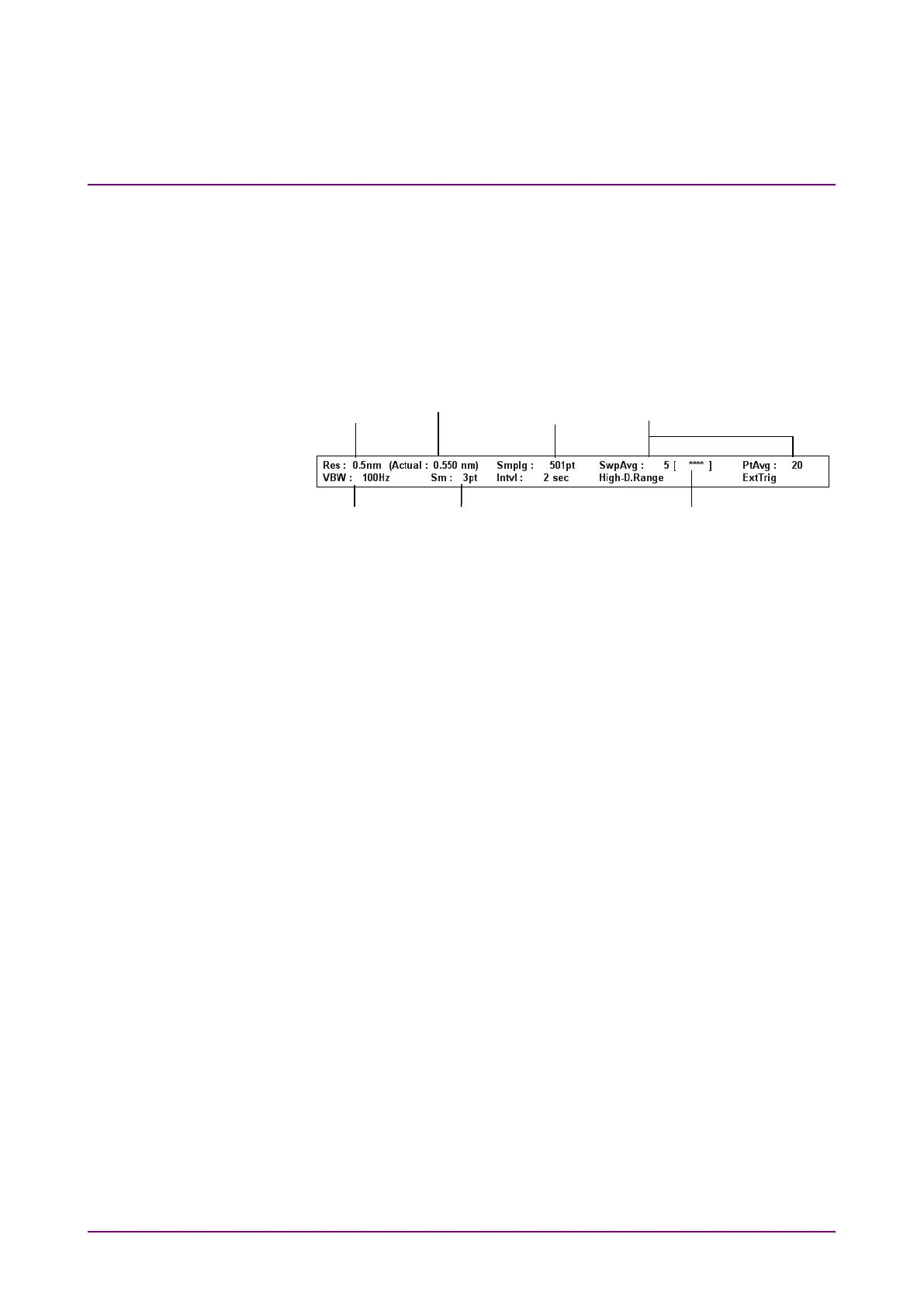
The data capture method is displayed in the measurement condition
display field.
Figure 4.3-1 Measurement Condition Display Field
Press
F3 Res/VBW/Avg
key to set the data acquiring method.
To set resolution (Res):
1. Press
f1 Res
.
2. Select the value from
f1
to
f7
.
To set VBW:
1. Press
f2 VBW
.
2. Select the value from
f1
to
f6
. Alternatively, press
f8 More 1/2
, and
select a value from
f1
to
f4
.
When the VBW is narrow, the waveform noise is reduced but the
measurement time becomes longer. The relationship between VBW and
measurement time is shown in Appendix E VBW Band Width and Sweep
Speed.
To set Point Average:
1. Press
f3 Point Average
.
2. Enter the value using the rotary knob and keypad and press
f7 Set
.
The averaging count is 2 to 1000.
3. Press
f2 Off
to release the averaging processing.
When Point Average is changed, the change results are reflected in the
measurement method even during sweeping.
Smoothing processing
point count
Averaging processing count
Averaging processing
addition count














 To Next Page