Chapter 6 Setting Operating Environment
6-10
(c) To copy a file that is not on drive D to the internal hard disk:,
press
f5 Copy to HDD
.
A message is displayed to confirm the file copied.
Select
Copy with the arrow keys and press the
Enter
key to
delete the file.
(d) To delete a file, press
f6 Delete
.
A message is displayed to confirm the file deleted.
Select
Yes with the arrow keys and press the
Enter
key to delete
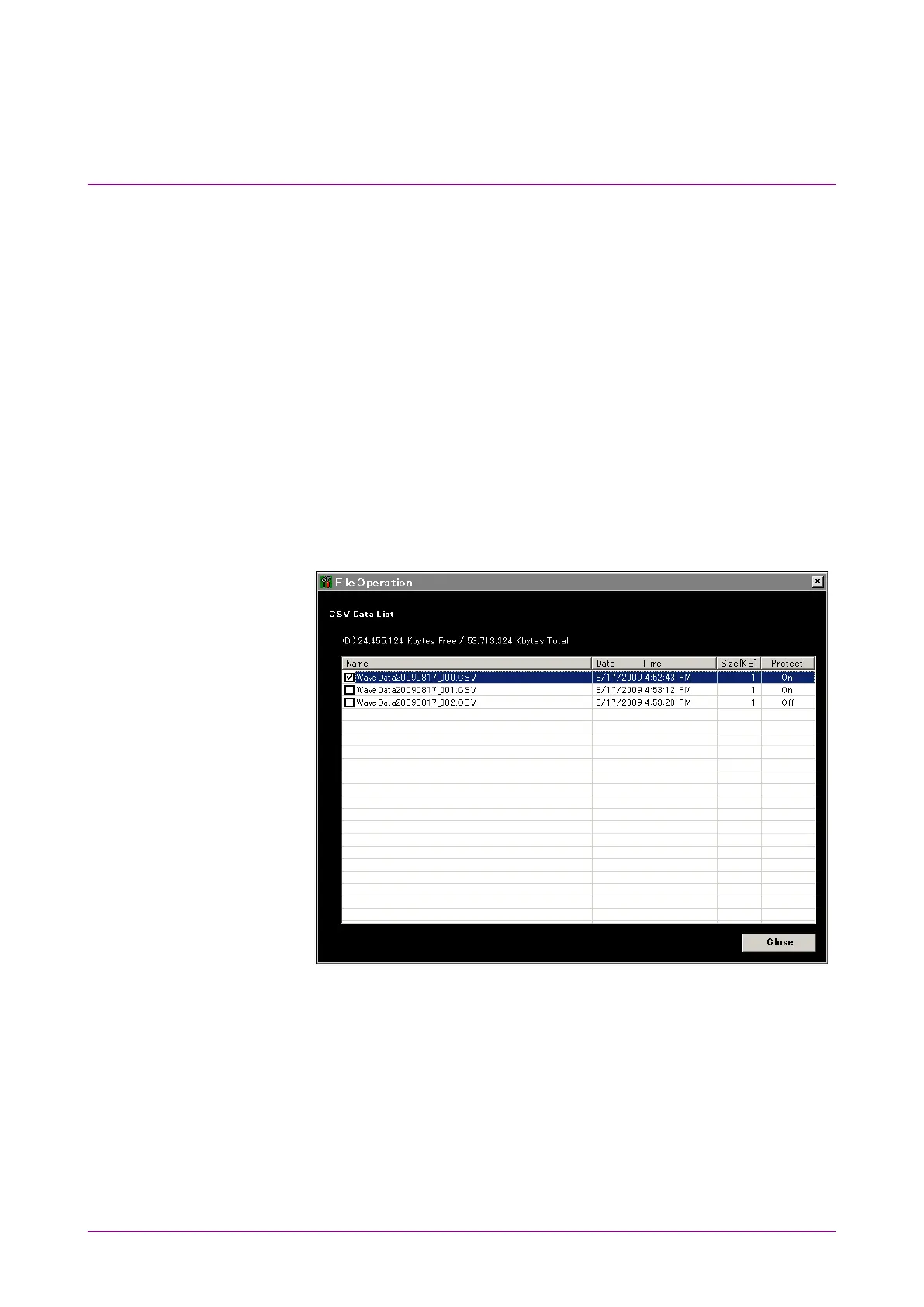
the file. When Protect for the selected file is set to Off, the file
can be deleted.
Note:
Write-protected files cannot be erased.
When drive D: is selected at step 1,
f5
becomes
Move to USB
. When
a drive other than D; is selected,
f5
becomes
Copy to HDD
.
Figure 6.2-1 File List Display














 To Next Page