7.8 Troubleshooting
7-19
7
Performance Test and Maintenance
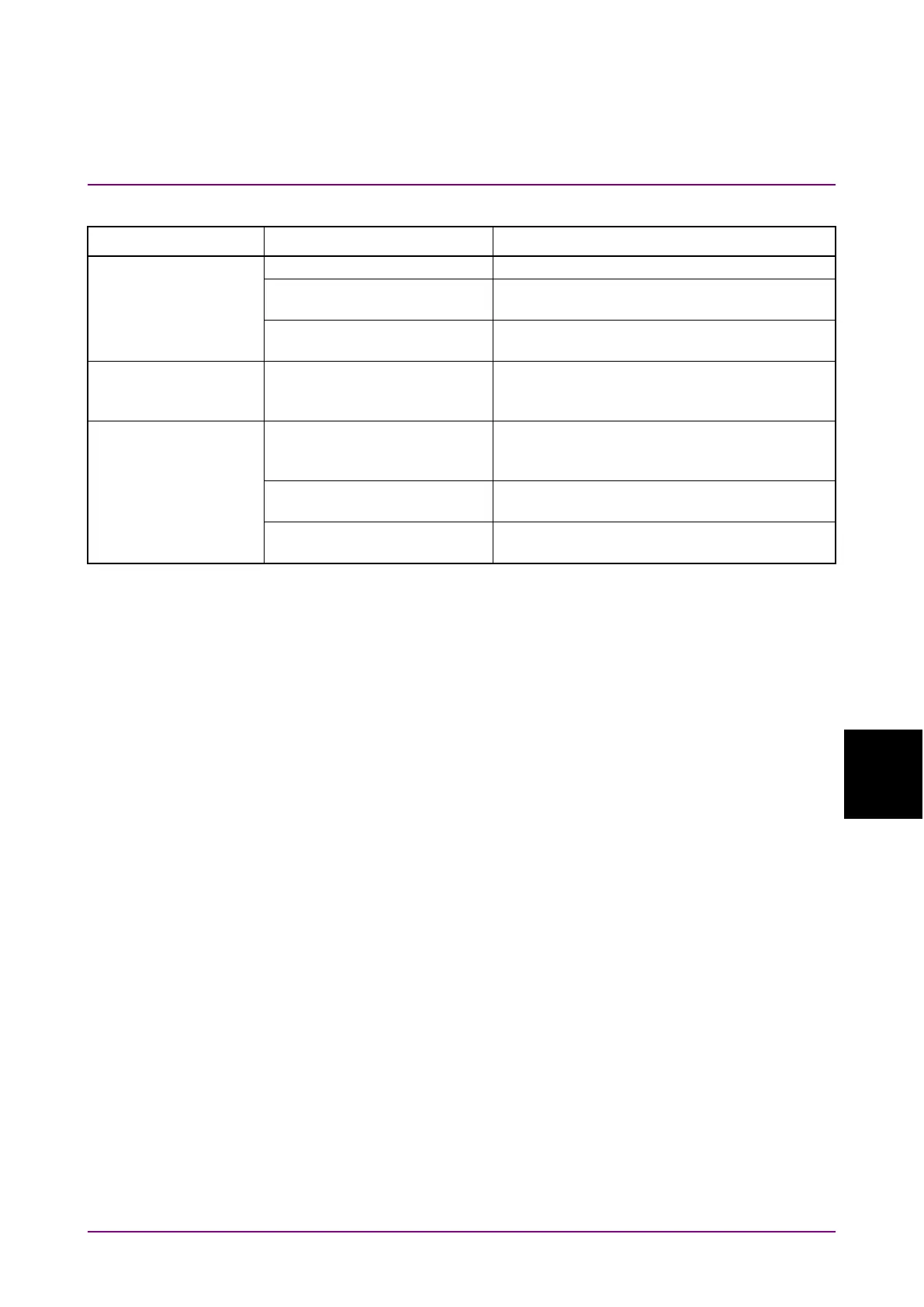
Table 7.8-1 Check Item (Cont'd)
Phenomenon Possible cause Action
measurement data
Change the file properties.
Storage device
write-protected
Remove the write protection.
Destination folder set to read
only
Change the folder properties.
time
incorrectly
Open the Windows Control Panel,
double-click the Time and Date icon and set
the correct time and date.
remotely
Incorrect Ethernet or GPIB
address
Set the Ethernet or GPIB address as
described in 6.1 “Setting and Checking
GPIB address connected
Set a unique GPIB address as described in 6.1
“Setting and Checking Instrument Data”.
Used 2-byte character (space,
comma, hyphen) in command
Check commands for illegal characters.
2-byte spaces cannot be used.














 To Next Page