2.10 Windows Security Measures
2-37
2
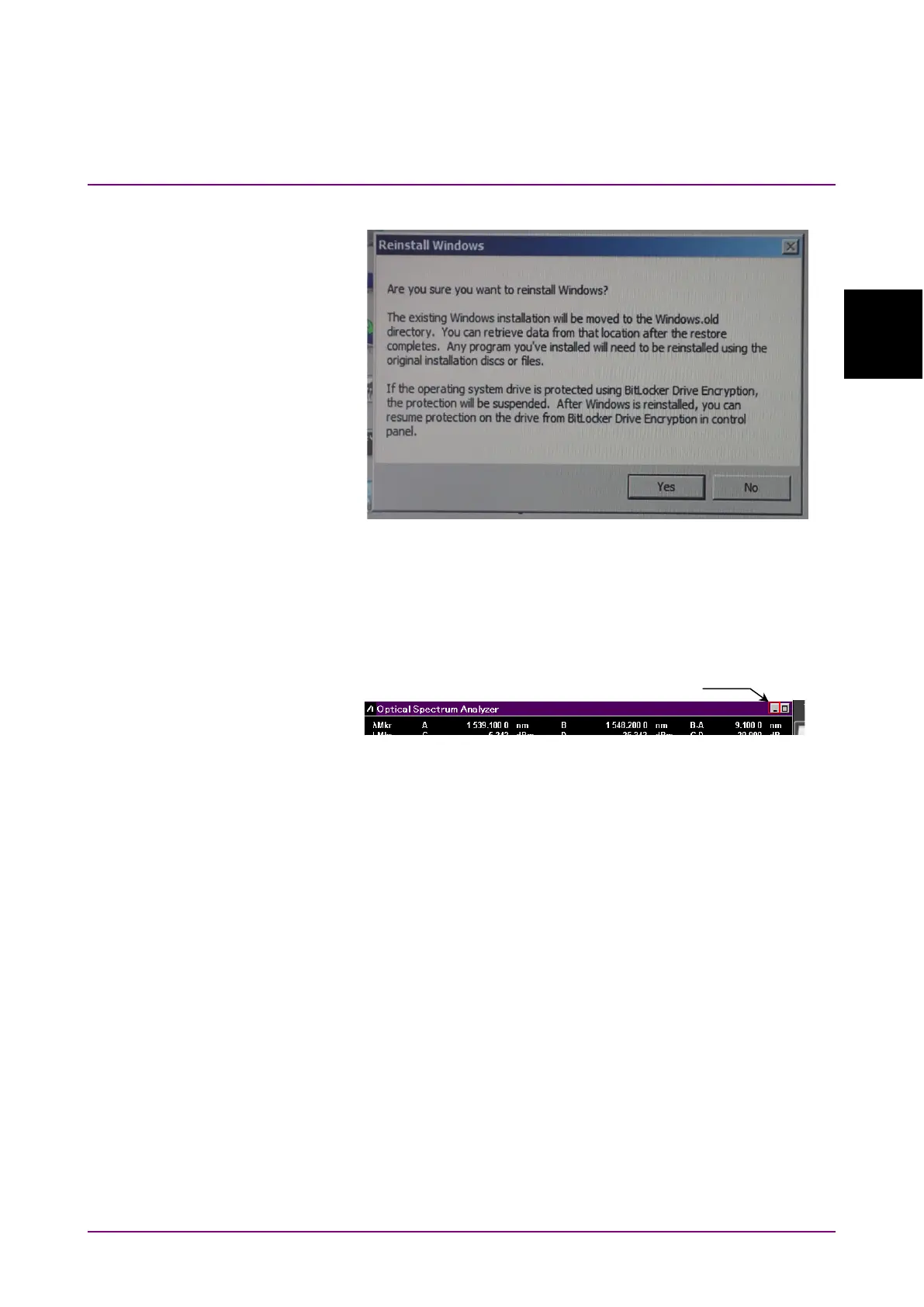
8. Click Yes.
The Recovery Processing window in Windows is displayed. The
recovery processing requires 10 to 30 minutes. After Windows
restarts several times, the application window of the MS9740B will
appear.
9. Click the “Minimize” button located in the upper right corner of the
application window.
10. In Windows Explorer, open the following folder.
C:\Program Files\Anritsu\MS9740A\PreSetup
11. Right-click “Recovery.bat” to select
run as administrator.
12. After Windows restarts, the application window of MS9740B will
appear. Click the “Minimize” button located in the upper right corner
of the application window.
13. In Windows Explorer, confirm that the following folder is deleted. If
the folder has not been deleted yet, repeat steps 10 through 12.
C:\Windows.old
14 Update Windows according to the procedure in 2.10.1 “Installing
Windows Important Update Programs (Windows Update)”.














 To Next Page