Chapter 1 An Overview of Aperture 21
I
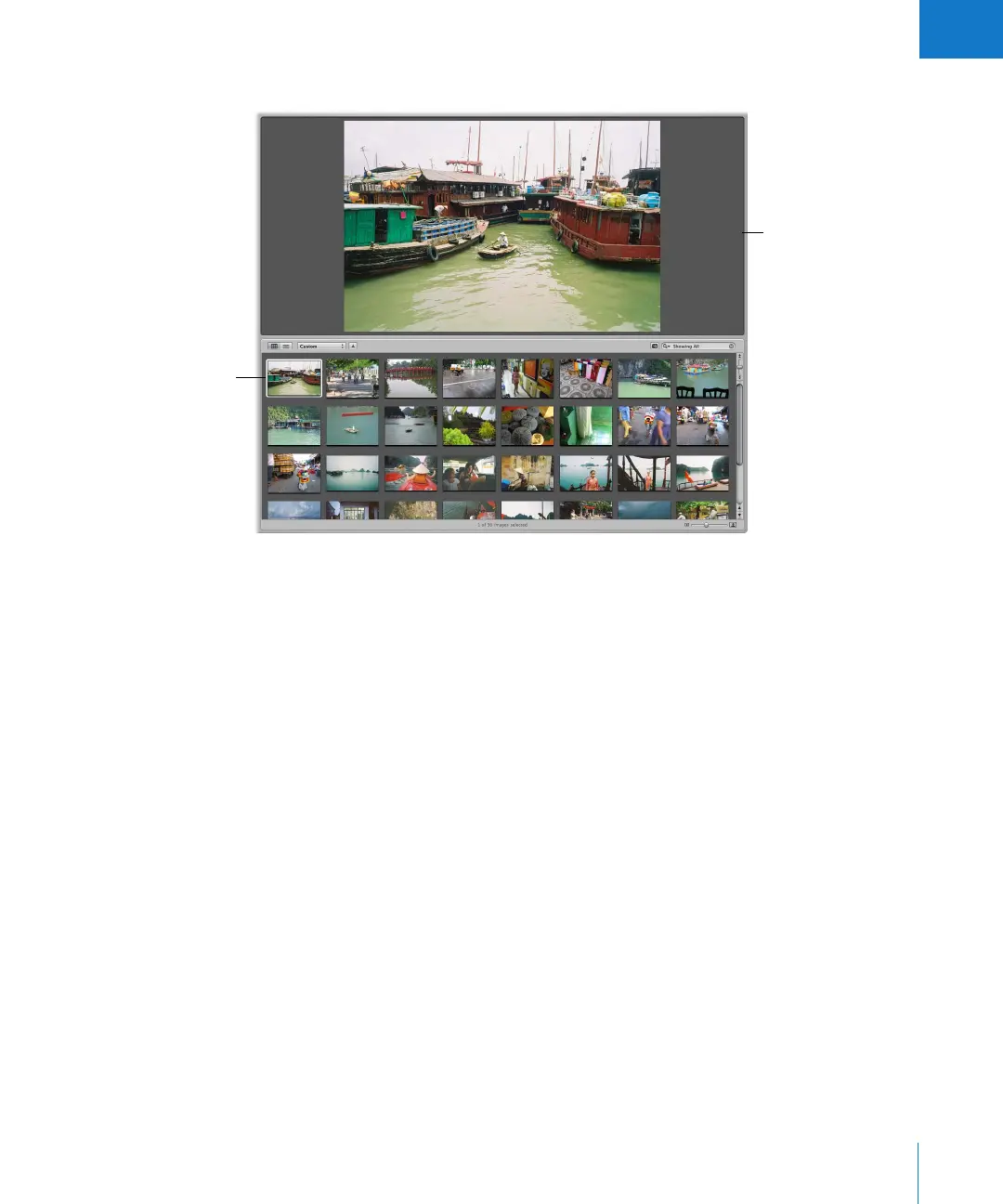
When you select a thumbnail image in the Browser, the image appears in the Viewer.
The Browser can show your images as thumbnails arranged in a grid. You can click an
individual image to select it, and a white border appears around the image. To quickly
move to and select other images, press the arrow keys. You can drag images to
rearrange them in the Browser, or drag them into different projects or albums. You can
also display your images as a list of files.
The Viewer displays the
selected image.
Select images here.
A selected image appears
with a white outline.





 To Next Page