22 Part I Interface and Acquisition
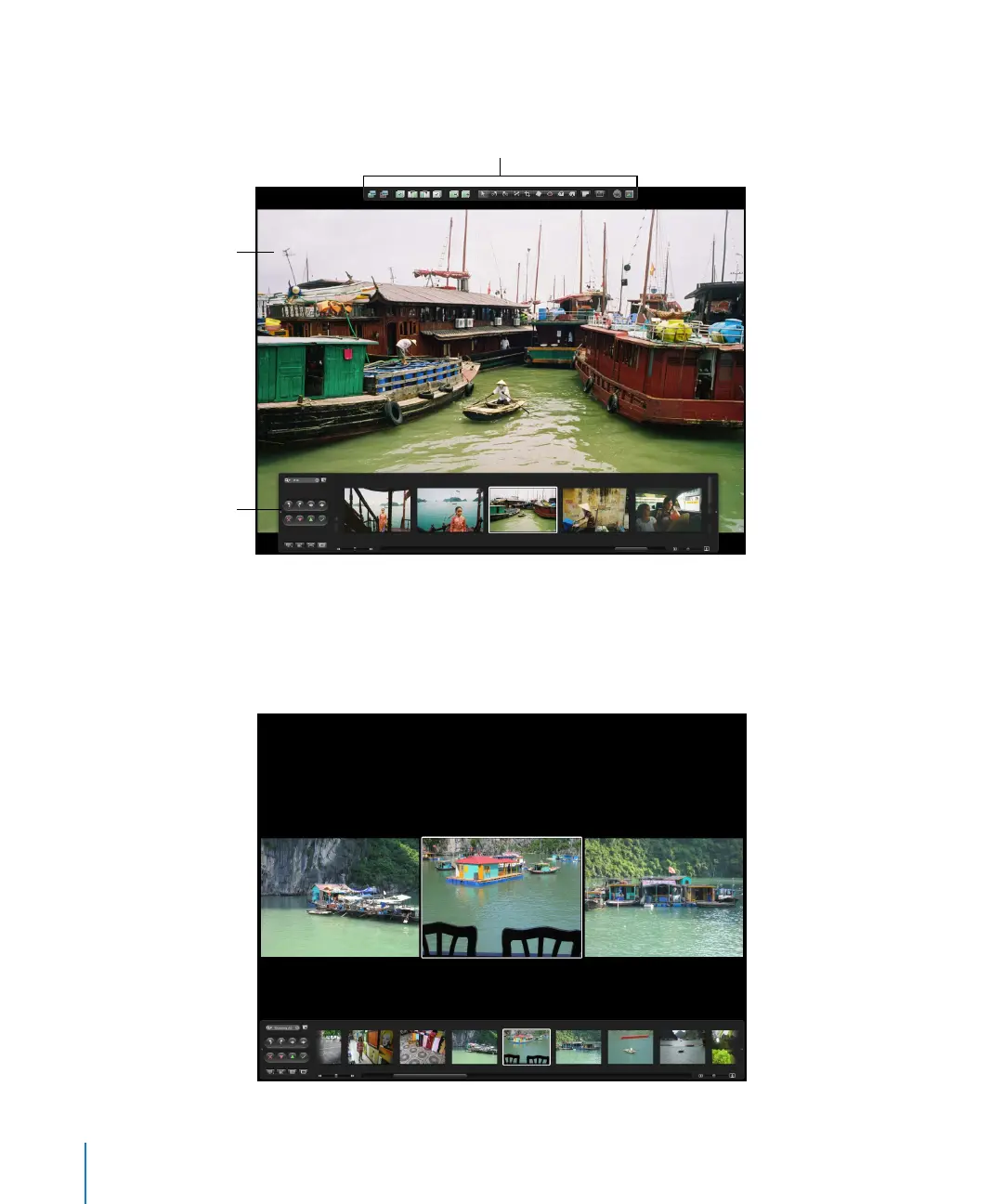
You can also view your images in Full Screen mode, where you can work with them
in detail.
To see images in Full Screen mode, you press F. Press F again to switch back to the Viewer.
In Full Screen mode, you can change the display of images to show single images,
three images, or up to ten images at once. For more information about using Full
Screen mode, see Chapter 7, “Viewing Images in Full Screen Mode,” on page 163.
Filmstrip available
in Full Screen mode
Toolbar available in
Full Screen mode
The displayed image fills
the screen.





 To Next Page