368 Part III Distribution and Backup
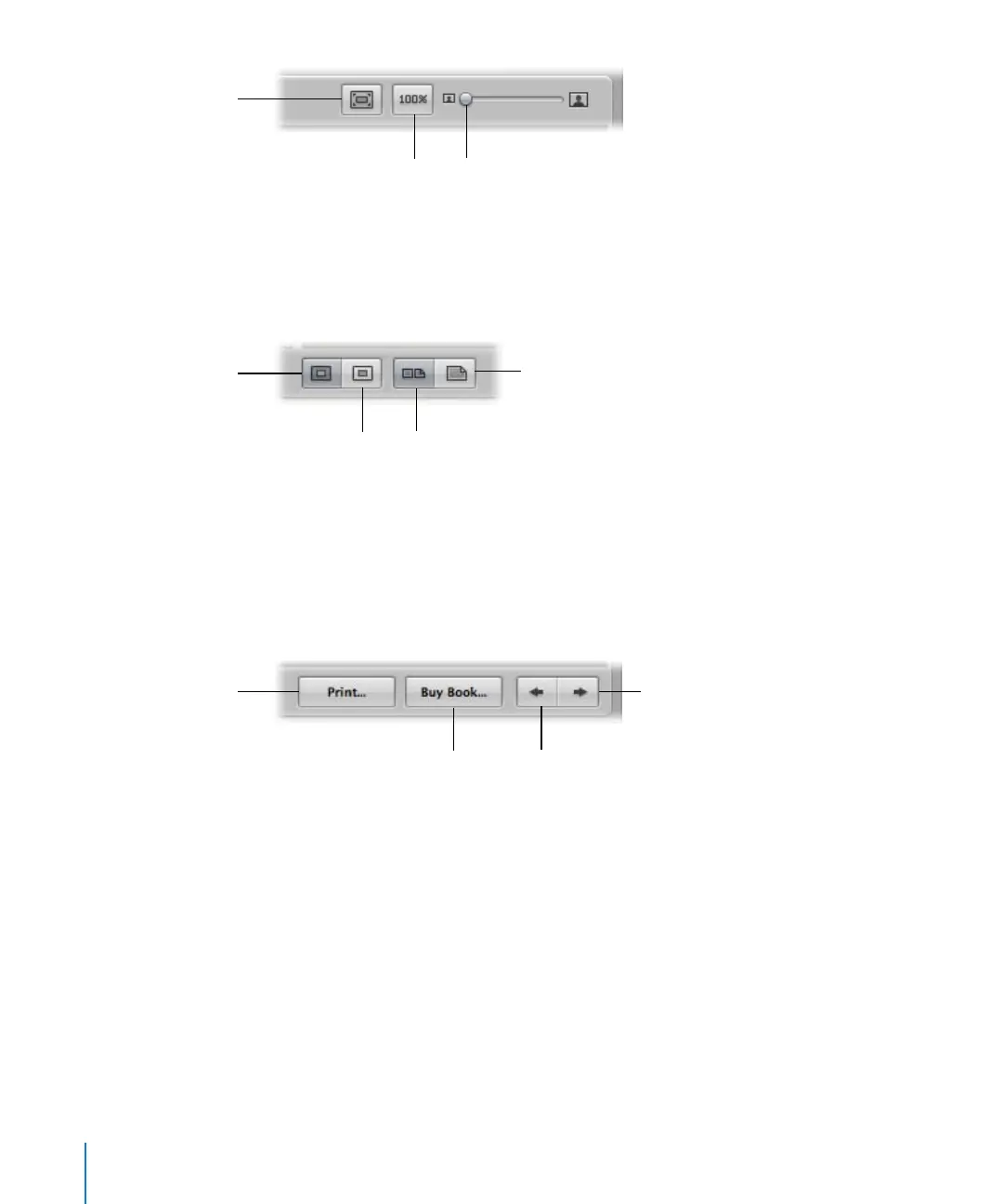
 Scale To Fit button: Click this button to scale the display of your pages to fit the
Viewer size.
 Actual Size button: Click this button to view the selected page at its actual size.
 Display Size slider: Drag this slider to increase or decrease the size of the page in
the Viewer.
 Large Hardcover button: Click this button to specify your book format as a large
hardcover book.
 Large Softcover button: Click this button to specify your book format as a large
softcover book.
 Show Full Spreads button: Click this button to display two facing pages in the Viewer.
 Show Single Pages button: Click this button to view single pages only.
 Print button: Click this button to print book pages.
 Buy Book button: Click this button to purchase your book from Apple’s print vendor.
 Previous Page button: Click this button to see the previous page of your book.
 Next Page button: Click this button to see the next page of your book.
Display Size slider
Scale To Fit button
Actual Size button
Large Hardcover button
Show Full Spreads
button
Show Single Pages
button
Large Softcover
button
Print button
Previous Page button
Next Page button
Buy Book button





 To Next Page