5-81
Chapter 5. Functions
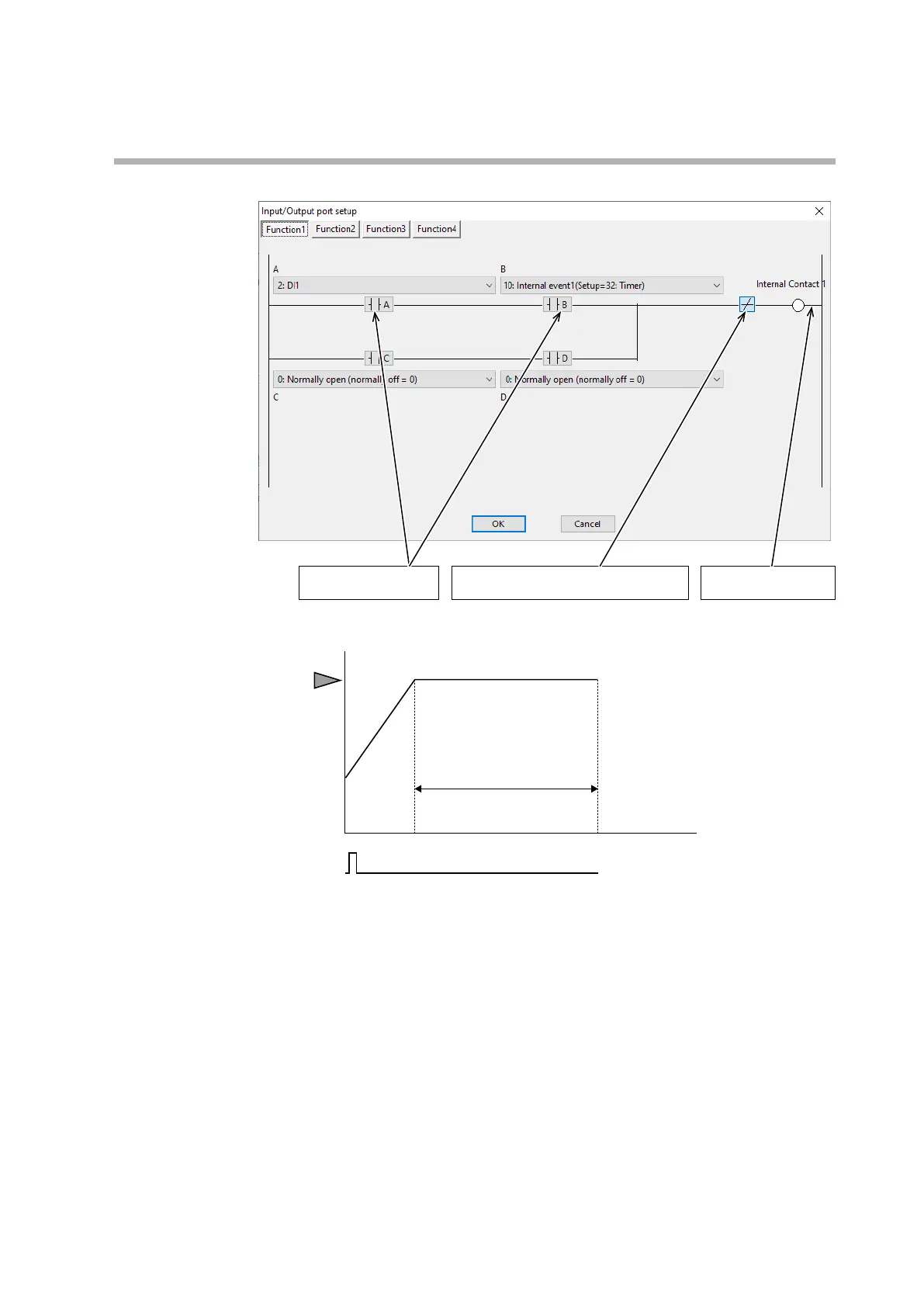
DI assignment (internal contact 2): Input/output port setup
Reversed at this point because the mode
will be READY when internal contact 2 is ON.
AND of DI1 (input A) and
the timer (input B)
Contacts switching the
mode (RUN/READY)
z
Example 3: Simple operation
SP
T1
T2
z Explanation
When [MODE] is pressed, this device enters RUN mode and the PV starts to
change.
The SP increases (or decreases) according to the ramp setting.
When the final SP is reached and the PV is within a certain range, the timer starts
counting. After T2 hours, this device enters READY mode.



 To Next Page